
kyuhen - Minecraft Skins & Skin History
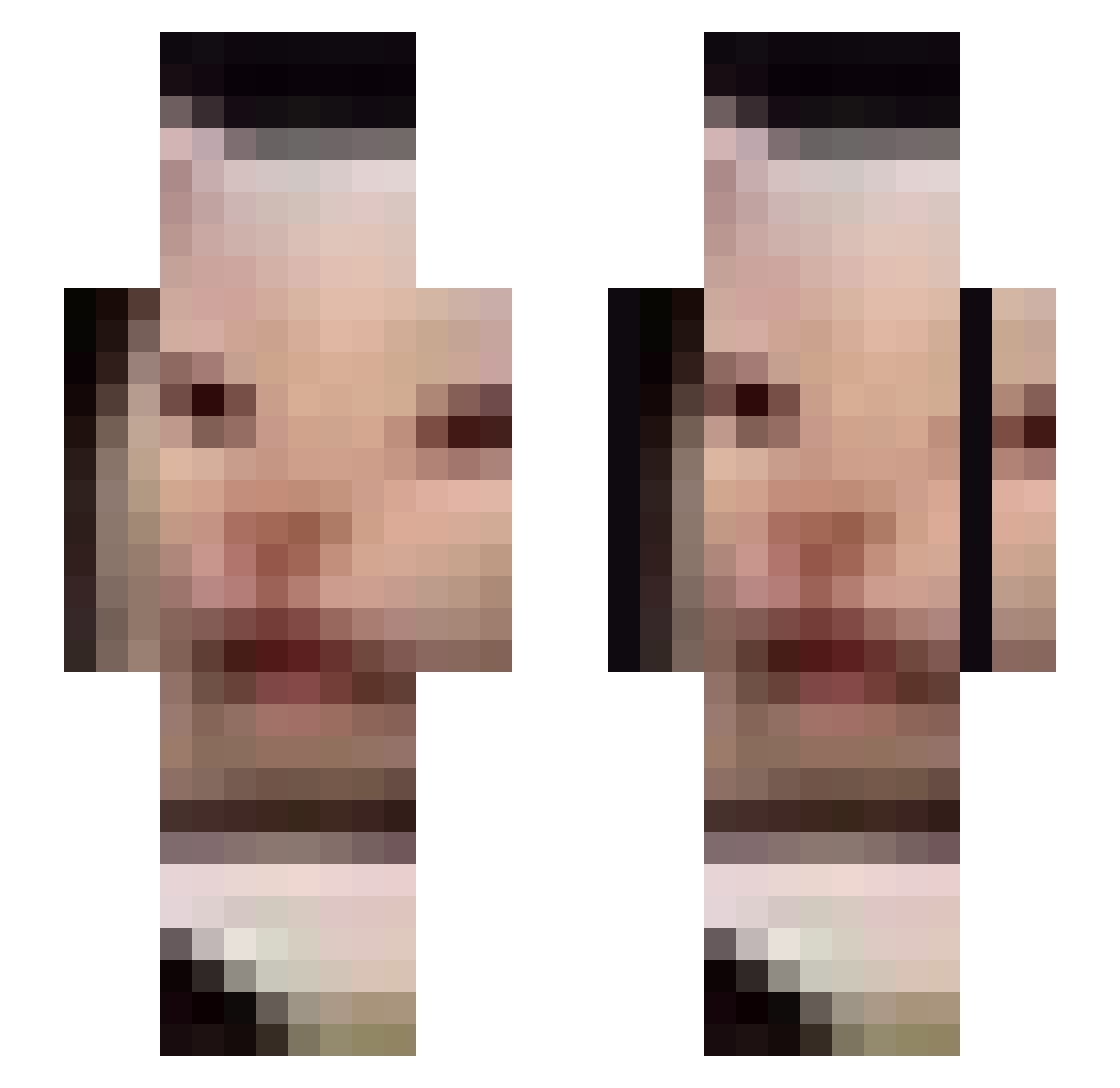
Current Minecraft skin of the player kyuhen, loaded from the official Mojang API. Rotate the 3D model with your mouse or finger, then download the skin as a PNG file and use it in Minecraft: Bedrock Edition or Java Edition for free. When kyuhen changes their skin, this page updates automatically and the old skin stays in the history below.
Other players with this skin (674)
kyuhen was the 13th player we have seen with this skin, first spotted on 23.07.2026. The same skin was seen on these players. Open a nickname to see their current skin and skin history.
 gnarlyoly Desolation_ZA jmy0980 henridigger JeppaN ghdwp Pineapple0323 TameOfChaos PVZgod1 vultri Booqwaf Andy9121 Touriste59 Kullywon54
 L9capybara bigIdiot2 1357539 Fr4ser yoyosep_ Dillybobs935 Ark_XV_ Jonk_ Rioting47 BlockBusterRino Chiftchi kiss_my_ax333 mistages huhuhuh343 oGrimey DirksGaming Dayadas HorsesAreDumb Tieid lechuckchuck tonyhawk97 SandCatTTV mehbrad itstarik AazusaA vichoneke DaniBoi399 srei_ Streborg fushywushy PanczTwur pinkydreams Emilohui moistmarsbar y3j1y7 Hman360 ResLio Majestrujen chuckyboo Doritolord LunaDemon xd_PesoBoss victorstinkt Afulton12 Am_I_Pretty_Yet RookieShooter
More Beluga Minecraft skins
How to install the kyuhen skin
- Press the Download button above to save the skin as a PNG file.
- Minecraft: Bedrock Edition (PE): open the Dressing Room from the main menu (or tap your character → Edit Character), go to Classic Skins → Owned, press the + (new skin) button, choose the downloaded PNG and pick the Slim (Alex) model. Works on PC and mobile; consoles cannot import custom skins.
- Minecraft: Java Edition: open the Minecraft Launcher, go to the Skins tab, click New Skin, load the PNG, pick the Slim (Alex) model and press Save & Use. You can also upload it at minecraft.net → Profile → Change Skin.
The skin does not show up after import - what should I do?
Restart Minecraft and open the Dressing Room again - imported skins sometimes appear only after a restart. Also make sure you selected the imported skin and picked the Slim (Alex) model.
Which model should I choose, Classic or Slim?
This skin is designed for the Slim (Alex) model. If you pick the wrong model, the arms of the skin will look stretched or squeezed.
Is the skin of kyuhen free to download?
Yes. Press Download, save the PNG file and use it in Minecraft: Bedrock Edition or Java Edition - no payment or registration needed. The skin also works on multiplayer servers and Realms.
More skins
Looking for more? Go back to all Minecraft skins and check the top skins of the week, month and all time, or find any player's skin by nickname.