
kortegaard - Minecraft Skins & Skin History
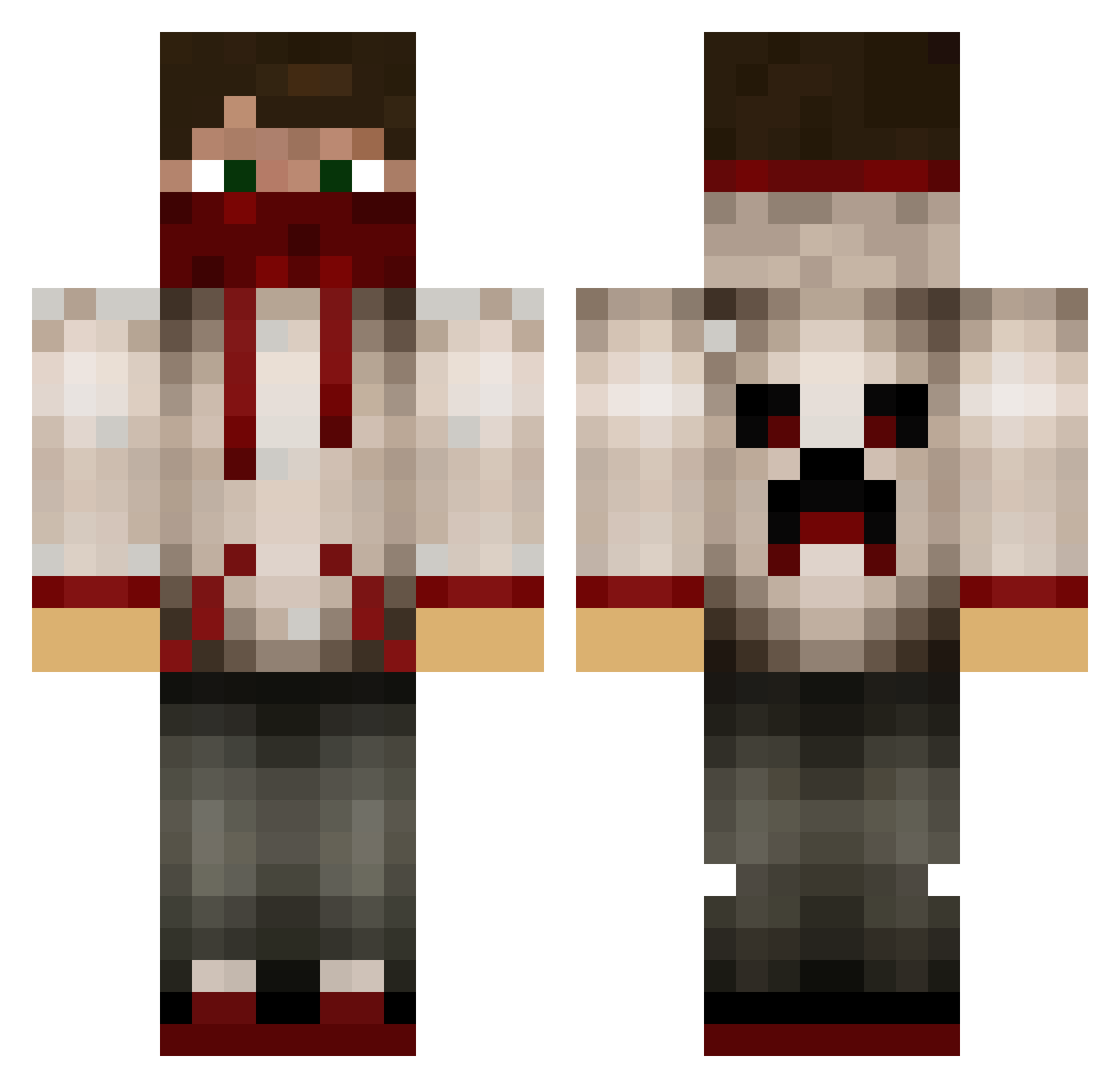
Current Minecraft skin of the player kortegaard, loaded from the official Mojang API. Rotate the 3D model with your mouse or finger, then download the skin as a PNG file and use it in Minecraft: Bedrock Edition or Java Edition for free. When kortegaard changes their skin, this page updates automatically and the old skin stays in the history below.
Other players with this skin (629)
kortegaard was the 452nd player we have seen with this skin, first spotted on 07.10.2026. The same skin was seen on these players. Open a nickname to see their current skin and skin history.
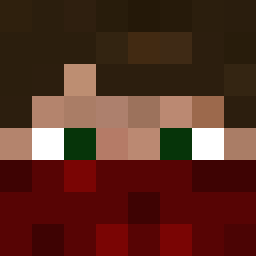 iUNPOSSIBLE kbomb7536 AWSOME_HUNTER Banderas04 george1902 thijskra DarkWolf674 JonJS_Bach WTF_Hiboy5 RecklesSkill GhossRider Ninjablock101 Nat31995 JustxThunder anthas1996 Mindbender2001 Wodanius Qwij Greysen005 NeonCrafter1999 MaxChief2003 Speedbird77w Ainstempesto xDanYoo Jonas121997 Swarm416 xXCrazyMarsXx rossclower KevinT007 Kristapap fille0077 littleredbullet wizard4502 Rhonir randompotato88 superjw12 simpa12 Windscheid Tro11ing99 motsm1 e5calate StruikRover_01 Waffle4ever42 Crazyman1023 renegade3604 Srfenisrey Banditev18 Poppyt662 mr_elliott10 lIlGrey weirdnoris Cubeboy54329 warmachine2016 UnseenBandaid peekproject10 play_aholic SmithHunter15 DrAdhd xxEPICKILLER337 MiKBandit
More Bandana Minecraft skins
How to install the kortegaard skin
- Press the Download button above to save the skin as a PNG file.
- Minecraft: Bedrock Edition (PE): open the Dressing Room from the main menu (or tap your character → Edit Character), go to Classic Skins → Owned, press the + (new skin) button, choose the downloaded PNG and pick the Classic (Steve) model. Works on PC and mobile; consoles cannot import custom skins.
- Minecraft: Java Edition: open the Minecraft Launcher, go to the Skins tab, click New Skin, load the PNG, pick the Classic (Steve) model and press Save & Use. You can also upload it at minecraft.net → Profile → Change Skin.
The skin does not show up after import - what should I do?
Restart Minecraft and open the Dressing Room again - imported skins sometimes appear only after a restart. Also make sure you selected the imported skin and picked the Classic (Steve) model.
Which model should I choose, Classic or Slim?
This skin is designed for the Classic (Steve) model. If you pick the wrong model, the arms of the skin will look stretched or squeezed.
Is the skin of kortegaard free to download?
Yes. Press Download, save the PNG file and use it in Minecraft: Bedrock Edition or Java Edition - no payment or registration needed. The skin also works on multiplayer servers and Realms.
More skins
Looking for more? Go back to all Minecraft skins and check the top skins of the week, month and all time, or find any player's skin by nickname.