
koreanoaqui - Minecraft Skins & Skin History
Current Minecraft skin of the player koreanoaqui, loaded from the official Mojang API. Rotate the 3D model with your mouse or finger, then download the skin as a PNG file and use it in Minecraft: Bedrock Edition or Java Edition for free. When koreanoaqui changes their skin, this page updates automatically and the old skin stays in the history below.
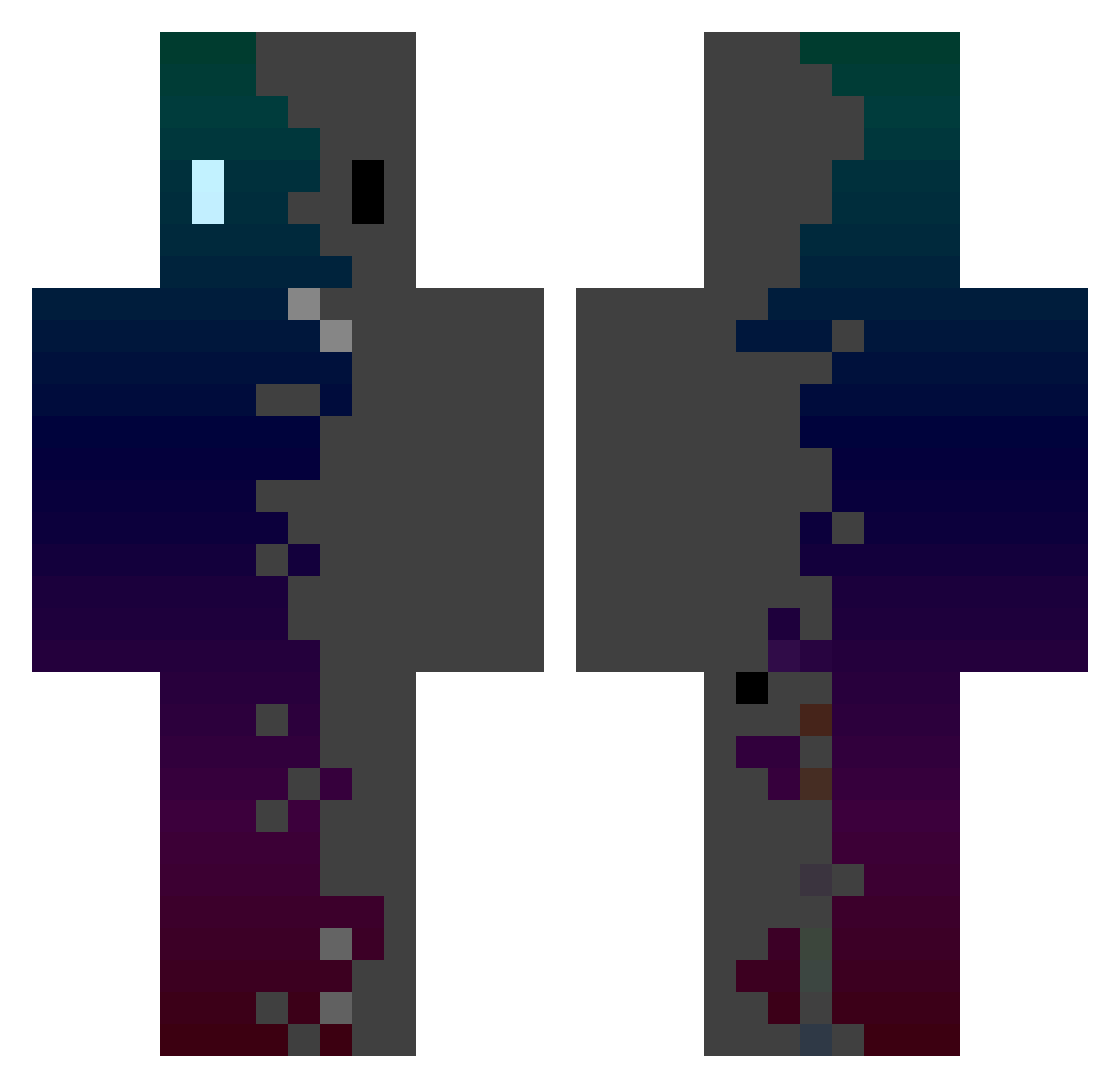
Other players with this skin (434)
koreanoaqui was the 263rd player we have seen with this skin, first spotted on 03.10.2026. The same skin was seen on these players. Open a nickname to see their current skin and skin history.
 JAE_JAE_H majonque Hirtou silver_joker797 Edvardsito Victorhascrashed SemuGX Ericson_1232 Ivoirienblanc619 KKamaal mingyeol_ss M0ONAR 269qesuto Albert1203asa Ds_king_king waxmax77 Sytrikka HamburgerBro4019 Abandon3dSoul MCSIMILIANO Ruyi0517 Torleni MiDNiTe_er Pdox26 sowinz0106 d305b Etteriam sAngz1 KermitTheLog3 ydde Yuvigor hsyzzzz franini12 abjact Jimmy_ZZZ _Apple_Mint JuxnDzc06 kfjdr Milo_Air WOLFF6448 Danibalistic Limitlive09 wooyoung11412 Hejiaming666 EvanMik9876 Zosster UltramanGala Zi_mo_ C00LKIDD00N73 sabashelron Aldias7 aa222224486332 yookc Lentik overlod83 sreendoxx Star_owo TheRealLeo_ Sagojim Timycraz
How to install the koreanoaqui skin
- Press the Download button above to save the skin as a PNG file.
- Minecraft: Bedrock Edition (PE): open the Dressing Room from the main menu (or tap your character → Edit Character), go to Classic Skins → Owned, press the + (new skin) button, choose the downloaded PNG and pick the Classic (Steve) model. Works on PC and mobile; consoles cannot import custom skins.
- Minecraft: Java Edition: open the Minecraft Launcher, go to the Skins tab, click New Skin, load the PNG, pick the Classic (Steve) model and press Save & Use. You can also upload it at minecraft.net → Profile → Change Skin.
The skin does not show up after import - what should I do?
Restart Minecraft and open the Dressing Room again - imported skins sometimes appear only after a restart. Also make sure you selected the imported skin and picked the Classic (Steve) model.
Which model should I choose, Classic or Slim?
This skin is designed for the Classic (Steve) model. If you pick the wrong model, the arms of the skin will look stretched or squeezed.
Is the skin of koreanoaqui free to download?
Yes. Press Download, save the PNG file and use it in Minecraft: Bedrock Edition or Java Edition - no payment or registration needed. The skin also works on multiplayer servers and Realms.
More skins
Looking for more? Go back to all Minecraft skins and check the top skins of the week, month and all time, or find any player's skin by nickname.