
kodado_ - Minecraft Skins & Skin History
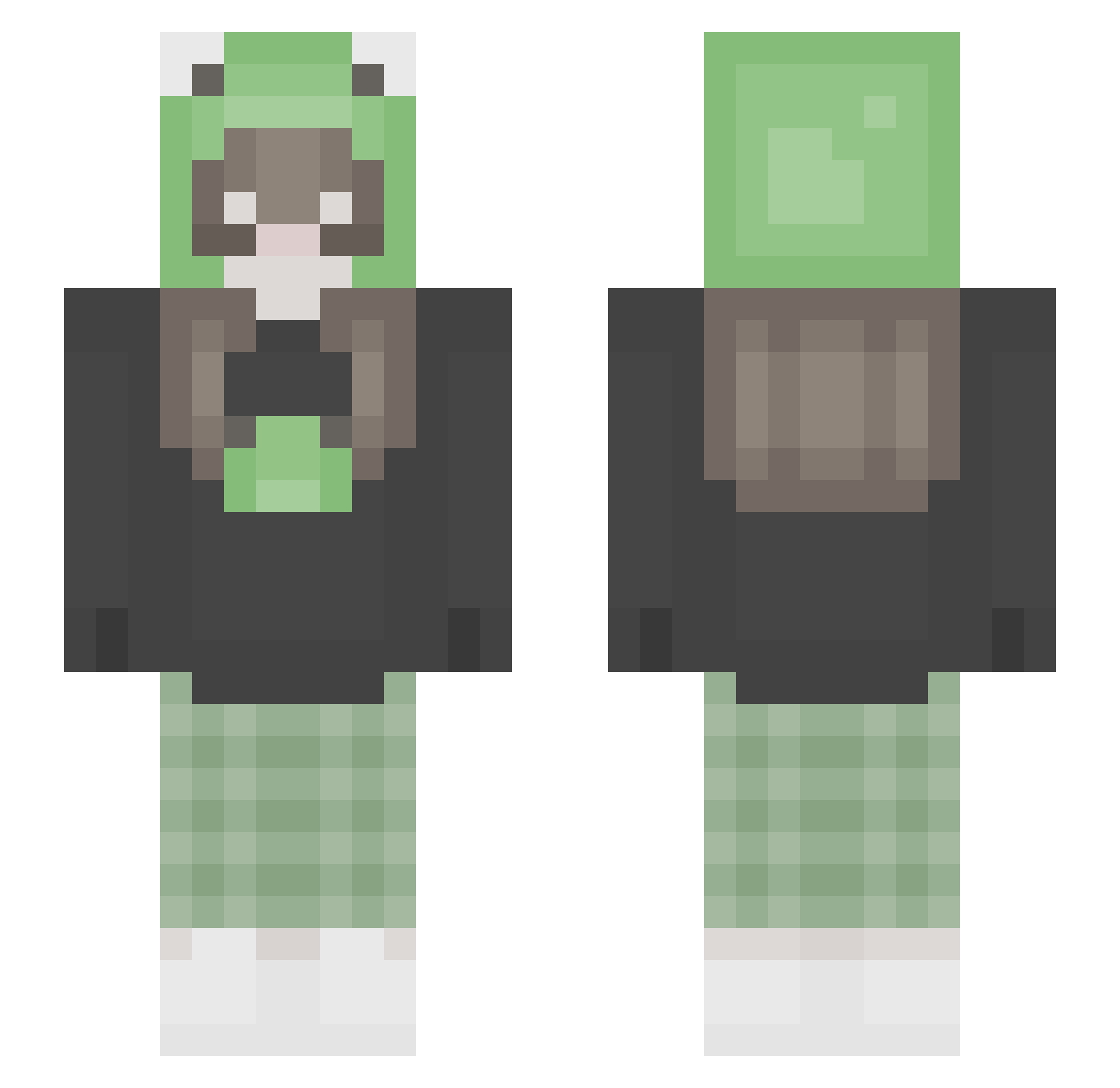
Current Minecraft skin of the player kodado_, loaded from the official Mojang API. Rotate the 3D model with your mouse or finger, then download the skin as a PNG file and use it in Minecraft: Bedrock Edition or Java Edition for free. When kodado_ changes their skin, this page updates automatically and the old skin stays in the history below.
Other players with this skin (292)
kodado_ was the 176th player we have seen with this skin, first spotted on 03.10.2026. The same skin was seen on these players. Open a nickname to see their current skin and skin history.
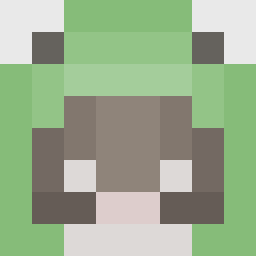 Tyoril1994 RozRoo Softbunnygirl bo0l enyayaya SussanoChiquito SSiieun emmahpw chiimmy95_ cheeseyburrito MAAJOO SillyTia eraeraerin120 misswoohie_ ookayybaii cottagehoe SituatedHollow sunnnyqq hunnybunnyxo izzy_fhl kszamon whathechickie DASDDAWD XxRIPBOZOxX emilywdw7 Lanaxz Kaktusssssssssss MaddieRex1 kxphie mahanaislit Ge0rGina melmelcx bloobee152 hopemannagito Heli_666 Molle24 vantemoo Ailre pasikonik_ hopeowo mekbansuk moobabi kondziorr anamariaalvarez7 silica_mn baking0103 nicka_aaa karimuhh luv_lee xlittlecrow1 Akrumii MicahSuu Bfroggie P0tato6758 uhiida x_laraa SchmorfritzZ ritalinda Millo06 Claclaxx
More Pastel Minecraft skins
How to install the kodado_ skin
- Press the Download button above to save the skin as a PNG file.
- Minecraft: Bedrock Edition (PE): open the Dressing Room from the main menu (or tap your character → Edit Character), go to Classic Skins → Owned, press the + (new skin) button, choose the downloaded PNG and pick the Slim (Alex) model. Works on PC and mobile; consoles cannot import custom skins.
- Minecraft: Java Edition: open the Minecraft Launcher, go to the Skins tab, click New Skin, load the PNG, pick the Slim (Alex) model and press Save & Use. You can also upload it at minecraft.net → Profile → Change Skin.
The skin does not show up after import - what should I do?
Restart Minecraft and open the Dressing Room again - imported skins sometimes appear only after a restart. Also make sure you selected the imported skin and picked the Slim (Alex) model.
Which model should I choose, Classic or Slim?
This skin is designed for the Slim (Alex) model. If you pick the wrong model, the arms of the skin will look stretched or squeezed.
Is the skin of kodado_ free to download?
Yes. Press Download, save the PNG file and use it in Minecraft: Bedrock Edition or Java Edition - no payment or registration needed. The skin also works on multiplayer servers and Realms.
More skins
Looking for more? Go back to all Minecraft skins and check the top skins of the week, month and all time, or find any player's skin by nickname.