
ko9l - Minecraft Skins & Skin History
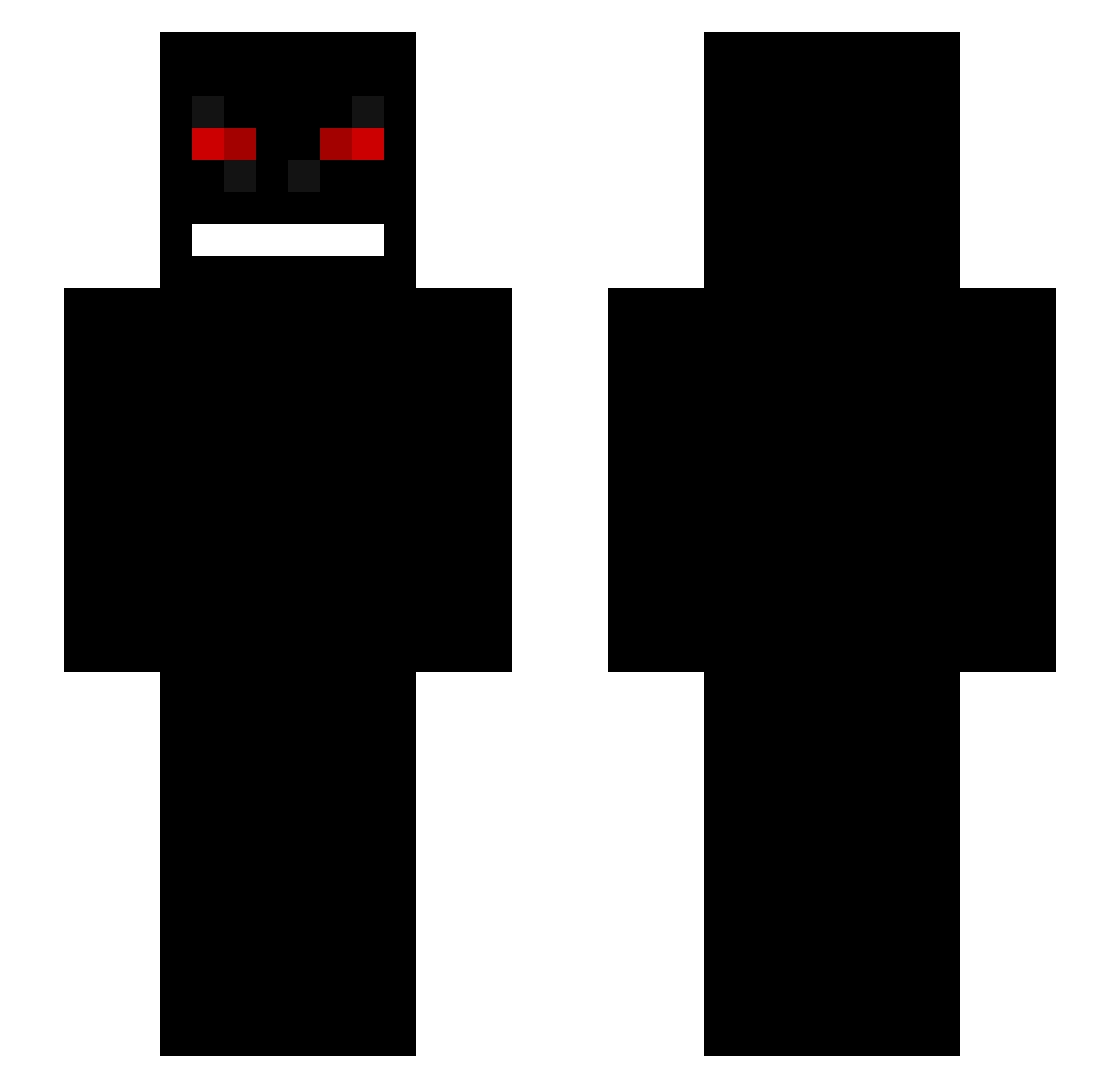
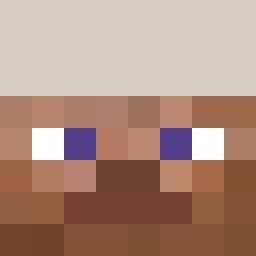
Current Minecraft skin of the player ko9l, loaded from the official Mojang API. Rotate the 3D model with your mouse or finger, then download the skin as a PNG file and use it in Minecraft: Bedrock Edition or Java Edition for free. When ko9l changes their skin, this page updates automatically and the old skin stays in the history below.
Other players with this skin (231)
ko9l was the 30th player we have seen with this skin, first spotted on 03.08.2026. The same skin was seen on these players. Open a nickname to see their current skin and skin history.
 LatvietisLVV fetza bumer234 iLuv_Ziza WiktorPL123 Holodit ckjellerupEjer pizza137704 ThbZzZ Bexssa SativasFanboy BarteQ1920 _CO1D_ Lizuzazero Erotix_x SmashinYoSis XForceNateX CreeperDoolie lilili7 ScriipeX2 adrymontero IDrozFr Hydr0xyzinee Tricacks Nata_Gs toghzz putek_ Smotox Chaviey
 Alhosni_X
 sundragon312 HulkRZ_ Baxu JUNjun0521 lingxi777 lanchajose015 Shyrro00 ImRaaider Anility SaleSonorite BoogaEli PLUEM201 Nahalzor thezippy73
 Davisac joaohenriqu100 Javamatti Verzide0927 KikiLeNain Skooz1 Douvis zombipablo REMPZ1 Blue___Dolphin TrapGod_X BOWLINES APEXLegend05
 Zentapi Bowe1_ Nernero
More Creepy Minecraft skins
How to install the ko9l skin
- Press the Download button above to save the skin as a PNG file.
- Minecraft: Bedrock Edition (PE): open the Dressing Room from the main menu (or tap your character → Edit Character), go to Classic Skins → Owned, press the + (new skin) button, choose the downloaded PNG and pick the Slim (Alex) model. Works on PC and mobile; consoles cannot import custom skins.
- Minecraft: Java Edition: open the Minecraft Launcher, go to the Skins tab, click New Skin, load the PNG, pick the Slim (Alex) model and press Save & Use. You can also upload it at minecraft.net → Profile → Change Skin.
The skin does not show up after import - what should I do?
Restart Minecraft and open the Dressing Room again - imported skins sometimes appear only after a restart. Also make sure you selected the imported skin and picked the Slim (Alex) model.
Which model should I choose, Classic or Slim?
This skin is designed for the Slim (Alex) model. If you pick the wrong model, the arms of the skin will look stretched or squeezed.
Is the skin of ko9l free to download?
Yes. Press Download, save the PNG file and use it in Minecraft: Bedrock Edition or Java Edition - no payment or registration needed. The skin also works on multiplayer servers and Realms.
More skins
Looking for more? Go back to all Minecraft skins and check the top skins of the week, month and all time, or find any player's skin by nickname.