
knuffelbeert - Minecraft Skins & Skin History
Current Minecraft skin of the player knuffelbeert, loaded from the official Mojang API. Rotate the 3D model with your mouse or finger, then download the skin as a PNG file and use it in Minecraft: Bedrock Edition or Java Edition for free. When knuffelbeert changes their skin, this page updates automatically and the old skin stays in the history below.
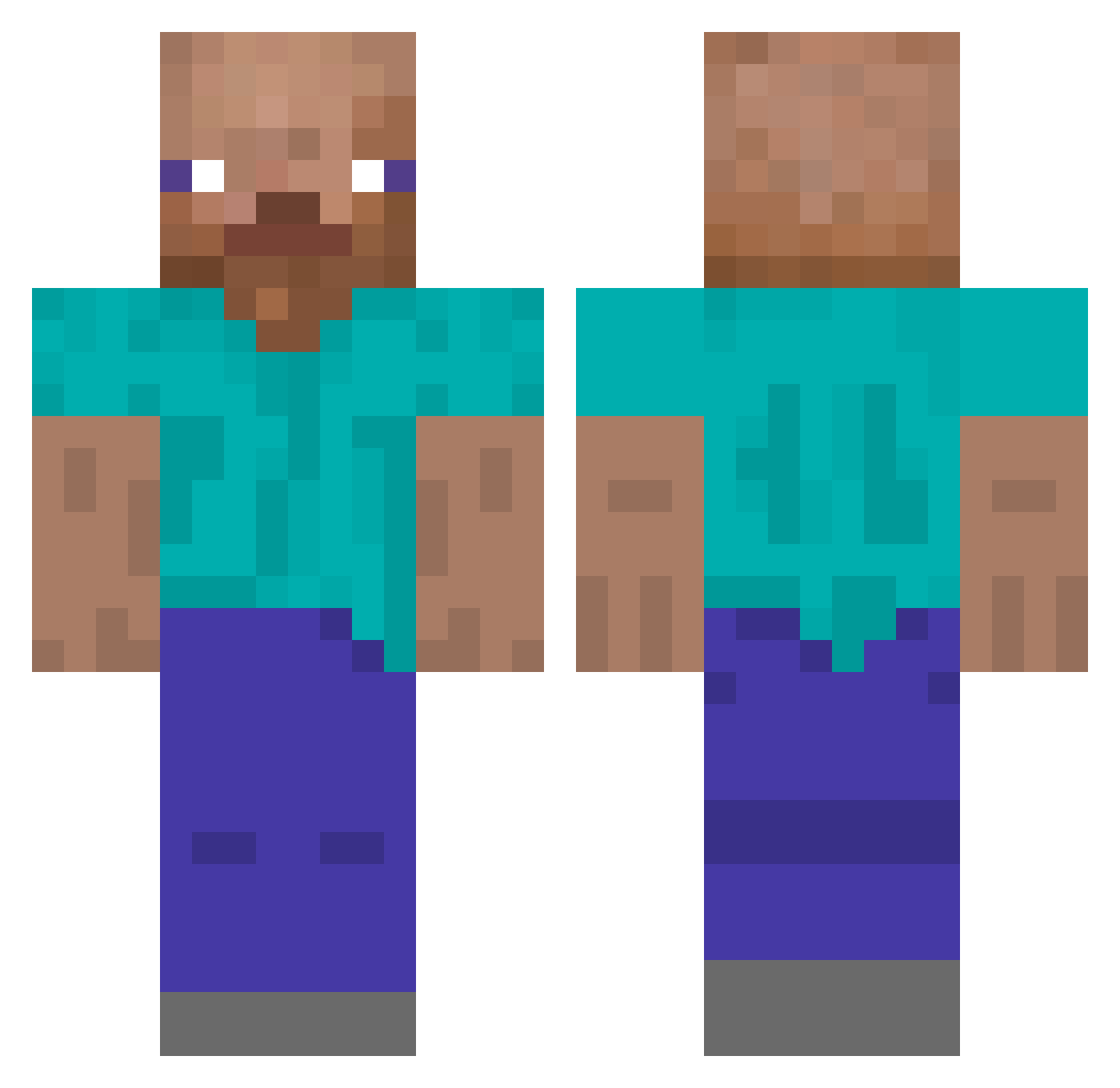
Other players with this skin (167)
knuffelbeert was the 74th player we have seen with this skin, first spotted on 29.08.2026. The same skin was seen on these players. Open a nickname to see their current skin and skin history.
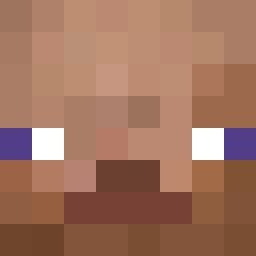 Drlammy3 AngelGamer27400 erokii7 1ObLiVi0n_ KilledbyJokerr xPawian vasilich270768 LostAtHome45 1ten1 Sheeling _yoozero Elavor olllaa iamzanti YounessLaPeuf 2lrlls
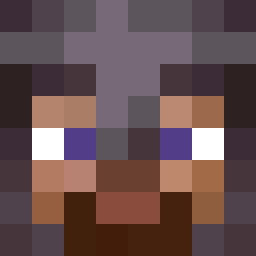 Bananendieb_32 Vzzbux minjaekim1 unoqzx zachattacksterXD MaksON_228 batusko12 itswoo MRcandyman80 Hartgeldheiko Tourmalinee 0un9jae yeee222 bruhcat NAIFJR NinjAnsel ohhhyes1234 Dracoolioh TotoC_E wcpk vicki0 DoomerGuy jurner cat_ptgs ohmni talayaferguson trieeck982143
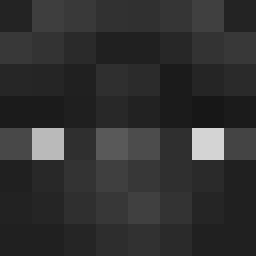 Lobintsev InbredCornFarmer Karpbob1 Sichir TheGreatLulu spithys EDBO300 SHOEBAL C4RONTE_14 chrupkek VSM_Michael FelipeKC iLeoxz Yoldi Vovaniyster Bobjul DreAsStoRmZzz
How to install the knuffelbeert skin
- Press the Download button above to save the skin as a PNG file.
- Minecraft: Bedrock Edition (PE): open the Dressing Room from the main menu (or tap your character → Edit Character), go to Classic Skins → Owned, press the + (new skin) button, choose the downloaded PNG and pick the Classic (Steve) model. Works on PC and mobile; consoles cannot import custom skins.
- Minecraft: Java Edition: open the Minecraft Launcher, go to the Skins tab, click New Skin, load the PNG, pick the Classic (Steve) model and press Save & Use. You can also upload it at minecraft.net → Profile → Change Skin.
The skin does not show up after import - what should I do?
Restart Minecraft and open the Dressing Room again - imported skins sometimes appear only after a restart. Also make sure you selected the imported skin and picked the Classic (Steve) model.
Which model should I choose, Classic or Slim?
This skin is designed for the Classic (Steve) model. If you pick the wrong model, the arms of the skin will look stretched or squeezed.
Is the skin of knuffelbeert free to download?
Yes. Press Download, save the PNG file and use it in Minecraft: Bedrock Edition or Java Edition - no payment or registration needed. The skin also works on multiplayer servers and Realms.
More skins
Looking for more? Go back to all Minecraft skins and check the top skins of the week, month and all time, or find any player's skin by nickname.