
kidmilli25 - Minecraft Skins & Skin History
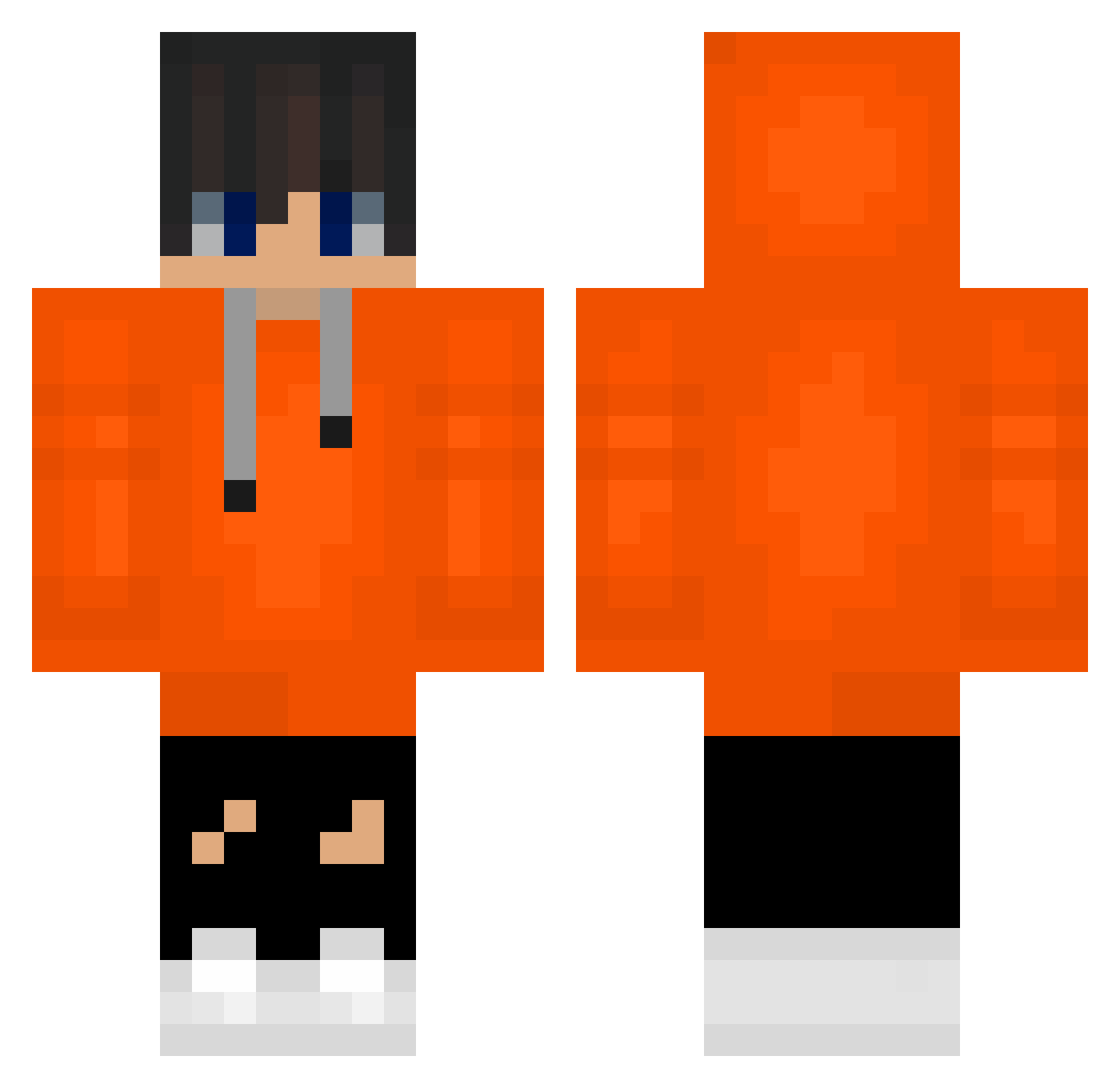
Current Minecraft skin of the player kidmilli25, loaded from the official Mojang API. Rotate the 3D model with your mouse or finger, then download the skin as a PNG file and use it in Minecraft: Bedrock Edition or Java Edition for free. When kidmilli25 changes their skin, this page updates automatically and the old skin stays in the history below.
Other players with this skin (588)
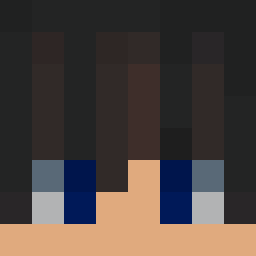
kidmilli25 was the 559th player we have seen with this skin, first spotted on 14.11.2026. The same skin was seen on these players. Open a nickname to see their current skin and skin history.
 ChooseyGraph821 Kurotshi David091013 SertacSergul henrypower ZippyCat67466 Dentsro schna2164 MH1544 ivaylokg Matt3lg iamconexion rayhayyay777 ziolkomi Apolinariu abadi daeriburger monica6549 yamujinmlon SHANGUSDNSWLWKWL Origan003 Ddongcheol breadlery SasukeIQ jy081106 os110610 martinhud choyechan0629 Luke_B_ ohjooone1016 Maury_Foda cyber_crow2 taeyul316 sonoMrD4rk3r b1ssan sin137 hw121227 coldcoldoven __komq gosxo008 zunzun2015 Bor4n hayun2017 Rinka_Rin Mr_Sthag ElectroLuke1 Tylertylergogo ToxicKoreanClub NoPanic26 YooJaeHoonDad saconge ManuelPineda SHIM1102 Trelos MailableGore130 jhking2010 yeseong1012 TonyB2B Larky138 Mincraft0915
How to install the kidmilli25 skin
- Press the Download button above to save the skin as a PNG file.
- Minecraft: Bedrock Edition (PE): open the Dressing Room from the main menu (or tap your character → Edit Character), go to Classic Skins → Owned, press the + (new skin) button, choose the downloaded PNG and pick the Classic (Steve) model. Works on PC and mobile; consoles cannot import custom skins.
- Minecraft: Java Edition: open the Minecraft Launcher, go to the Skins tab, click New Skin, load the PNG, pick the Classic (Steve) model and press Save & Use. You can also upload it at minecraft.net → Profile → Change Skin.
The skin does not show up after import - what should I do?
Restart Minecraft and open the Dressing Room again - imported skins sometimes appear only after a restart. Also make sure you selected the imported skin and picked the Classic (Steve) model.
Which model should I choose, Classic or Slim?
This skin is designed for the Classic (Steve) model. If you pick the wrong model, the arms of the skin will look stretched or squeezed.
Is the skin of kidmilli25 free to download?
Yes. Press Download, save the PNG file and use it in Minecraft: Bedrock Edition or Java Edition - no payment or registration needed. The skin also works on multiplayer servers and Realms.
More skins
Looking for more? Go back to all Minecraft skins and check the top skins of the week, month and all time, or find any player's skin by nickname.