
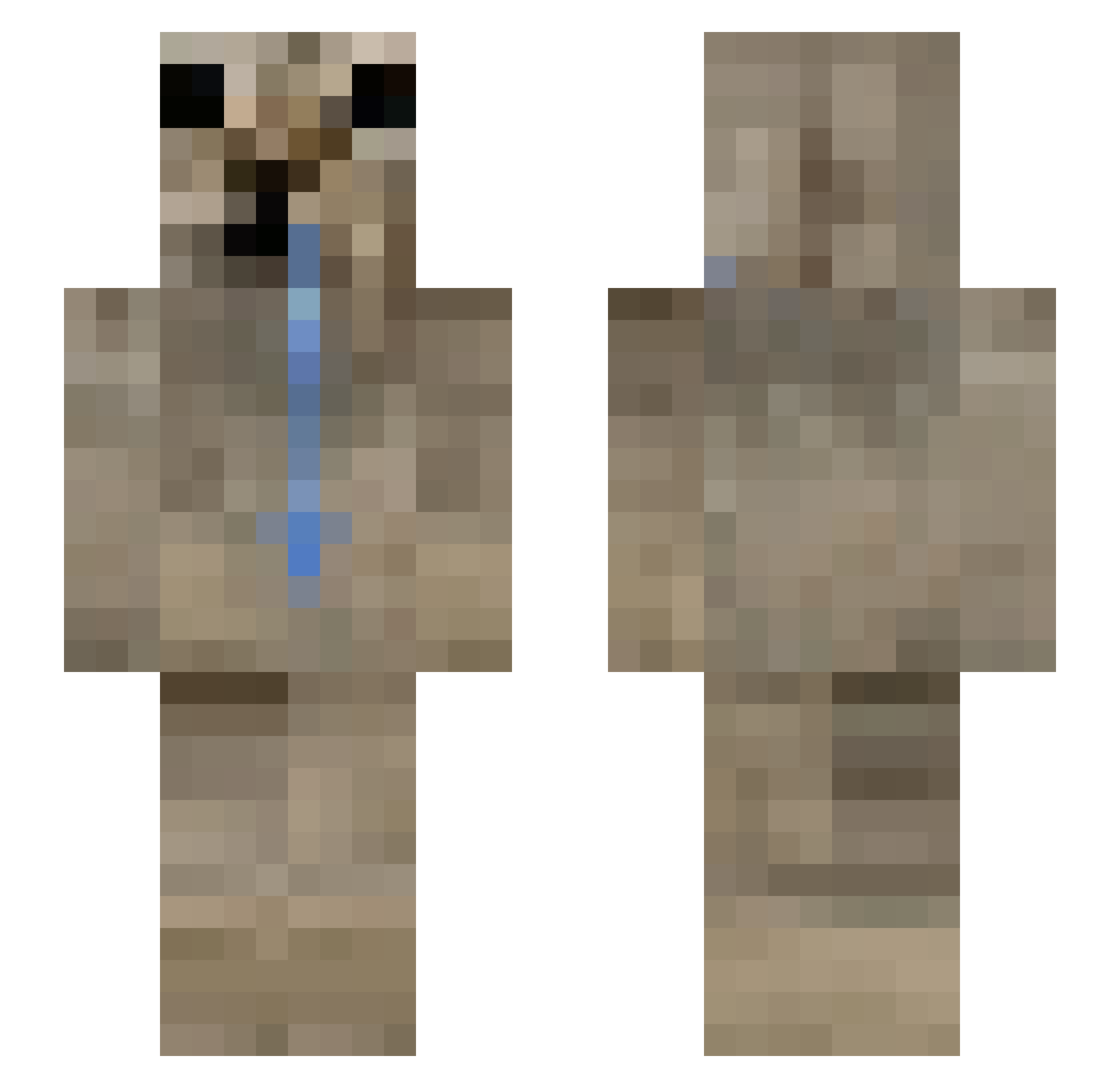
Current Minecraft skin of the player khaled_c2w, loaded from the official Mojang API. Rotate the 3D model with your mouse or finger, then download the skin as a PNG file and use it in Minecraft: Bedrock Edition or Java Edition for free. When khaled_c2w changes their skin, this page updates automatically and the old skin stays in the history below.
Other players with this skin (53)
khaled_c2w was the 16th player we have seen with this skin, first spotted on 29.08.2026. The same skin was seen on these players. Open a nickname to see their current skin and skin history.
 Silly0222 GoldTuba2571007 l4vianth Rebzyk ptagoras AIR0191 yiggx_m10 Anuk1306 yykopie
 powershot123 dbfdbf Mesrynie Darkarrr km1660 2DHorsie ilysoap astriaaa Jazzuli KillAuraKat Richardolape ForterT54
 fantasiapetricor seulra AleksibQAQ
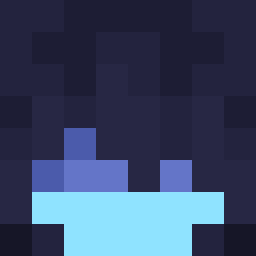 TT1380 tyliasss Gogila Tommyyy1107 IKnow_1 tsundereEdgey zeunch ELSANTTYROA AtlasTech_ mmLucaco Ognisty_YT11 _ElNeon_ SlodkiMruczek337 vixo312
 SNECC_EYES Aylhem MrMooManbob MMV3
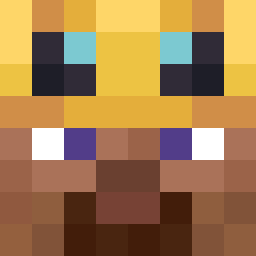 Matix669
 nreddy chamollin bchu1266
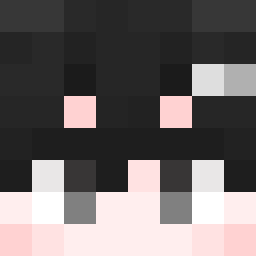 ZeroQult maopaocola HasbiGX skinnyelbow zovllev Klop444444 JANER_789
More Seal Minecraft skins
How to install the khaled_c2w skin
- Press the Download button above to save the skin as a PNG file.
- Minecraft: Bedrock Edition (PE): open the Dressing Room from the main menu (or tap your character → Edit Character), go to Classic Skins → Owned, press the + (new skin) button, choose the downloaded PNG and pick the Slim (Alex) model. Works on PC and mobile; consoles cannot import custom skins.
- Minecraft: Java Edition: open the Minecraft Launcher, go to the Skins tab, click New Skin, load the PNG, pick the Slim (Alex) model and press Save & Use. You can also upload it at minecraft.net → Profile → Change Skin.
The skin does not show up after import - what should I do?
Restart Minecraft and open the Dressing Room again - imported skins sometimes appear only after a restart. Also make sure you selected the imported skin and picked the Slim (Alex) model.
Which model should I choose, Classic or Slim?
This skin is designed for the Slim (Alex) model. If you pick the wrong model, the arms of the skin will look stretched or squeezed.
Is the skin of khaled_c2w free to download?
Yes. Press Download, save the PNG file and use it in Minecraft: Bedrock Edition or Java Edition - no payment or registration needed. The skin also works on multiplayer servers and Realms.
More skins
Looking for more? Go back to all Minecraft skins and check the top skins of the week, month and all time, or find any player's skin by nickname.