
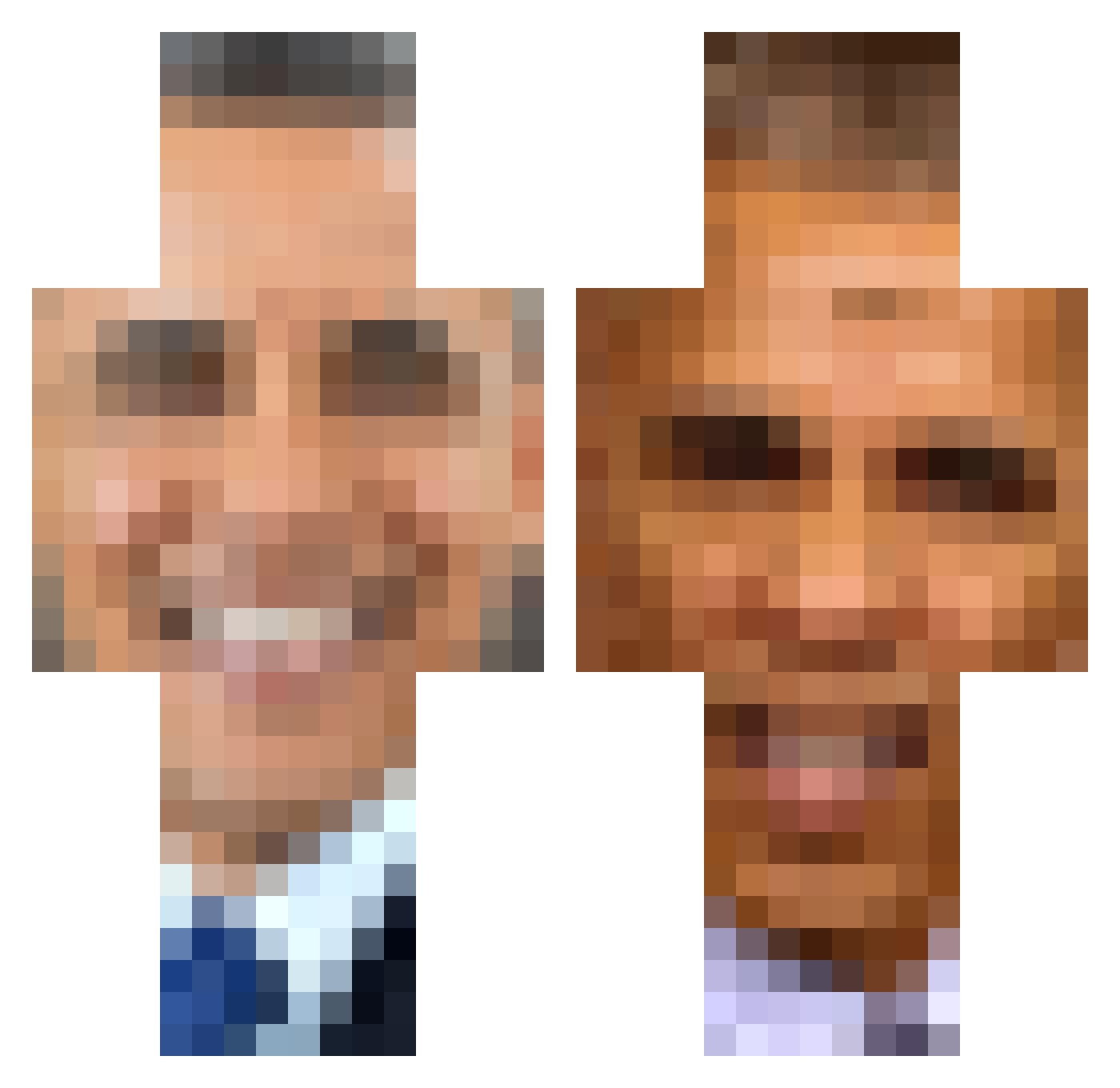
Current Minecraft skin of the player kavni, loaded from the official Mojang API. Rotate the 3D model with your mouse or finger, then download the skin as a PNG file and use it in Minecraft: Bedrock Edition or Java Edition for free. When kavni changes their skin, this page updates automatically and the old skin stays in the history below.
Other players with this skin (326)
kavni was the 232nd player we have seen with this skin, first spotted on 24.09.2026. The same skin was seen on these players. Open a nickname to see their current skin and skin history.
 basawam azeberg100 Maou1_ Fraustin Luiz_Henrique998 appagang mattyaubrey Hokage_Japa venemous306 Vissenk0m creatine_enjoyer ThatManDoughboy1 jorrit_man Seijurooo Lightskin077 DuDude12 Femibau bigBEANboiiii Wish255 PLA_TOON 8k_LilPump_8k DDosDarrel ItzYaBoiBot Mottshanks Gaaa321 khalid12321 whimstea WetSocksEnjoyer Dee_00 Vamp_Gang MoeyJay Sir_Twich_Prime Yozorao _DilPickle_ NUUF__bott BobtheBuilder264 macca_AU_ Hawksworth6 0mys VeryDryNoodle F4RTBOYY Genderless_Royal spokotyp69 Mikado2007 Mashark1112 Outsidepower477 Soccer_dawgz ObamaPrism__ noelieeeg patisbadatgames Laryngo4382 idonotexist_ That4th Broskiiii TheMuzzLuvDihaxe TheLivingDead04 _BarackObama TheObamasx WanderingW ZombieDog567
More Barack Obama Minecraft skins
See all 223 Barack Obama skins
How to install the kavni skin
- Press the Download button above to save the skin as a PNG file.
- Minecraft: Bedrock Edition (PE): open the Dressing Room from the main menu (or tap your character → Edit Character), go to Classic Skins → Owned, press the + (new skin) button, choose the downloaded PNG and pick the Classic (Steve) model. Works on PC and mobile; consoles cannot import custom skins.
- Minecraft: Java Edition: open the Minecraft Launcher, go to the Skins tab, click New Skin, load the PNG, pick the Classic (Steve) model and press Save & Use. You can also upload it at minecraft.net → Profile → Change Skin.
The skin does not show up after import - what should I do?
Restart Minecraft and open the Dressing Room again - imported skins sometimes appear only after a restart. Also make sure you selected the imported skin and picked the Classic (Steve) model.
Which model should I choose, Classic or Slim?
This skin is designed for the Classic (Steve) model. If you pick the wrong model, the arms of the skin will look stretched or squeezed.
Is the skin of kavni free to download?
Yes. Press Download, save the PNG file and use it in Minecraft: Bedrock Edition or Java Edition - no payment or registration needed. The skin also works on multiplayer servers and Realms.
More skins
Looking for more? Go back to all Minecraft skins and check the top skins of the week, month and all time, or find any player's skin by nickname.