
kat88101 - Minecraft Skins & Skin History
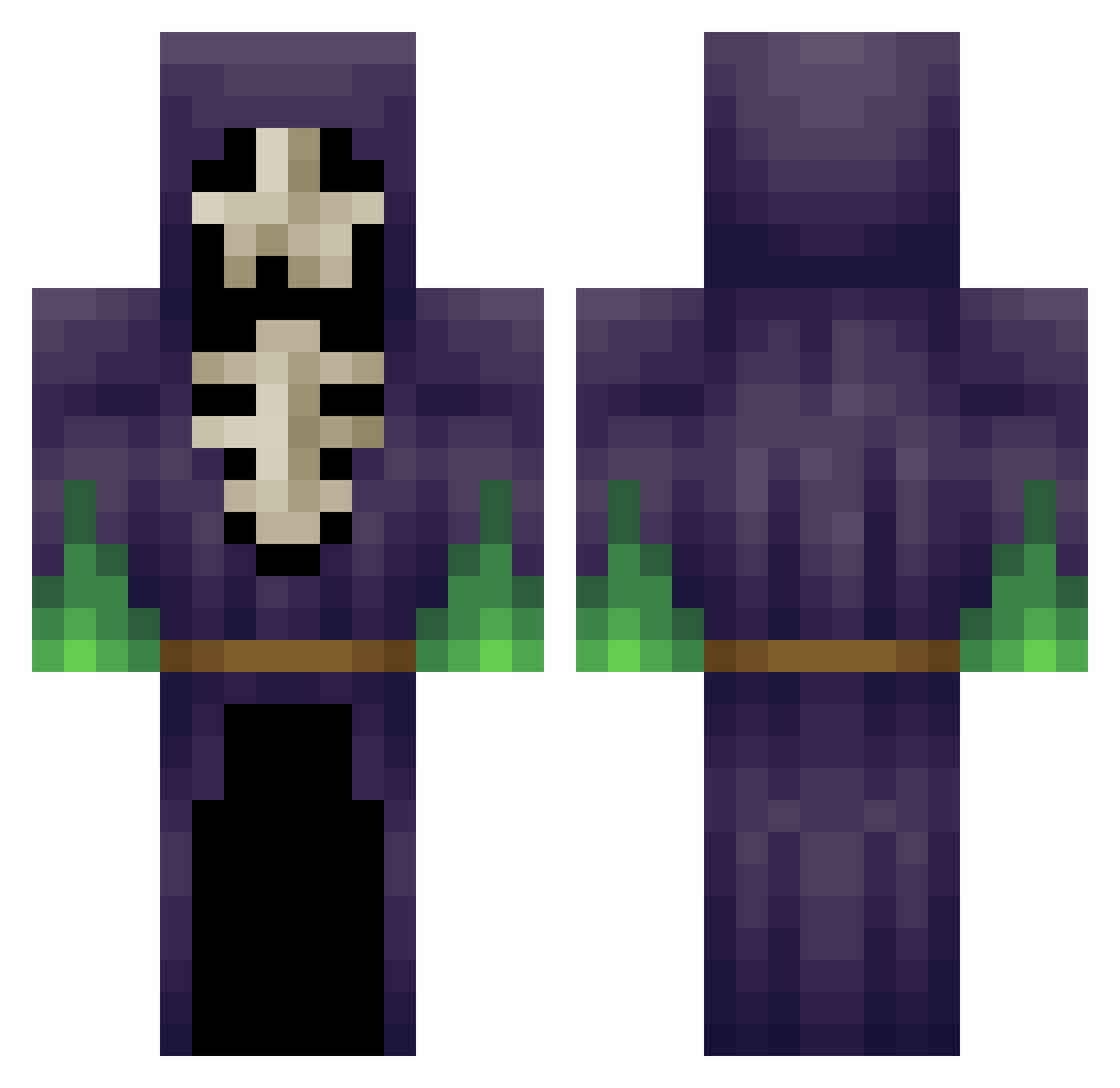
Current Minecraft skin of the player kat88101, loaded from the official Mojang API. Rotate the 3D model with your mouse or finger, then download the skin as a PNG file and use it in Minecraft: Bedrock Edition or Java Edition for free. When kat88101 changes their skin, this page updates automatically and the old skin stays in the history below.
Other players with this skin (265)
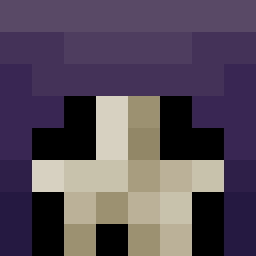
kat88101 was the 65th player we have seen with this skin, first spotted on 26.08.2026. The same skin was seen on these players. Open a nickname to see their current skin and skin history.
 ladderdisaster IronRektum misterpoteito Sp00ky_Hombre Ulises5001 angeles21 Anfernius CTwo 0to100_RealQuick AwsomePaxter NivrimXx SatsukiElric Skeleton_Mage Dannewiggen Matrix_108 messiah_tx T0hru_ Hankslash jordan_137 Rancotski E_U_R_O mok0304 JACKBRO420 Trinidadison YoungDreas ValeraKing HSMJ1412 LeBastou jpierson86 Hugokerh KingSkelly221 luzheqi Asmozel Laserlegolas RemoteMoss Albert286 Ampel_goozer OrblivionJess daggerdraco EnbyNecro Cadindra AngryLilith_ zmuscle Deftsune LoopingArtist162 ChrisThompsun cyberagent MushroomClowd KovatsisMC Obengo Rophia I3ananaBNL GrillBanditten Antony69 ghostminer2002 Ogamaoh TalkingTom2012 Bojenob Gozduma
 Fustoop
More Necromancer Minecraft skins
How to install the kat88101 skin
- Press the Download button above to save the skin as a PNG file.
- Minecraft: Bedrock Edition (PE): open the Dressing Room from the main menu (or tap your character → Edit Character), go to Classic Skins → Owned, press the + (new skin) button, choose the downloaded PNG and pick the Classic (Steve) model. Works on PC and mobile; consoles cannot import custom skins.
- Minecraft: Java Edition: open the Minecraft Launcher, go to the Skins tab, click New Skin, load the PNG, pick the Classic (Steve) model and press Save & Use. You can also upload it at minecraft.net → Profile → Change Skin.
The skin does not show up after import - what should I do?
Restart Minecraft and open the Dressing Room again - imported skins sometimes appear only after a restart. Also make sure you selected the imported skin and picked the Classic (Steve) model.
Which model should I choose, Classic or Slim?
This skin is designed for the Classic (Steve) model. If you pick the wrong model, the arms of the skin will look stretched or squeezed.
Is the skin of kat88101 free to download?
Yes. Press Download, save the PNG file and use it in Minecraft: Bedrock Edition or Java Edition - no payment or registration needed. The skin also works on multiplayer servers and Realms.
More skins
Looking for more? Go back to all Minecraft skins and check the top skins of the week, month and all time, or find any player's skin by nickname.