
kartoffelsucher - Minecraft Skins & Skin History
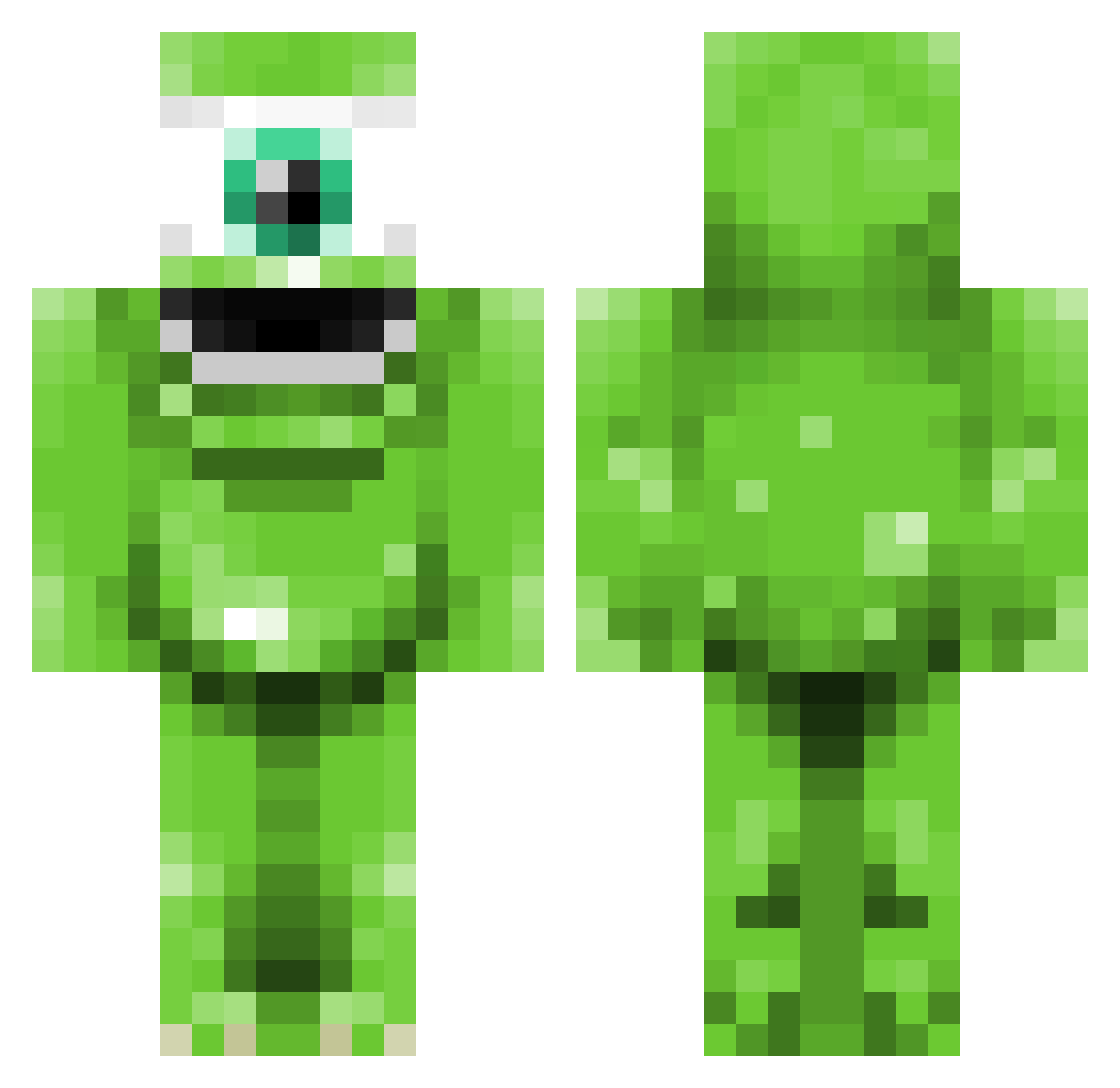
Current Minecraft skin of the player kartoffelsucher, loaded from the official Mojang API. Rotate the 3D model with your mouse or finger, then download the skin as a PNG file and use it in Minecraft: Bedrock Edition or Java Edition for free. When kartoffelsucher changes their skin, this page updates automatically and the old skin stays in the history below.
Other players with this skin (344)
kartoffelsucher was the 214th player we have seen with this skin, first spotted on 29.09.2026. The same skin was seen on these players. Open a nickname to see their current skin and skin history.
 Rasior HappyMealToy nashyc LoudPotato268 TrevorD6969 bolleaa Rybread189 Tassathy senf13 vicke316 gympajompa vReacTz Gwardius Zombiebunny22 Jordi735 Forkast Poofy11 Albert_Tross FloDieGurke TheGstar96 eloic_999 jroe44 madspoop Slushy__Yas Hobub1 MachoMonks thechinaman Burko2 PabloMotos Rotbant soerenbloecker kildere AaronJackJones dcon13 James_Duncan Jakle Gokan89 Axe_man2626 Oscar_ok Fabii89 MikeWazowsk Balgrog77 Lukeowen2008 _Iguwu_ DoubleDubs Steptoeontour MightyCeasar evangio06 Cardinalx15 Briaanyb Mighty_Eagle RyGuyBengals OTP_Riven nikesports12 Vauxhallboy Ratchet20148 Shoulz KaiusKakje owenstyles TopSecrets
More Mike Wazowski Minecraft skins
See all 282 Mike Wazowski skins
How to install the kartoffelsucher skin
- Press the Download button above to save the skin as a PNG file.
- Minecraft: Bedrock Edition (PE): open the Dressing Room from the main menu (or tap your character → Edit Character), go to Classic Skins → Owned, press the + (new skin) button, choose the downloaded PNG and pick the Classic (Steve) model. Works on PC and mobile; consoles cannot import custom skins.
- Minecraft: Java Edition: open the Minecraft Launcher, go to the Skins tab, click New Skin, load the PNG, pick the Classic (Steve) model and press Save & Use. You can also upload it at minecraft.net → Profile → Change Skin.
The skin does not show up after import - what should I do?
Restart Minecraft and open the Dressing Room again - imported skins sometimes appear only after a restart. Also make sure you selected the imported skin and picked the Classic (Steve) model.
Which model should I choose, Classic or Slim?
This skin is designed for the Classic (Steve) model. If you pick the wrong model, the arms of the skin will look stretched or squeezed.
Is the skin of kartoffelsucher free to download?
Yes. Press Download, save the PNG file and use it in Minecraft: Bedrock Edition or Java Edition - no payment or registration needed. The skin also works on multiplayer servers and Realms.
More skins
Looking for more? Go back to all Minecraft skins and check the top skins of the week, month and all time, or find any player's skin by nickname.