
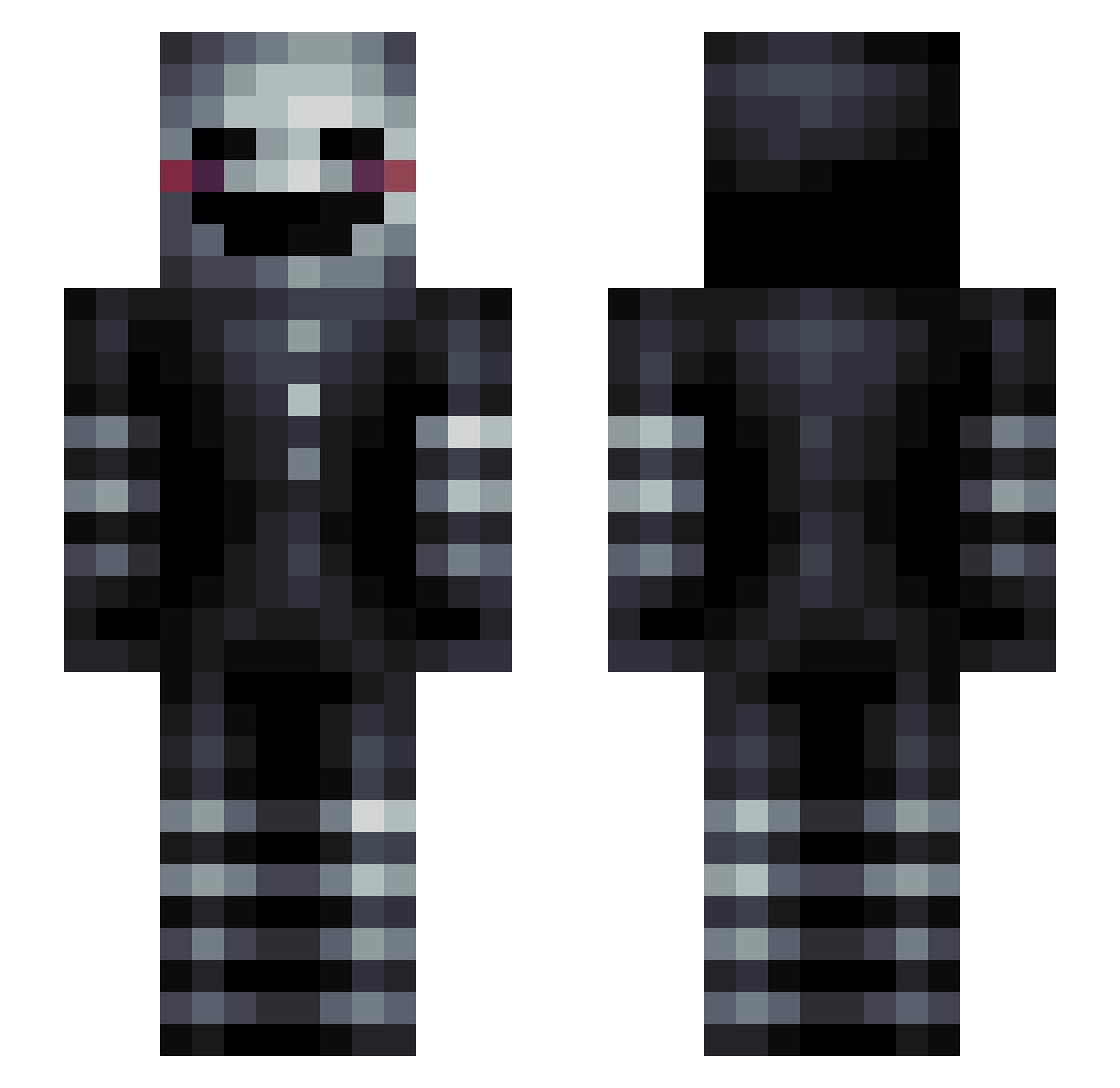
Current Minecraft skin of the player kaladred, loaded from the official Mojang API. Rotate the 3D model with your mouse or finger, then download the skin as a PNG file and use it in Minecraft: Bedrock Edition or Java Edition for free. When kaladred changes their skin, this page updates automatically and the old skin stays in the history below.
Other players with this skin (108)
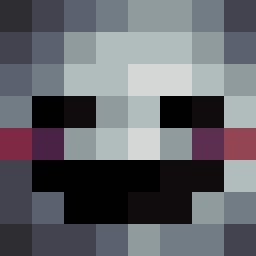
kaladred was the 61st player we have seen with this skin, first spotted on 03.09.2026. The same skin was seen on these players. Open a nickname to see their current skin and skin history.
 Mormamu Seign9 sirku YearWalk MrColbyman Amphyyy neuralstasis Synergy_Mitch SirNN AfricanRoyalty RodoOP RousingCharly NiceCity iB_ElJqkeRekPvp_ Pauereto R3alLuc_ bonao1967 antonengelholm itZ_cor3y NorwegianBeast97 Stay1337 Xxspringtrap12xX KJ1902 Necronlord54 hax0r139 LoveJonz lucasjson iiMunreal Typco romanUltro augustweismann Neogasm LordR3ne samuraikatten Vritanis Unkown1997 GustafParker Fralleboy MADHATTER1982 minecrafting2004 itsjershua RoGo137 Drolmops moonkes garfieldcake BMT2138 Latnight Rhavyn Krizzies Fanste Senpai_Kai03 byKory vlofgren Spooky_Ghost456 enevoldsen tangy_tomz mrtbaseball captcliffybear __keno36__ jansuss
More Puppet Minecraft skins
How to install the kaladred skin
- Press the Download button above to save the skin as a PNG file.
- Minecraft: Bedrock Edition (PE): open the Dressing Room from the main menu (or tap your character → Edit Character), go to Classic Skins → Owned, press the + (new skin) button, choose the downloaded PNG and pick the Slim (Alex) model. Works on PC and mobile; consoles cannot import custom skins.
- Minecraft: Java Edition: open the Minecraft Launcher, go to the Skins tab, click New Skin, load the PNG, pick the Slim (Alex) model and press Save & Use. You can also upload it at minecraft.net → Profile → Change Skin.
The skin does not show up after import - what should I do?
Restart Minecraft and open the Dressing Room again - imported skins sometimes appear only after a restart. Also make sure you selected the imported skin and picked the Slim (Alex) model.
Which model should I choose, Classic or Slim?
This skin is designed for the Slim (Alex) model. If you pick the wrong model, the arms of the skin will look stretched or squeezed.
Is the skin of kaladred free to download?
Yes. Press Download, save the PNG file and use it in Minecraft: Bedrock Edition or Java Edition - no payment or registration needed. The skin also works on multiplayer servers and Realms.
More skins
Looking for more? Go back to all Minecraft skins and check the top skins of the week, month and all time, or find any player's skin by nickname.