
kaiwu69 - Minecraft Skins & Skin History
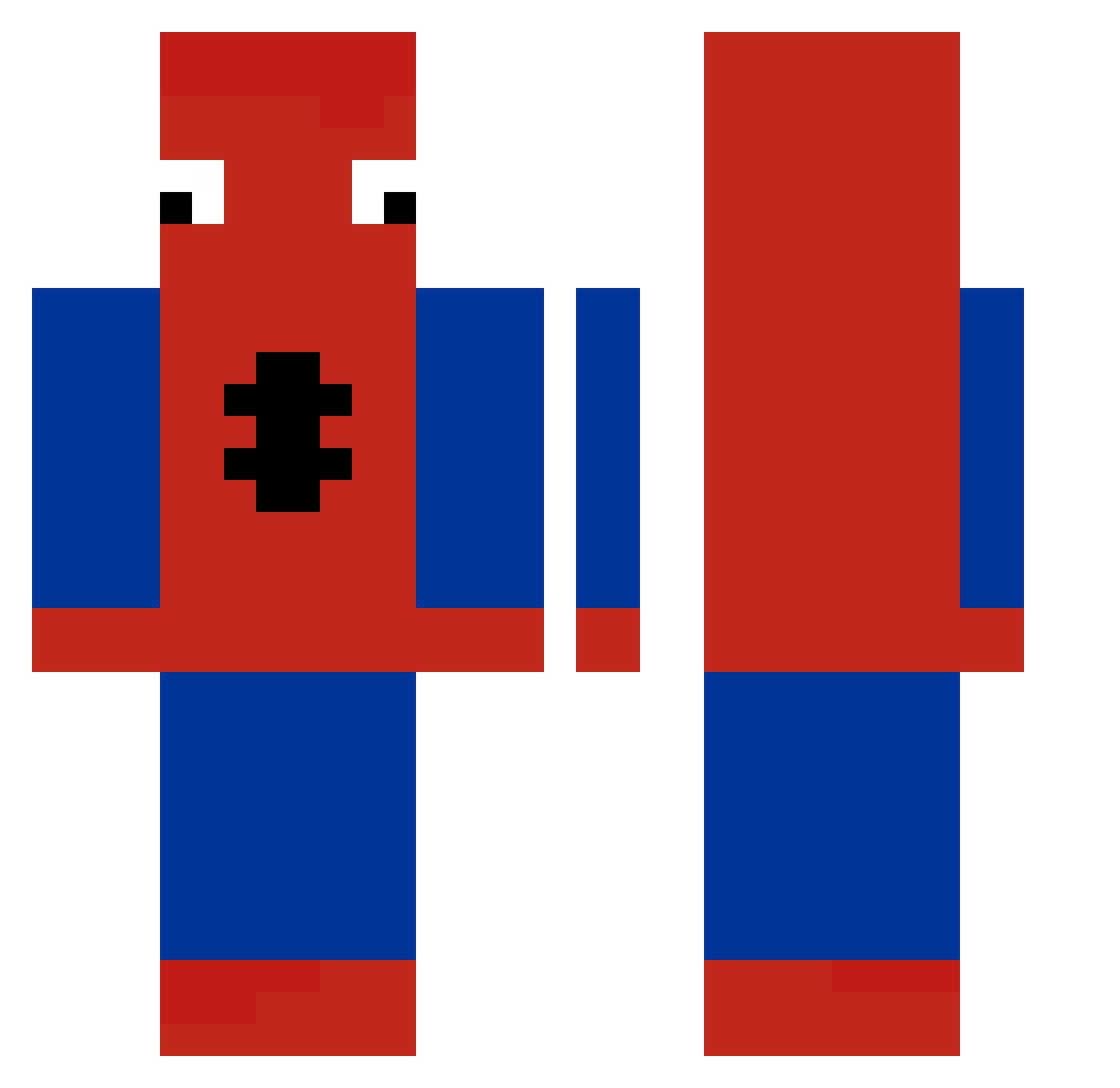
Current Minecraft skin of the player kaiwu69, loaded from the official Mojang API. Rotate the 3D model with your mouse or finger, then download the skin as a PNG file and use it in Minecraft: Bedrock Edition or Java Edition for free. When kaiwu69 changes their skin, this page updates automatically and the old skin stays in the history below.
Other players with this skin (252)
kaiwu69 was the 228th player we have seen with this skin, first spotted on 21.10.2026. The same skin was seen on these players. Open a nickname to see their current skin and skin history.
 OLmek_ YakPenSpidermann beepbot_ lko456 kaykiwi8 Kxfuzed eldaved yitann cobbble Ikiuoi hiimqtt JxH20081003 p2trick iukoioi ShadoX_pvp zDaks_ slifa71 Paluszek12 guthth Ramahoy Tony3822 MecchaDose lu_oa11 Tercoleta Drensu99 TooFragile Caribou_22 alicacrimes Gregolerigolo M4tuti bixi7 walter62 zurster sam_le_canard 25_Potted 1nfr FreemanMX JewishDog scuba_steve2011 snoppchrille Atudo Abeldepro goodnight_ ZzZYuxzZzZ SpiceYo breagan NEMESIS__28 JustZorro ElGranPoh charmander678 TMW2012 Zubblak TheLeyend02 RamenNoodIe xs_x_y7uncMFutv4 Zencibaba31 Octose_ shiNingsTon ACertifiedAsian cvelazkezM
More Spider-Man Minecraft skins
How to install the kaiwu69 skin
- Press the Download button above to save the skin as a PNG file.
- Minecraft: Bedrock Edition (PE): open the Dressing Room from the main menu (or tap your character → Edit Character), go to Classic Skins → Owned, press the + (new skin) button, choose the downloaded PNG and pick the Classic (Steve) model. Works on PC and mobile; consoles cannot import custom skins.
- Minecraft: Java Edition: open the Minecraft Launcher, go to the Skins tab, click New Skin, load the PNG, pick the Classic (Steve) model and press Save & Use. You can also upload it at minecraft.net → Profile → Change Skin.
The skin does not show up after import - what should I do?
Restart Minecraft and open the Dressing Room again - imported skins sometimes appear only after a restart. Also make sure you selected the imported skin and picked the Classic (Steve) model.
Which model should I choose, Classic or Slim?
This skin is designed for the Classic (Steve) model. If you pick the wrong model, the arms of the skin will look stretched or squeezed.
Is the skin of kaiwu69 free to download?
Yes. Press Download, save the PNG file and use it in Minecraft: Bedrock Edition or Java Edition - no payment or registration needed. The skin also works on multiplayer servers and Realms.
More skins
Looking for more? Go back to all Minecraft skins and check the top skins of the week, month and all time, or find any player's skin by nickname.