
kahh - Minecraft Skins & Skin History
Current Minecraft skin of the player kahh, loaded from the official Mojang API. Rotate the 3D model with your mouse or finger, then download the skin as a PNG file and use it in Minecraft: Bedrock Edition or Java Edition for free. When kahh changes their skin, this page updates automatically and the old skin stays in the history below.
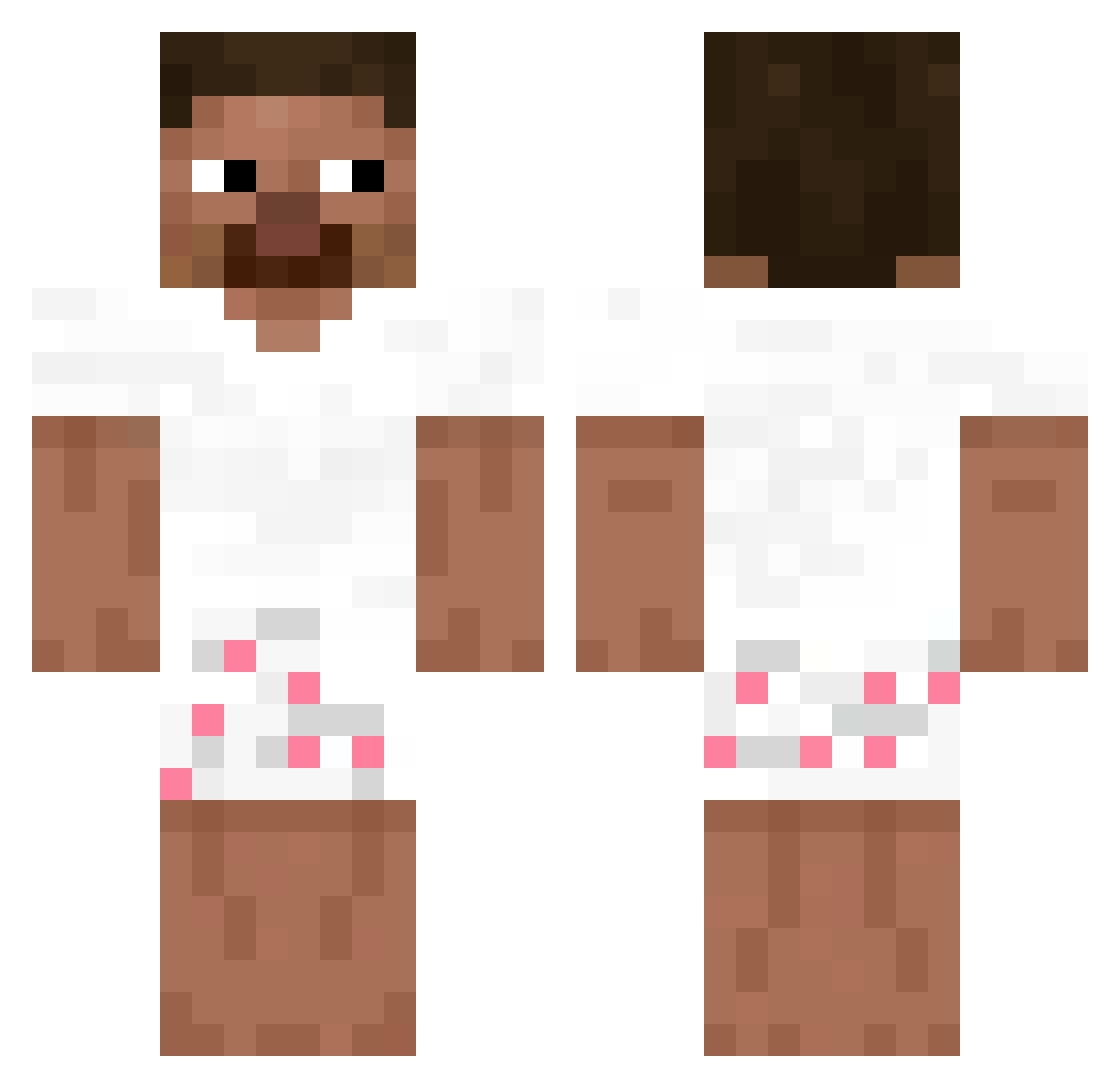
Other players with this skin (228)
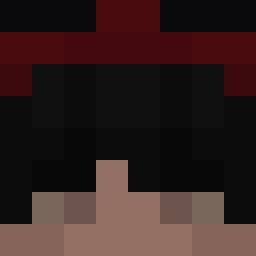
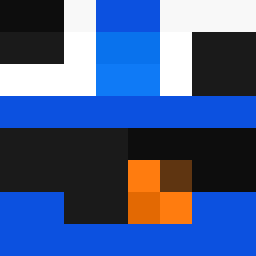
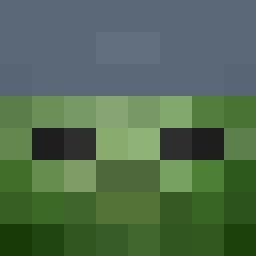
kahh was the 10th player we have seen with this skin, first spotted on 26.07.2026. The same skin was seen on these players. Open a nickname to see their current skin and skin history.
 S0yCub1
 sk4ii
sk4ii Spooks325 ange1mak3rs
 Outspaced_Gaming
 Fiyar vonnotondatfn300
 kaiobonitao_
 theSEERone
 Avorzy
 2ury
2ury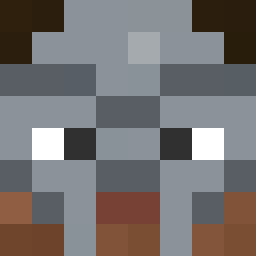 maxyouknow
 _alwayshappy_ MineCraftBoi68 PA_CaptainBubble JaxThinks GrandZhongyiwu juansavvxd56 klejek_ Xk3sfsf lilheater123 zekeyer01
 YoxsenMC Cncled
 LUCAS10096
 Eldonitacoolmin qBergie SeekPeek18
 H4NGED wan234 3rayxd
 wayq
wayq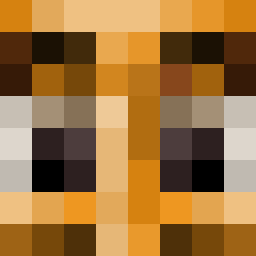 Pepsii121 SPLASHYFRUIT flopling dkdud287 idk2001 Mano_the_bird DarkSRX Thedaymos doppelgangerieq Mrpoopihead
 andresfofote yanblok TarmakTheChosen flippingamer Ziitrex beckinnn Kfmv Mysterioo
 Christ1ano fran_2013 T2__
 ItsJustLeooh_ 13betvn BraulioBP kyon9 Bean_Banditt lezyy_ nietrafiamhita
How to install the kahh skin
- Press the Download button above to save the skin as a PNG file.
- Minecraft: Bedrock Edition (PE): open the Dressing Room from the main menu (or tap your character → Edit Character), go to Classic Skins → Owned, press the + (new skin) button, choose the downloaded PNG and pick the Classic (Steve) model. Works on PC and mobile; consoles cannot import custom skins.
- Minecraft: Java Edition: open the Minecraft Launcher, go to the Skins tab, click New Skin, load the PNG, pick the Classic (Steve) model and press Save & Use. You can also upload it at minecraft.net → Profile → Change Skin.
The skin does not show up after import - what should I do?
Restart Minecraft and open the Dressing Room again - imported skins sometimes appear only after a restart. Also make sure you selected the imported skin and picked the Classic (Steve) model.
Which model should I choose, Classic or Slim?
This skin is designed for the Classic (Steve) model. If you pick the wrong model, the arms of the skin will look stretched or squeezed.
Is the skin of kahh free to download?
Yes. Press Download, save the PNG file and use it in Minecraft: Bedrock Edition or Java Edition - no payment or registration needed. The skin also works on multiplayer servers and Realms.
More skins
Looking for more? Go back to all Minecraft skins and check the top skins of the week, month and all time, or find any player's skin by nickname.