
jxssicaaa - Minecraft Skins & Skin History
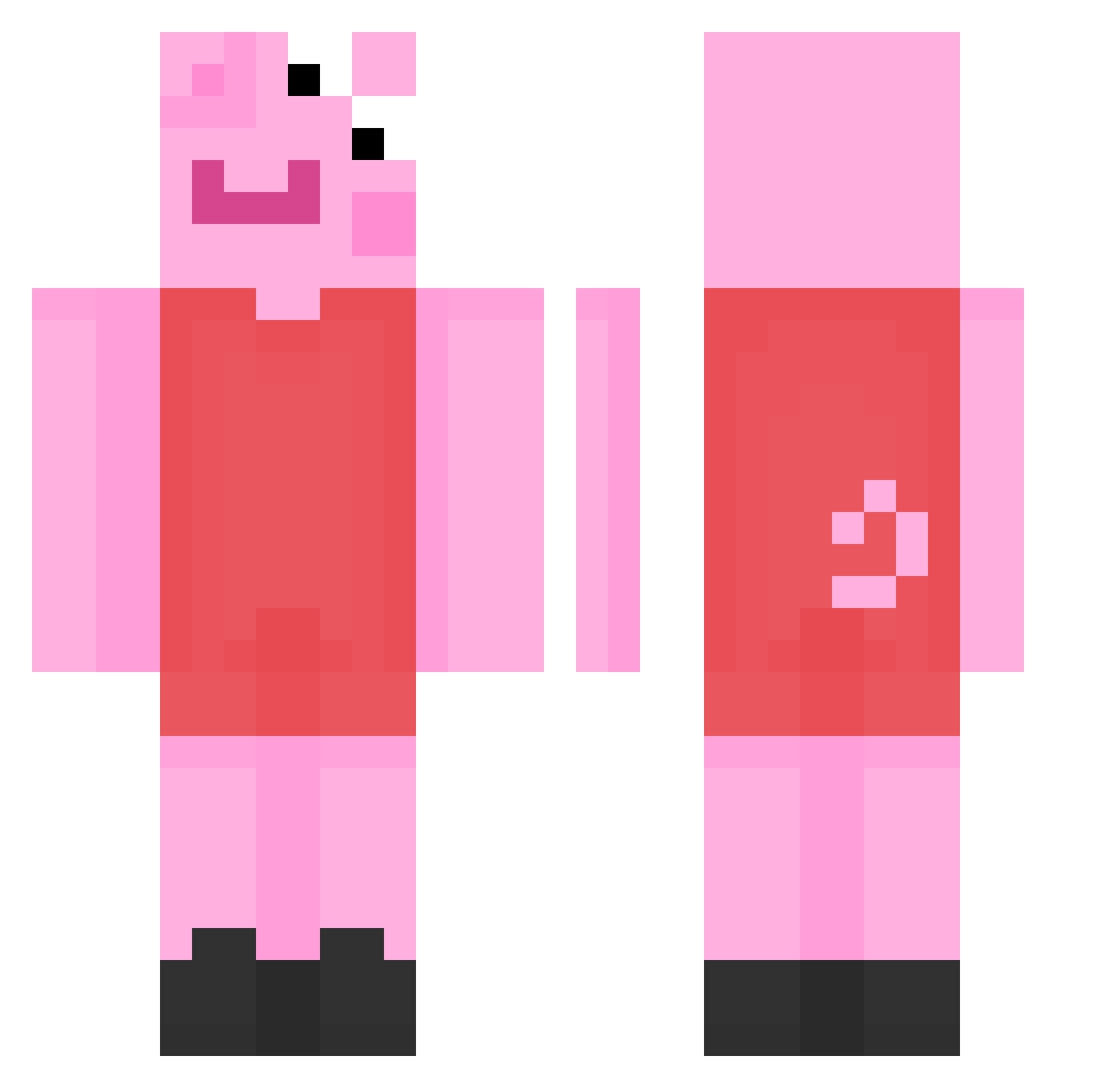
Current Minecraft skin of the player jxssicaaa, loaded from the official Mojang API. Rotate the 3D model with your mouse or finger, then download the skin as a PNG file and use it in Minecraft: Bedrock Edition or Java Edition for free. When jxssicaaa changes their skin, this page updates automatically and the old skin stays in the history below.
Other players with this skin (231)
jxssicaaa was the 191st player we have seen with this skin, first spotted on 29.10.2026. The same skin was seen on these players. Open a nickname to see their current skin and skin history.
 masaw Jm1yah carrrlllll YellaPanda HitzeInDerRitze ACupOfCoffee _gaux_ TheWorstRivenNA MothaMoose zochazielara ButterFly0616 Zackuuuu MessyPiggy69 MikkelFJ2003 PeppaPigGamerPro JuustoMako ThomasGaming2003 ice_flood sara_roland sapnN_puaS VadiM_69 Lucky_BoS NoodlesInXYZ Ewaa22 paw0k KasperAS83 blubbelub 1000ho 1Legende_ Lenhad katelynb28 Hoboman0912 janmaslonka BatataMonstruosa lilvicki H3kk Swanaze pixe1l Banzuela Griari RiceCookerV2 oLiviatakingtheL Yatsuoo yellercat SkymoX Sensei_Arky AliceGrimm25 swagasf4ever Smilla_Gorilla b1eader kinou1226 ArnieTheSeal lindsay69 hahahaheyhey JuliusdasSchwein MydRuss _watermxeloxn_ tommyelse Fabusi Iswana
More Peppa Pig Minecraft skins
How to install the jxssicaaa skin
- Press the Download button above to save the skin as a PNG file.
- Minecraft: Bedrock Edition (PE): open the Dressing Room from the main menu (or tap your character → Edit Character), go to Classic Skins → Owned, press the + (new skin) button, choose the downloaded PNG and pick the Classic (Steve) model. Works on PC and mobile; consoles cannot import custom skins.
- Minecraft: Java Edition: open the Minecraft Launcher, go to the Skins tab, click New Skin, load the PNG, pick the Classic (Steve) model and press Save & Use. You can also upload it at minecraft.net → Profile → Change Skin.
The skin does not show up after import - what should I do?
Restart Minecraft and open the Dressing Room again - imported skins sometimes appear only after a restart. Also make sure you selected the imported skin and picked the Classic (Steve) model.
Which model should I choose, Classic or Slim?
This skin is designed for the Classic (Steve) model. If you pick the wrong model, the arms of the skin will look stretched or squeezed.
Is the skin of jxssicaaa free to download?
Yes. Press Download, save the PNG file and use it in Minecraft: Bedrock Edition or Java Edition - no payment or registration needed. The skin also works on multiplayer servers and Realms.
More skins
Looking for more? Go back to all Minecraft skins and check the top skins of the week, month and all time, or find any player's skin by nickname.