
junny07 - Minecraft Skins & Skin History
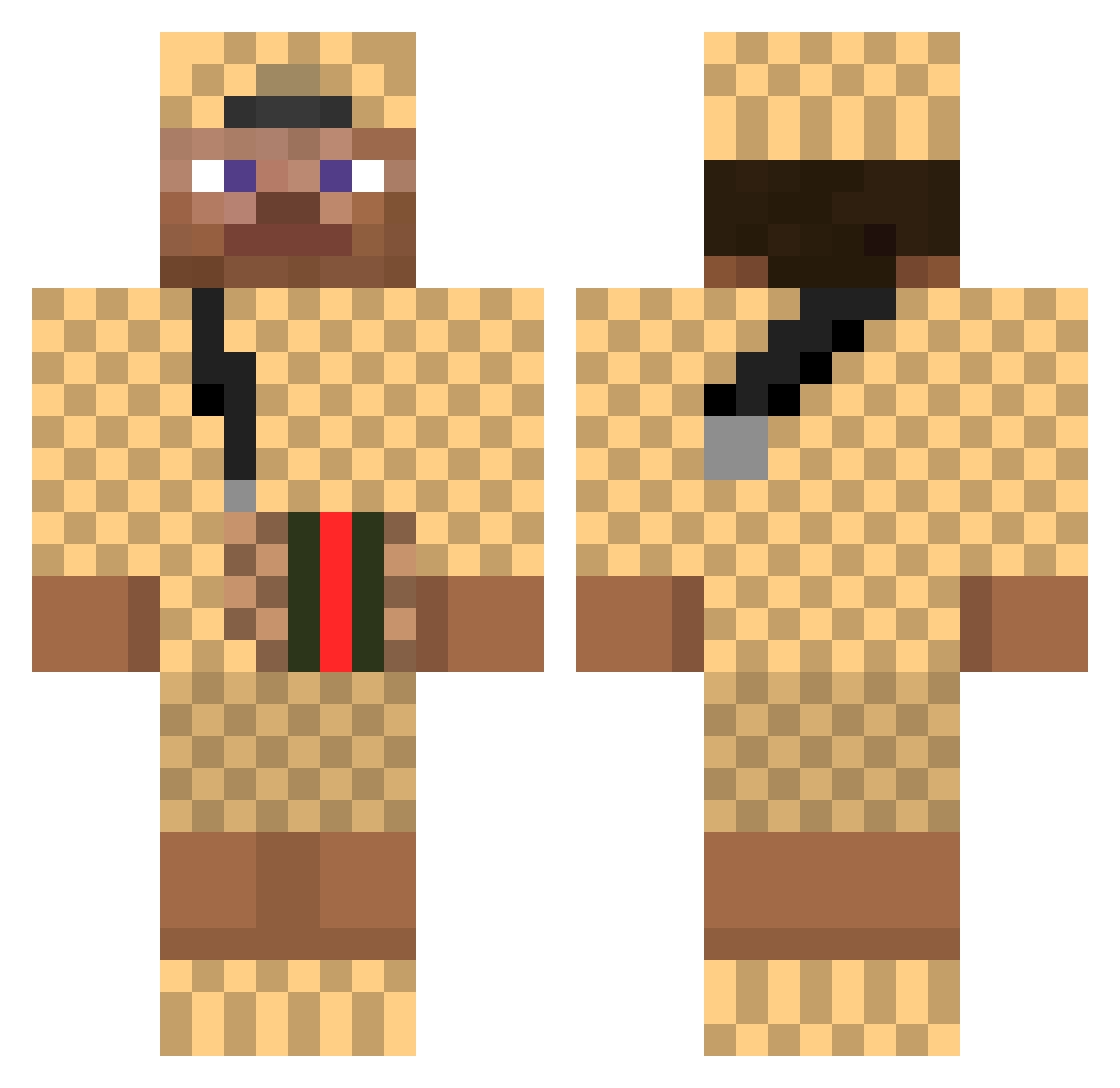
Current Minecraft skin of the player junny07, loaded from the official Mojang API. Rotate the 3D model with your mouse or finger, then download the skin as a PNG file and use it in Minecraft: Bedrock Edition or Java Edition for free. When junny07 changes their skin, this page updates automatically and the old skin stays in the history below.
Other players with this skin (376)
junny07 was the 352nd player we have seen with this skin, first spotted on 16.10.2026. The same skin was seen on these players. Open a nickname to see their current skin and skin history.
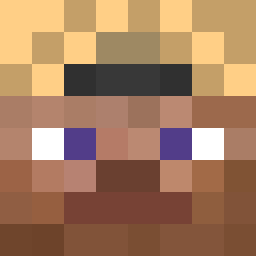 _ggh Jeroen04 InceptxRise 3quart aureldeouf KingVulpus Mostaganem GUADAM Lv10_Hitman MGLucas xMarvin_ STER3D YH6 gmode8 icedoutzahnspang Wasstraat HajbisDaddy Vaanaattori JasperSchout Kr1srazz Flizzwat JohnThePapaya Paulolito bigblackngahulk Maurycy_ _SLG_Luke William730 Yonu_k PaulIsHigh NoMomFile BloodAngel5642 Pashanim88 EmilGames genuine_hept _MamboMan_ Dummbloedelchen Adi1134 Zockerking04 Xyhrs Pissed_off_Gamer spideerman Ilikemullets Parkmulti jojo1485 supermaciek1 HeartyBeefStew MootjeGucciPet chicotokounmpo 14yearsOLDkid Spaghetti707 Johnny_Lightning PjeterPil L9MIKEY WannabeKodak steveonetrick Nikitaman_47 BabyGodly Kunibert_07 StruggleBruh187 sametwim
More Gucci Minecraft skins
How to install the junny07 skin
- Press the Download button above to save the skin as a PNG file.
- Minecraft: Bedrock Edition (PE): open the Dressing Room from the main menu (or tap your character → Edit Character), go to Classic Skins → Owned, press the + (new skin) button, choose the downloaded PNG and pick the Classic (Steve) model. Works on PC and mobile; consoles cannot import custom skins.
- Minecraft: Java Edition: open the Minecraft Launcher, go to the Skins tab, click New Skin, load the PNG, pick the Classic (Steve) model and press Save & Use. You can also upload it at minecraft.net → Profile → Change Skin.
The skin does not show up after import - what should I do?
Restart Minecraft and open the Dressing Room again - imported skins sometimes appear only after a restart. Also make sure you selected the imported skin and picked the Classic (Steve) model.
Which model should I choose, Classic or Slim?
This skin is designed for the Classic (Steve) model. If you pick the wrong model, the arms of the skin will look stretched or squeezed.
Is the skin of junny07 free to download?
Yes. Press Download, save the PNG file and use it in Minecraft: Bedrock Edition or Java Edition - no payment or registration needed. The skin also works on multiplayer servers and Realms.
More skins
Looking for more? Go back to all Minecraft skins and check the top skins of the week, month and all time, or find any player's skin by nickname.