
jungergarten - Minecraft Skins & Skin History
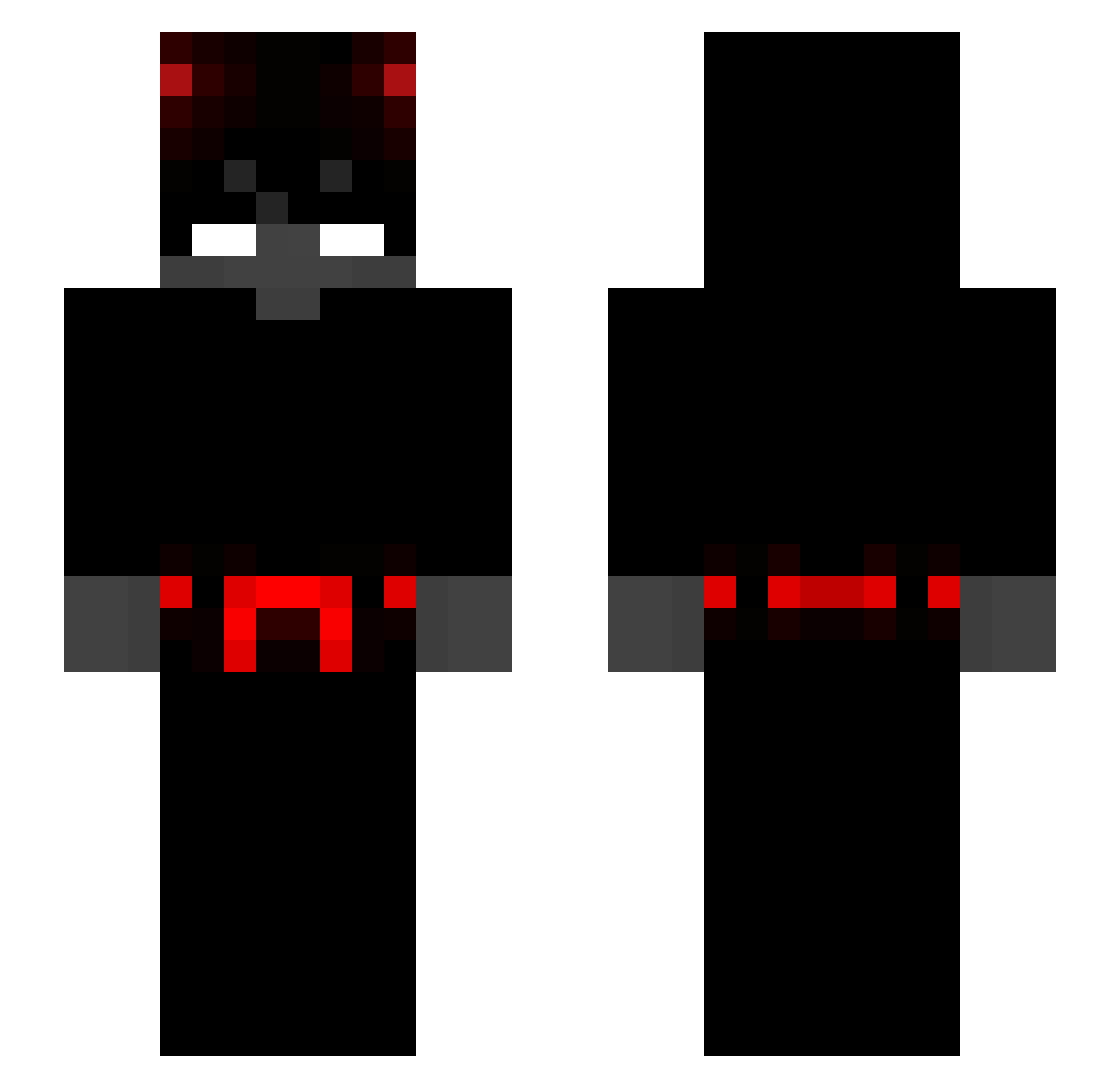
Current Minecraft skin of the player jungergarten, loaded from the official Mojang API. Rotate the 3D model with your mouse or finger, then download the skin as a PNG file and use it in Minecraft: Bedrock Edition or Java Edition for free. When jungergarten changes their skin, this page updates automatically and the old skin stays in the history below.
Other players with this skin (281)
jungergarten was the 64th player we have seen with this skin, first spotted on 13.08.2026. The same skin was seen on these players. Open a nickname to see their current skin and skin history.
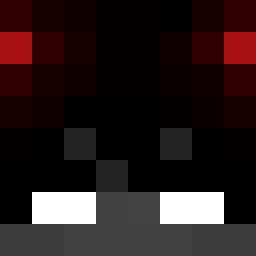 Rzyu Cantinaro browsingcactus NowayZed Herobrine14207 nermat115 K3r0k0 Justin2873 GUSKXX JuleztheFoolz iru66 Filetoide zMxrc3l_ Uragiri666 ThCDriWeed BadWurst ToretePresidente _89N 69_enjoyer JandroS1 zTunicPvP BarbaRoja Lamxnt psycho_ping BKpilot3
 wladimirkoresmil Crdoan emre7855 DontFF demonul003 frovix1234 JSFogarty MlghtyMoe 22inches RENZOINKED PLU5 Itz_zNicks Suzh Sisyphonos HoFFy_Xx Teiqaro_ Razerna7 Beenyi kingazoz99
 Otshe OxyValid dekrypted_ opemaruto ramon_juni0r Dylan1001001 nek0mata_n R1pp3r435 mysticmillie InvisGuy_ MorcillaSensei Terry_Kor Monolyths River446 BOW_power1 UnaiiBlaze
More Devil Minecraft skins
How to install the jungergarten skin
- Press the Download button above to save the skin as a PNG file.
- Minecraft: Bedrock Edition (PE): open the Dressing Room from the main menu (or tap your character → Edit Character), go to Classic Skins → Owned, press the + (new skin) button, choose the downloaded PNG and pick the Slim (Alex) model. Works on PC and mobile; consoles cannot import custom skins.
- Minecraft: Java Edition: open the Minecraft Launcher, go to the Skins tab, click New Skin, load the PNG, pick the Slim (Alex) model and press Save & Use. You can also upload it at minecraft.net → Profile → Change Skin.
The skin does not show up after import - what should I do?
Restart Minecraft and open the Dressing Room again - imported skins sometimes appear only after a restart. Also make sure you selected the imported skin and picked the Slim (Alex) model.
Which model should I choose, Classic or Slim?
This skin is designed for the Slim (Alex) model. If you pick the wrong model, the arms of the skin will look stretched or squeezed.
Is the skin of jungergarten free to download?
Yes. Press Download, save the PNG file and use it in Minecraft: Bedrock Edition or Java Edition - no payment or registration needed. The skin also works on multiplayer servers and Realms.
More skins
Looking for more? Go back to all Minecraft skins and check the top skins of the week, month and all time, or find any player's skin by nickname.