
jun1orjos4y - Minecraft Skins & Skin History
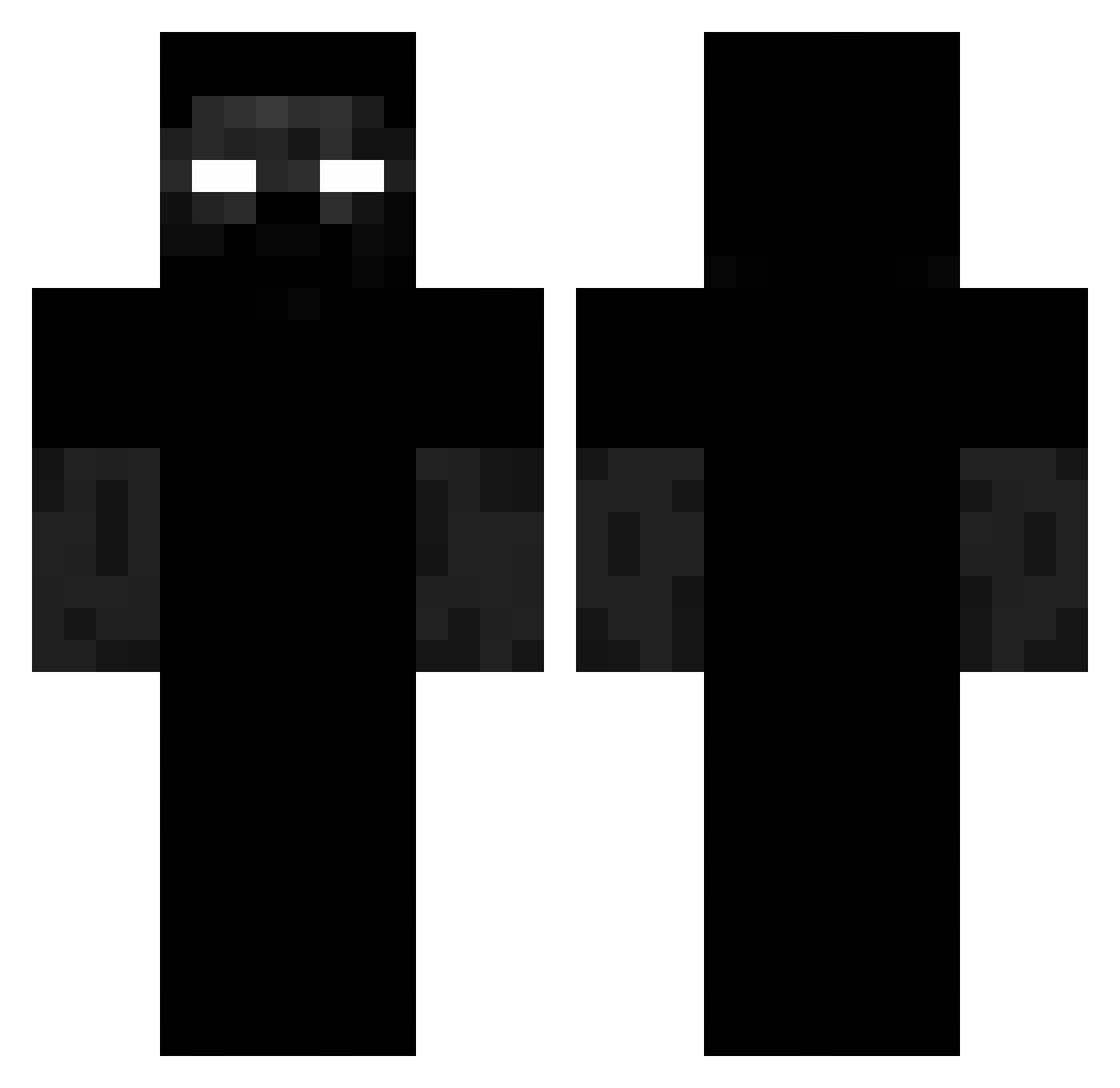
Current Minecraft skin of the player jun1orjos4y, loaded from the official Mojang API. Rotate the 3D model with your mouse or finger, then download the skin as a PNG file and use it in Minecraft: Bedrock Edition or Java Edition for free. When jun1orjos4y changes their skin, this page updates automatically and the old skin stays in the history below.
Other players with this skin (217)
jun1orjos4y was the 140th player we have seen with this skin, first spotted on 28.09.2026. The same skin was seen on these players. Open a nickname to see their current skin and skin history.
 Edennn_N diegocosta2013 MarsaLeere RuehreiToGO 00YVL00 Memphasys Skydowzz SCCCP1219 Xilom666 Jirran moonl11 BONICE_DE_FRESA pietradura RacsoMedina Vector20141 TZUB mertuy Murilotrap gothchk_17 aussik 70migxelaxo Dolar__ lalazoid Premium_Hits GaelRz GaMasterZ dinox99 Sethhasnogame Turalu HogRider08 Velocifer Kryzzzzzzz Massimobs1971 MB54A ReallNyx kkefuuu temid0 awndr 72HLynx LLogiczny Sushi37 packo99 ____HAYDEN____ gSquizzzle Manufdz07 1hhh suoxie_e krypti36 ClaraPrintesa captaingalaxy17 tizianopro phannhatlevy TEST1061925 deadpig3 KrakowskaMaczeta xXBaraninaXx cc4z PCD34TH haakoock dekukox
More Creepy Minecraft skins
How to install the jun1orjos4y skin
- Press the Download button above to save the skin as a PNG file.
- Minecraft: Bedrock Edition (PE): open the Dressing Room from the main menu (or tap your character → Edit Character), go to Classic Skins → Owned, press the + (new skin) button, choose the downloaded PNG and pick the Classic (Steve) model. Works on PC and mobile; consoles cannot import custom skins.
- Minecraft: Java Edition: open the Minecraft Launcher, go to the Skins tab, click New Skin, load the PNG, pick the Classic (Steve) model and press Save & Use. You can also upload it at minecraft.net → Profile → Change Skin.
The skin does not show up after import - what should I do?
Restart Minecraft and open the Dressing Room again - imported skins sometimes appear only after a restart. Also make sure you selected the imported skin and picked the Classic (Steve) model.
Which model should I choose, Classic or Slim?
This skin is designed for the Classic (Steve) model. If you pick the wrong model, the arms of the skin will look stretched or squeezed.
Is the skin of jun1orjos4y free to download?
Yes. Press Download, save the PNG file and use it in Minecraft: Bedrock Edition or Java Edition - no payment or registration needed. The skin also works on multiplayer servers and Realms.
More skins
Looking for more? Go back to all Minecraft skins and check the top skins of the week, month and all time, or find any player's skin by nickname.