
julxsze - Minecraft Skins & Skin History
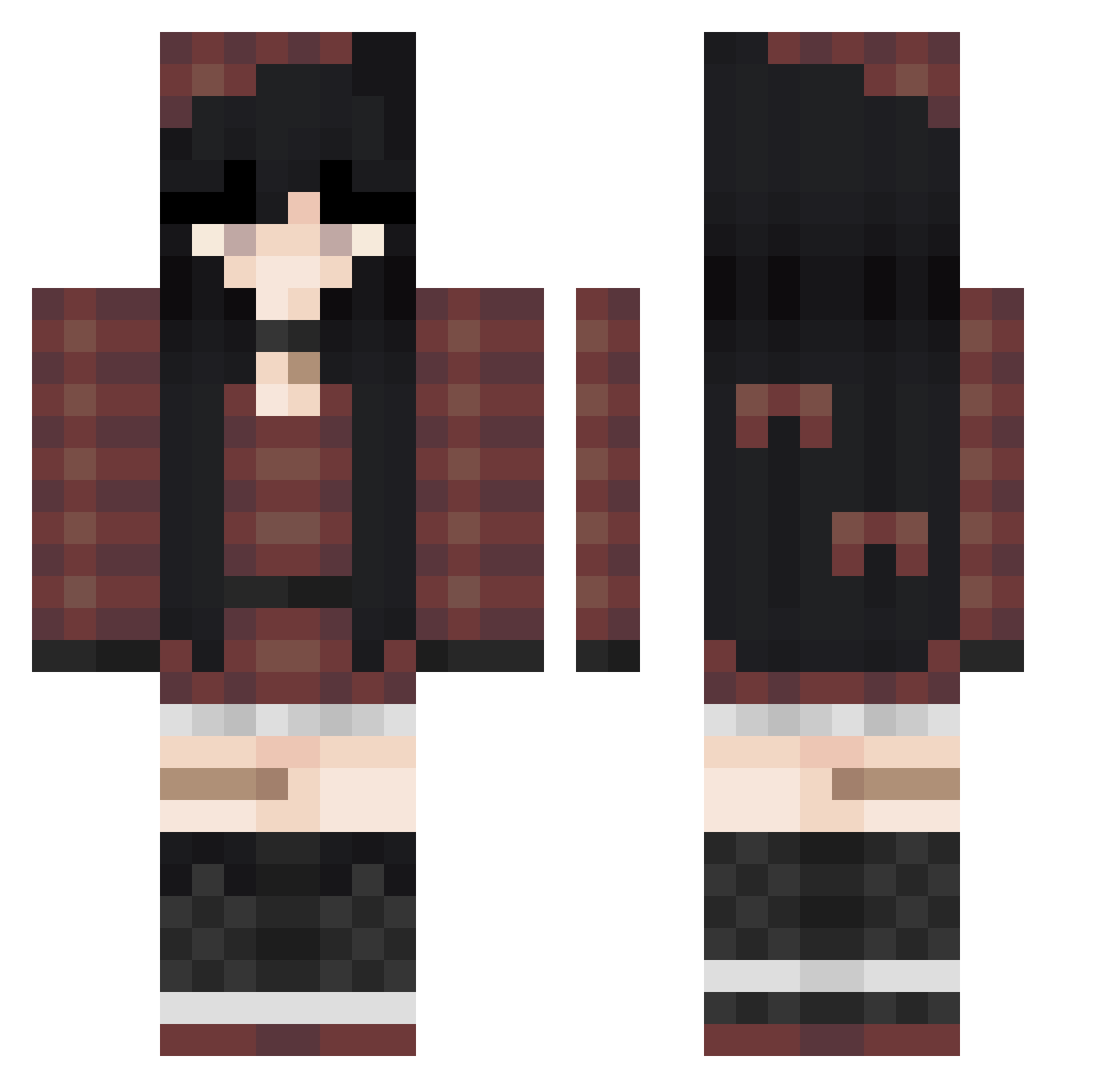
Current Minecraft skin of the player julxsze, loaded from the official Mojang API. Rotate the 3D model with your mouse or finger, then download the skin as a PNG file and use it in Minecraft: Bedrock Edition or Java Edition for free. When julxsze changes their skin, this page updates automatically and the old skin stays in the history below.
Other players with this skin (50)
julxsze was the 43rd player we have seen with this skin, first spotted on 07.10.2026. The same skin was seen on these players. Open a nickname to see their current skin and skin history.
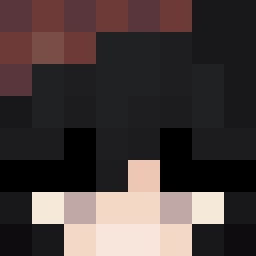 bumnie Equestrian6589 Tavka IamKRACK PlumPlum RubyZE Banshee_xx Siekkiera a511 ManuxGr BungusEnjoyer296 MariaRavenclaw _kerbear_ wnter4 Yanx015 QueenMaro Zelerius Shannonbeats XQnnYl Daihara Elliie_ lyyis zValen20_ domisu_ MrRoki6 whosmiku Alizeankryl huajuan23333 xKeirazelle robbingyourmom Andreagamerrr RinaliwX Gcsix Waterchu_ Alia_Plum
 SM0uwse D00dBr0 pe_dro19231
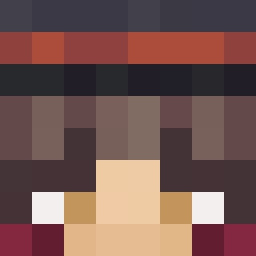 Mjaukatt 4paula4
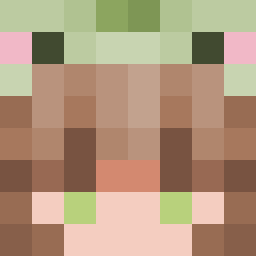 barnem marchelllle aikuuPL CrystalStorming LailaGall
 ivyr lisoon ShiroiRestart_
 lociffer ItsumoxDanku
More Plaid Minecraft skins
How to install the julxsze skin
- Press the Download button above to save the skin as a PNG file.
- Minecraft: Bedrock Edition (PE): open the Dressing Room from the main menu (or tap your character → Edit Character), go to Classic Skins → Owned, press the + (new skin) button, choose the downloaded PNG and pick the Classic (Steve) model. Works on PC and mobile; consoles cannot import custom skins.
- Minecraft: Java Edition: open the Minecraft Launcher, go to the Skins tab, click New Skin, load the PNG, pick the Classic (Steve) model and press Save & Use. You can also upload it at minecraft.net → Profile → Change Skin.
The skin does not show up after import - what should I do?
Restart Minecraft and open the Dressing Room again - imported skins sometimes appear only after a restart. Also make sure you selected the imported skin and picked the Classic (Steve) model.
Which model should I choose, Classic or Slim?
This skin is designed for the Classic (Steve) model. If you pick the wrong model, the arms of the skin will look stretched or squeezed.
Is the skin of julxsze free to download?
Yes. Press Download, save the PNG file and use it in Minecraft: Bedrock Edition or Java Edition - no payment or registration needed. The skin also works on multiplayer servers and Realms.
More skins
Looking for more? Go back to all Minecraft skins and check the top skins of the week, month and all time, or find any player's skin by nickname.