
juhwan1222 - Minecraft Skins & Skin History
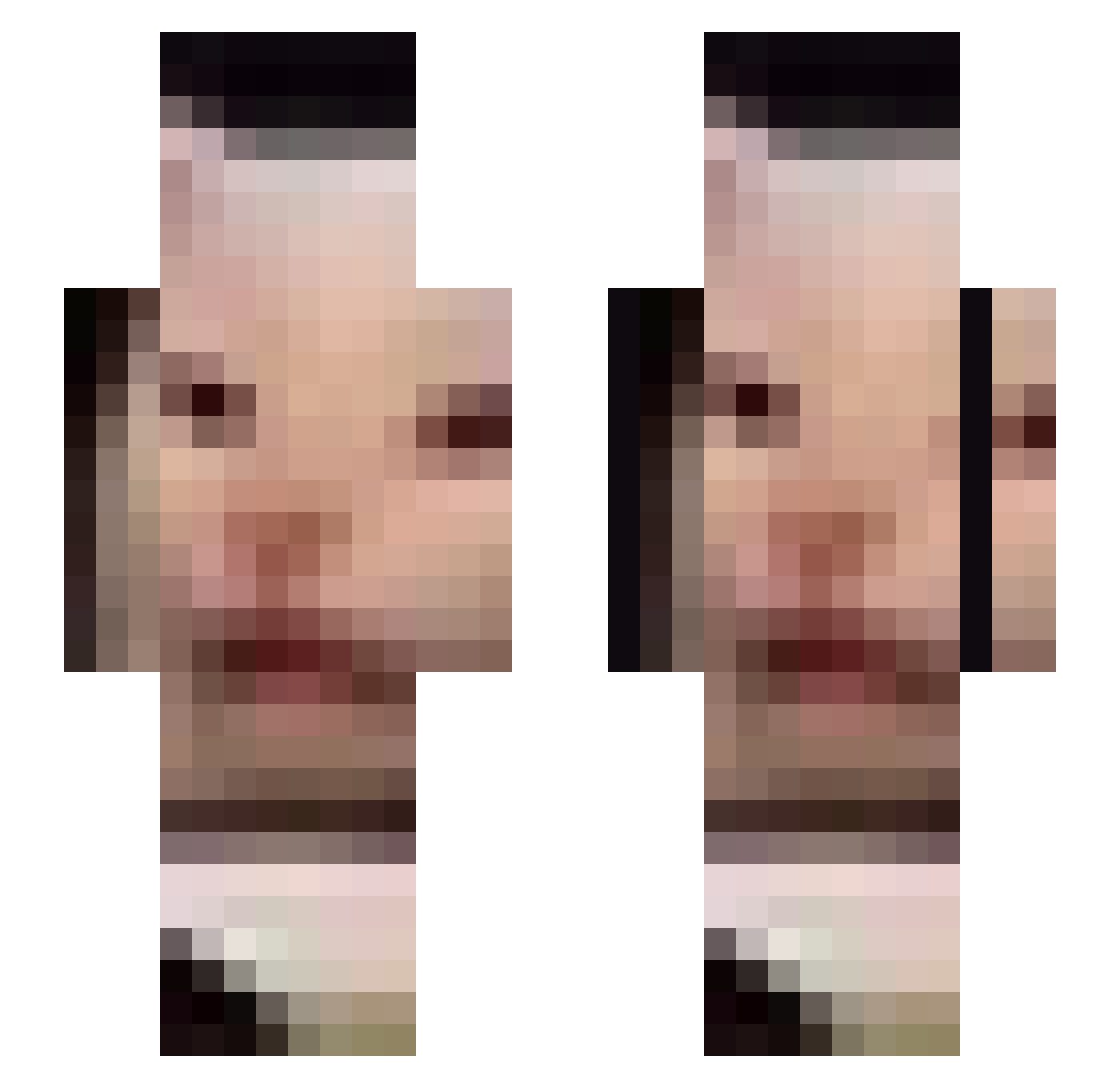
Current Minecraft skin of the player juhwan1222, loaded from the official Mojang API. Rotate the 3D model with your mouse or finger, then download the skin as a PNG file and use it in Minecraft: Bedrock Edition or Java Edition for free. When juhwan1222 changes their skin, this page updates automatically and the old skin stays in the history below.
Other players with this skin (743)
juhwan1222 was the 727th player we have seen with this skin, first spotted on 07.11.2026. The same skin was seen on these players. Open a nickname to see their current skin and skin history.
 Probably_Ted crynrn Frekie1 EmporioAlnino Uncle_Bao_Fan24 skillaad Shinigami_Kera BeanerDaddy _MesoCyclone_ hibokie cLazi IkerLopez Jenkzzzzz AscendedCatte LewdSeal killerpony dipiglet gallogy Enjoyee Dangernoodle29 NymVel lofiwrath unarmd JannisZwei BlockBuilding2k ItsBritneyBeach MoistOyster01 StopItStepBr0 shushzz astrman100 alexmjes chr0mosomehunter Giggty1243 CloudyWhisky _Adis_ miscas z9z4 crocNball iVanblu Vinogradniy_Sok Pope_Lois OklaCoffee carlosgbenavides RunRunOuO dustbowI digimon656 Endryal Sassumeh CopyPastfe Hazza4532 livingsaucer willybob99 Luisgamercool25 midnanetje alexsnb Minusto LilAcorn122 VectikDzn Julienoseo LumpyLomas
More Beluga Cat Minecraft skins
How to install the juhwan1222 skin
- Press the Download button above to save the skin as a PNG file.
- Minecraft: Bedrock Edition (PE): open the Dressing Room from the main menu (or tap your character → Edit Character), go to Classic Skins → Owned, press the + (new skin) button, choose the downloaded PNG and pick the Slim (Alex) model. Works on PC and mobile; consoles cannot import custom skins.
- Minecraft: Java Edition: open the Minecraft Launcher, go to the Skins tab, click New Skin, load the PNG, pick the Slim (Alex) model and press Save & Use. You can also upload it at minecraft.net → Profile → Change Skin.
The skin does not show up after import - what should I do?
Restart Minecraft and open the Dressing Room again - imported skins sometimes appear only after a restart. Also make sure you selected the imported skin and picked the Slim (Alex) model.
Which model should I choose, Classic or Slim?
This skin is designed for the Slim (Alex) model. If you pick the wrong model, the arms of the skin will look stretched or squeezed.
Is the skin of juhwan1222 free to download?
Yes. Press Download, save the PNG file and use it in Minecraft: Bedrock Edition or Java Edition - no payment or registration needed. The skin also works on multiplayer servers and Realms.
More skins
Looking for more? Go back to all Minecraft skins and check the top skins of the week, month and all time, or find any player's skin by nickname.