
jubyman - Minecraft Skins & Skin History
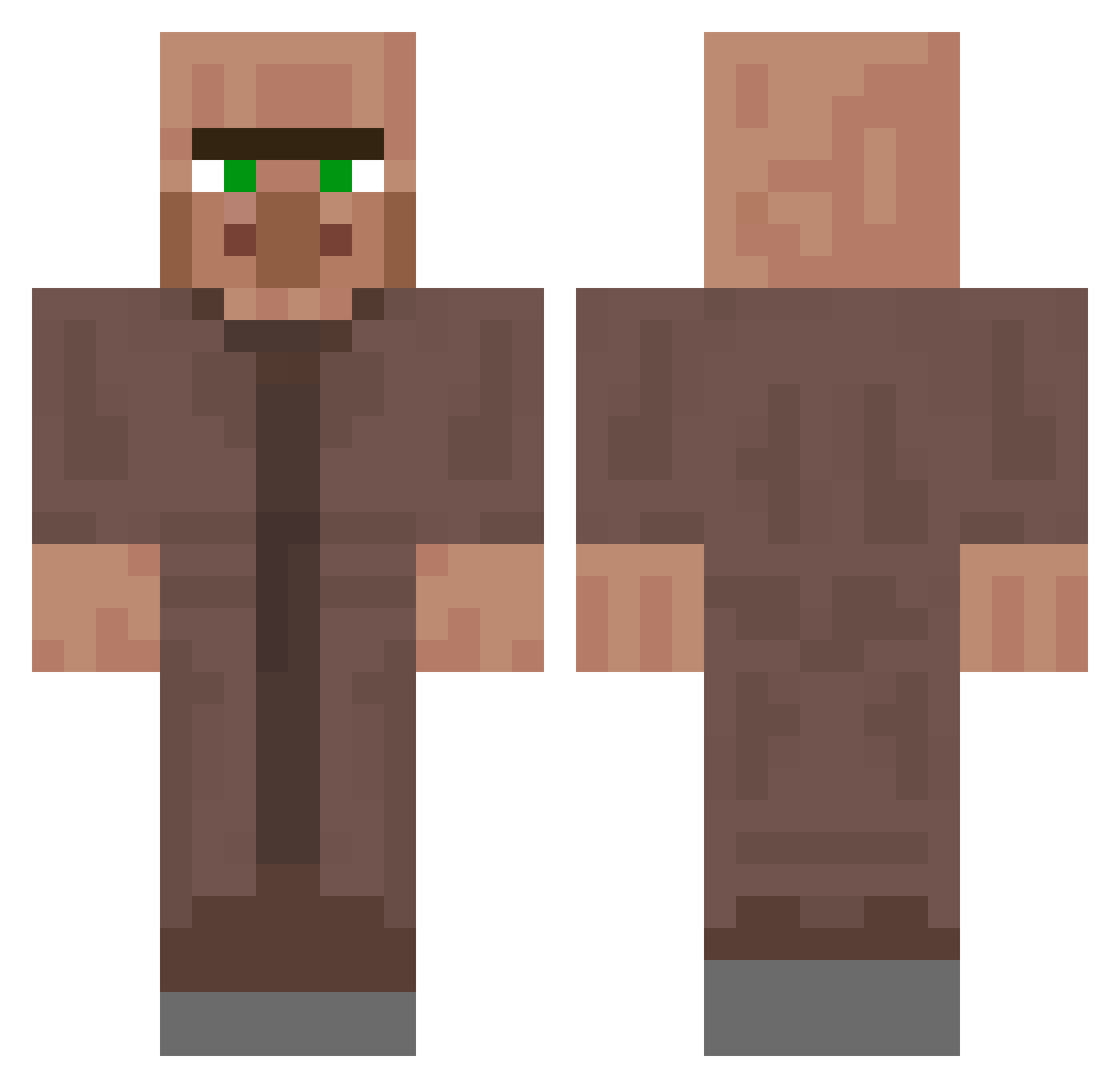
Current Minecraft skin of the player jubyman, loaded from the official Mojang API. Rotate the 3D model with your mouse or finger, then download the skin as a PNG file and use it in Minecraft: Bedrock Edition or Java Edition for free. When jubyman changes their skin, this page updates automatically and the old skin stays in the history below.
Other players with this skin (298)
jubyman was the 279th player we have seen with this skin, first spotted on 11.11.2026. The same skin was seen on these players. Open a nickname to see their current skin and skin history.
 LV2_pika CollinsGaming12 _Bxgel SlimeBoy220 LeVillageois92 RBIB Tomchen PapaPastaa ArisenDiamond50 SchwanLan _Nodoby pantheryens cringedad jechmamo1 El_Shrek_ tubls Racaliou i_8aj Jumbobeef18 sparrowof77 champkorat07 OMGYOULITTLEGAY ugodnik TenTarsier29920 YouGxD ShuukOllie Polomp12 IchBinPrimitiv FrontHats Mr_Anderson13 MrComlag MAG_x Mosiong BeamedByApostles IndianLegend22 Wilf5050 lao_huang__ jubeeeeee Sheriff1 Lqcke AJisnut The_Director_GHG Counterman64 Nebulastar13 TUSOELTUSO Synecxbtw Ic1cle__ WalkingVillager Warszywka Mr_Spongebobs Kokololi_ PowerBrake4334 ggokjidongha _CreamyRick Cheese_Snake mulmul4001 INSUINSUYAYA Xing_qui Capy1169 E_xO1738
More NPC Minecraft skins
How to install the jubyman skin
- Press the Download button above to save the skin as a PNG file.
- Minecraft: Bedrock Edition (PE): open the Dressing Room from the main menu (or tap your character → Edit Character), go to Classic Skins → Owned, press the + (new skin) button, choose the downloaded PNG and pick the Classic (Steve) model. Works on PC and mobile; consoles cannot import custom skins.
- Minecraft: Java Edition: open the Minecraft Launcher, go to the Skins tab, click New Skin, load the PNG, pick the Classic (Steve) model and press Save & Use. You can also upload it at minecraft.net → Profile → Change Skin.
The skin does not show up after import - what should I do?
Restart Minecraft and open the Dressing Room again - imported skins sometimes appear only after a restart. Also make sure you selected the imported skin and picked the Classic (Steve) model.
Which model should I choose, Classic or Slim?
This skin is designed for the Classic (Steve) model. If you pick the wrong model, the arms of the skin will look stretched or squeezed.
Is the skin of jubyman free to download?
Yes. Press Download, save the PNG file and use it in Minecraft: Bedrock Edition or Java Edition - no payment or registration needed. The skin also works on multiplayer servers and Realms.
More skins
Looking for more? Go back to all Minecraft skins and check the top skins of the week, month and all time, or find any player's skin by nickname.