
juanodsk - Minecraft Skins & Skin History
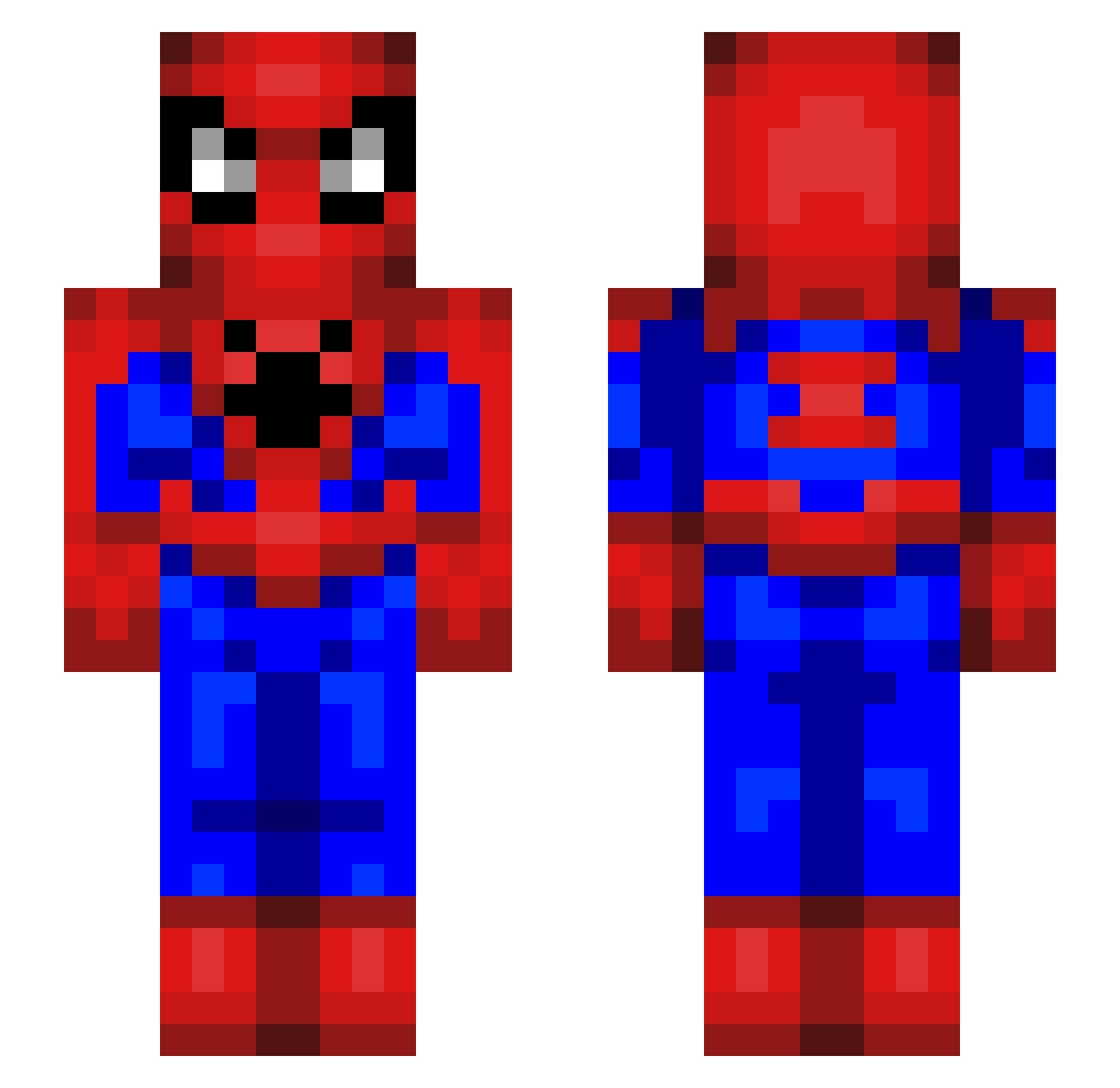
Current Minecraft skin of the player juanodsk, loaded from the official Mojang API. Rotate the 3D model with your mouse or finger, then download the skin as a PNG file and use it in Minecraft: Bedrock Edition or Java Edition for free. When juanodsk changes their skin, this page updates automatically and the old skin stays in the history below.
Other players with this skin (56)
juanodsk was the 47th player we have seen with this skin, first spotted on 03.11.2026. The same skin was seen on these players. Open a nickname to see their current skin and skin history.
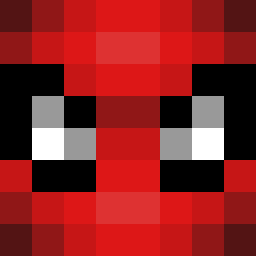 SaDo661 eungre seanplus ElioSV Jayyzo Kobe00 Hadding1488 Anrueda StPattyAr tooo0727 Redheaded222 noduerm0_ Nasgans PintSlurper Stv1x_ Beanos_X Cpapii ThejuanK APM2A amDerp drjupork GuitarGodLuke ApostleAircraft BrayNaldo TheCooterLooter MicuXx _giermek_ albero_bello myckox UndeadLocked Z_e_r_o___ esely sushi893 seojinjeon axoulgf dewgiby ClickFilAa SenorLodenstein Aki_22 TAEbo9 CEINAX _MlodyGniewny_ NISHIMURA12
 SpikerSaS YOONRYUK BigPinky BigNossoVeer jorginho013
 Dark_Chan19 Luckenyo DoeJeon90 Pepsk64 CronaKadle JO3YS 69gustaf AlejoAggi
More Spider-Man Minecraft skins
How to install the juanodsk skin
- Press the Download button above to save the skin as a PNG file.
- Minecraft: Bedrock Edition (PE): open the Dressing Room from the main menu (or tap your character → Edit Character), go to Classic Skins → Owned, press the + (new skin) button, choose the downloaded PNG and pick the Slim (Alex) model. Works on PC and mobile; consoles cannot import custom skins.
- Minecraft: Java Edition: open the Minecraft Launcher, go to the Skins tab, click New Skin, load the PNG, pick the Slim (Alex) model and press Save & Use. You can also upload it at minecraft.net → Profile → Change Skin.
The skin does not show up after import - what should I do?
Restart Minecraft and open the Dressing Room again - imported skins sometimes appear only after a restart. Also make sure you selected the imported skin and picked the Slim (Alex) model.
Which model should I choose, Classic or Slim?
This skin is designed for the Slim (Alex) model. If you pick the wrong model, the arms of the skin will look stretched or squeezed.
Is the skin of juanodsk free to download?
Yes. Press Download, save the PNG file and use it in Minecraft: Bedrock Edition or Java Edition - no payment or registration needed. The skin also works on multiplayer servers and Realms.
More skins
Looking for more? Go back to all Minecraft skins and check the top skins of the week, month and all time, or find any player's skin by nickname.