
jsdsparky - Minecraft Skins & Skin History
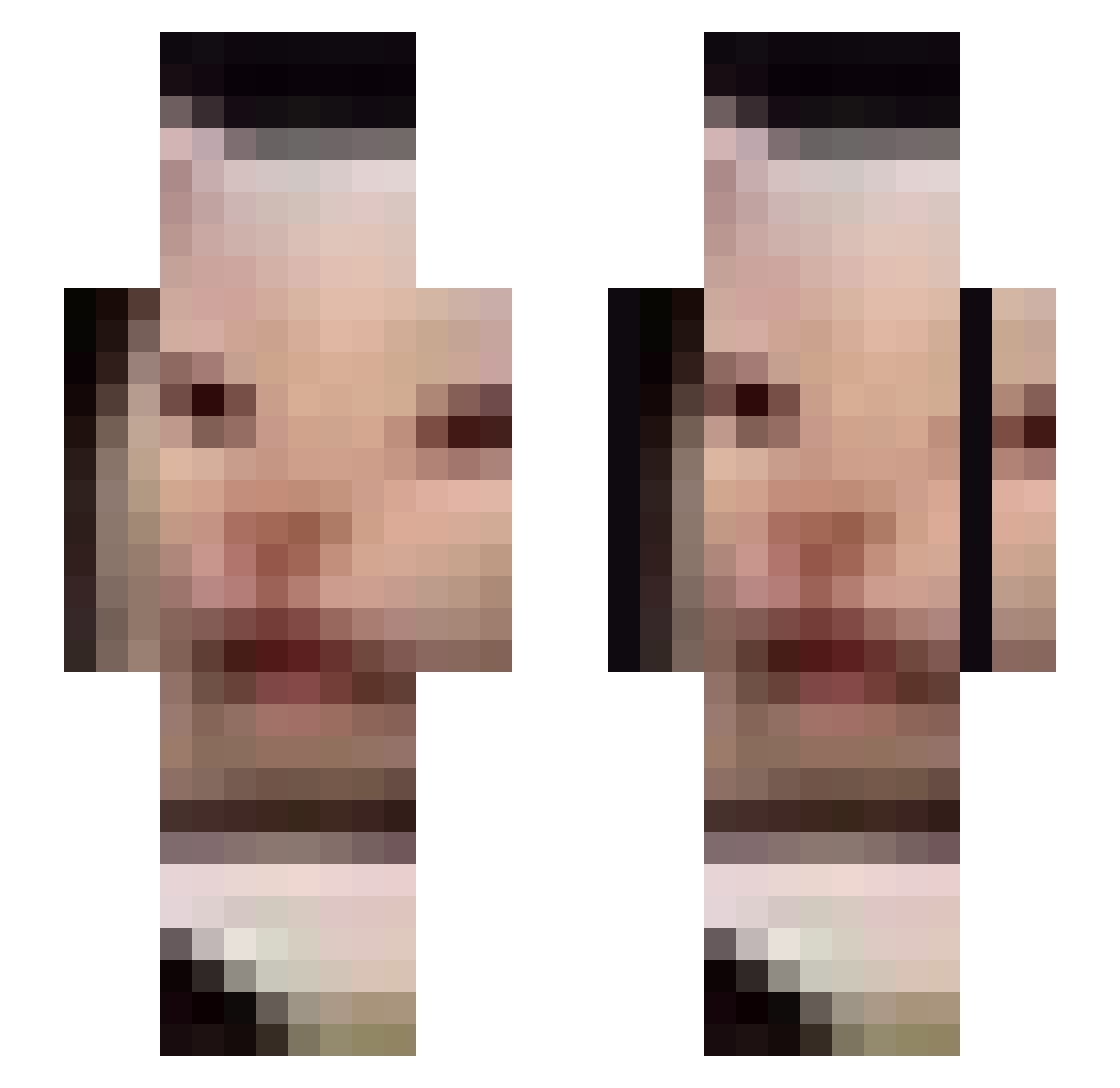
Current Minecraft skin of the player jsdsparky, loaded from the official Mojang API. Rotate the 3D model with your mouse or finger, then download the skin as a PNG file and use it in Minecraft: Bedrock Edition or Java Edition for free. When jsdsparky changes their skin, this page updates automatically and the old skin stays in the history below.
Other players with this skin (676)
jsdsparky was the 160th player we have seen with this skin, first spotted on 18.08.2026. The same skin was seen on these players. Open a nickname to see their current skin and skin history.
 battier_sheep jeidriss _Gado01_ ResuuFan 69BokChoy69 SShhmel beegbeegchungus AHHAHAHahhaHAHAH NOCHMAL k4ski__ reprobeliiangeli Park_Chunja Arubino kwjor dabbedabbe inversiontable01 glassdagger Radtra beelzebubo desseced jjyunni Cokmagic calhoun02 peytondillon pcy0202 windykator74 dragonvij DrewFerd SgtKartoffelsack FrankBacardi mochimane yas_uface Indometacin xWiinD Tedbundy101 Cesar_fi 97_79 Tlatla_ ivoketa Marilicious_89 VardenisPavarden Patty_Whack _M_e_t_h ImSaggy bobmahoy sophtice Ildryn_ Sangrod salocin224 slythbish Lasto65 slodziakx manonamissionC Lanted DanyaW ShrekKingOfKells yraf asdlkga Mafacka_ Dingabadonga
More Beluga Minecraft skins
How to install the jsdsparky skin
- Press the Download button above to save the skin as a PNG file.
- Minecraft: Bedrock Edition (PE): open the Dressing Room from the main menu (or tap your character → Edit Character), go to Classic Skins → Owned, press the + (new skin) button, choose the downloaded PNG and pick the Slim (Alex) model. Works on PC and mobile; consoles cannot import custom skins.
- Minecraft: Java Edition: open the Minecraft Launcher, go to the Skins tab, click New Skin, load the PNG, pick the Slim (Alex) model and press Save & Use. You can also upload it at minecraft.net → Profile → Change Skin.
The skin does not show up after import - what should I do?
Restart Minecraft and open the Dressing Room again - imported skins sometimes appear only after a restart. Also make sure you selected the imported skin and picked the Slim (Alex) model.
Which model should I choose, Classic or Slim?
This skin is designed for the Slim (Alex) model. If you pick the wrong model, the arms of the skin will look stretched or squeezed.
Is the skin of jsdsparky free to download?
Yes. Press Download, save the PNG file and use it in Minecraft: Bedrock Edition or Java Edition - no payment or registration needed. The skin also works on multiplayer servers and Realms.
More skins
Looking for more? Go back to all Minecraft skins and check the top skins of the week, month and all time, or find any player's skin by nickname.