
joeb88 - Minecraft Skins & Skin History
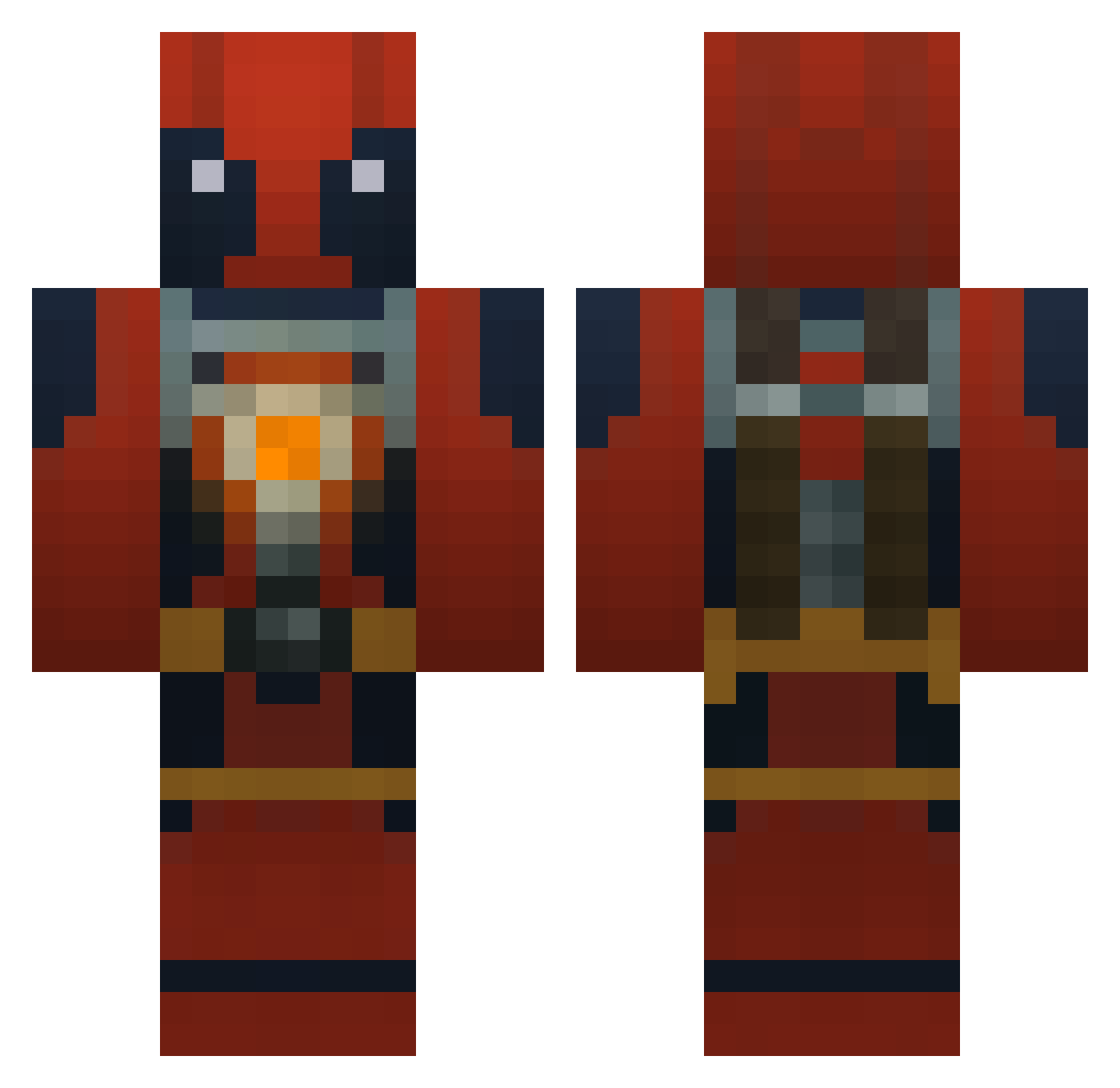
Current Minecraft skin of the player joeb88, loaded from the official Mojang API. Rotate the 3D model with your mouse or finger, then download the skin as a PNG file and use it in Minecraft: Bedrock Edition or Java Edition for free. When joeb88 changes their skin, this page updates automatically and the old skin stays in the history below.
Other players with this skin (960)
joeb88 was the 863rd player we have seen with this skin, first spotted on 31.10.2026. The same skin was seen on these players. Open a nickname to see their current skin and skin history.
 Snobby_D GetHyp3rr zombiegod1 Squeamish0989 ArmoredCavalry neon_turtle5370 FrozenExplosion cyberDrake J4B4RI sterbengod Adrizone2013 XxMinePoopxX daila0 clinkes rstar1841 MasterGamer43002 issam_titan 3QG kingcamo03 Bearach motp7651 GoldenAgeSwag Deadangel91 chombers CmdStebe RocketBooms shotgunemmet CrymoreSwe ReGGaeSmUrFzZ Gallinago Rainbowxtaco RapaxTheGooner Cannonfodder19 dawzo56 Punho skytiss MAT0V PyroSniper124 L_D_C emirhan_ IAFaridAmiri Viciouskopa vDriizzy MANSE_95 Jurrepurre69 NinjaBlade88 BubaD Dr_Redstone Facestomp21 SamJangRobot Hordesoup Sp1ckSPK DeathLord1000000 EmNaxi Mutiz frognuggett SisHorse DaBeast333777 Nixmitkacke Drewskii_Drew
More Deadpool Minecraft skins
How to install the joeb88 skin
- Press the Download button above to save the skin as a PNG file.
- Minecraft: Bedrock Edition (PE): open the Dressing Room from the main menu (or tap your character → Edit Character), go to Classic Skins → Owned, press the + (new skin) button, choose the downloaded PNG and pick the Classic (Steve) model. Works on PC and mobile; consoles cannot import custom skins.
- Minecraft: Java Edition: open the Minecraft Launcher, go to the Skins tab, click New Skin, load the PNG, pick the Classic (Steve) model and press Save & Use. You can also upload it at minecraft.net → Profile → Change Skin.
The skin does not show up after import - what should I do?
Restart Minecraft and open the Dressing Room again - imported skins sometimes appear only after a restart. Also make sure you selected the imported skin and picked the Classic (Steve) model.
Which model should I choose, Classic or Slim?
This skin is designed for the Classic (Steve) model. If you pick the wrong model, the arms of the skin will look stretched or squeezed.
Is the skin of joeb88 free to download?
Yes. Press Download, save the PNG file and use it in Minecraft: Bedrock Edition or Java Edition - no payment or registration needed. The skin also works on multiplayer servers and Realms.
More skins
Looking for more? Go back to all Minecraft skins and check the top skins of the week, month and all time, or find any player's skin by nickname.