
jifly - Minecraft Skins & Skin History
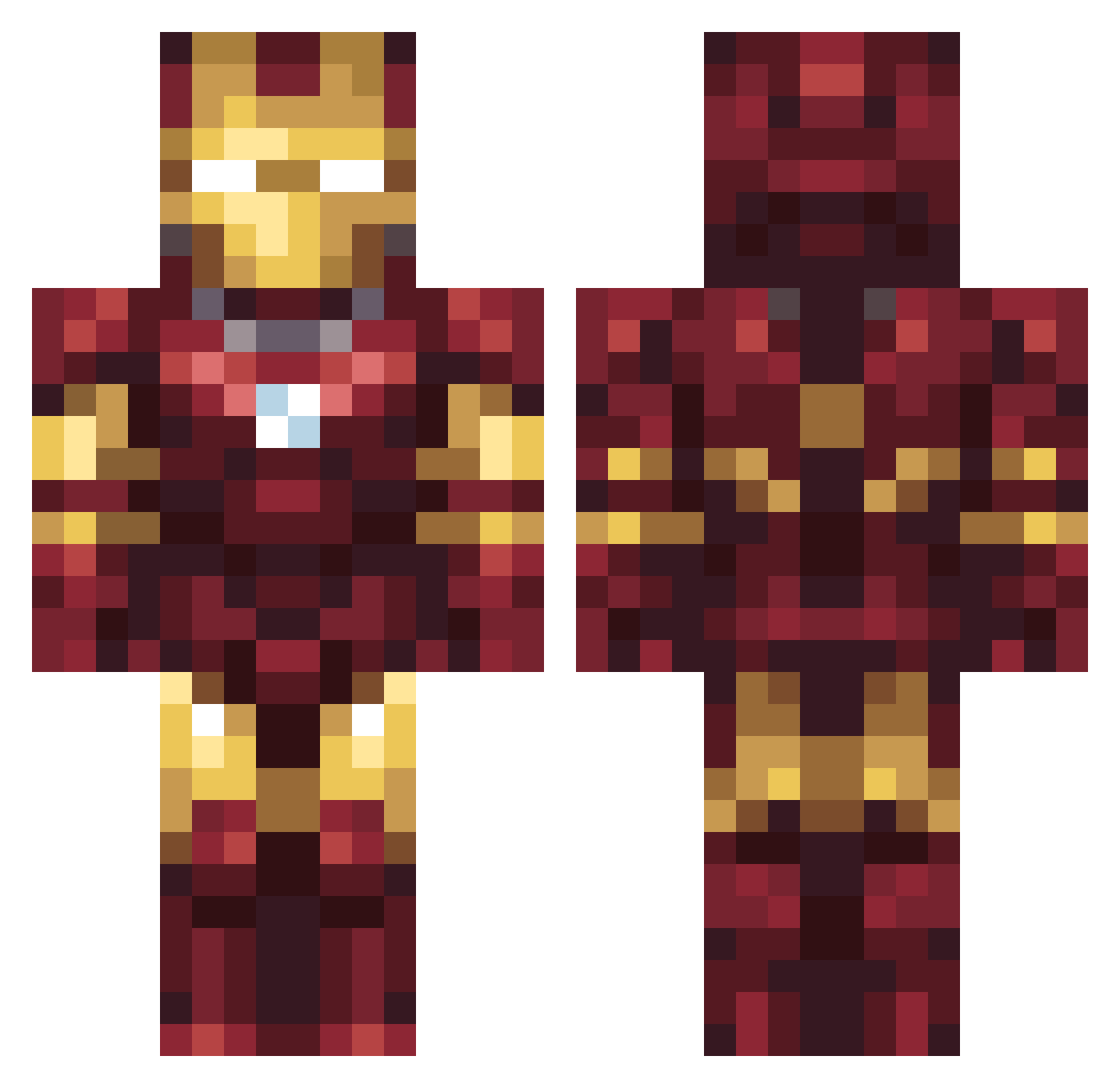
Current Minecraft skin of the player jifly, loaded from the official Mojang API. Rotate the 3D model with your mouse or finger, then download the skin as a PNG file and use it in Minecraft: Bedrock Edition or Java Edition for free. When jifly changes their skin, this page updates automatically and the old skin stays in the history below.
Other players with this skin (75)
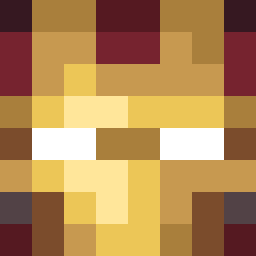
jifly was the 31st player we have seen with this skin, first spotted on 09.09.2026. The same skin was seen on these players. Open a nickname to see their current skin and skin history.
 Smolq777
 Arocha_ Baejaewan Yagiz_Keskin GoldenMediaGirl Finnsi98
 Elijah2866 Pooternackler JollBoo hwrdstark GeorgeG285 FatherMichael1 vvkq GotShooter459 MatheusFMDS Teddy_The_Goat dave789cze AncientLenn walala_niao RpGhost66 Gtmakess MERKZY69 chillz5656 Digiorno0 zaxqaxculo JLYanis290 xInstaK1llzx eianski ElzoBB tatigotlost Qwegon n_e_s judethedude0213 brazzyfoo WhosDrunker cheesecurl3 dendy2507 TungTungTungSaha ntroy_lopsided89 Palms_ Theyardy BuzzyWA Mand0hl MrBagzPlayz Sprinxz_ Zqbba MACampbell FlamingItalian Its_NinjaHD MajkelsSupaTwins MikeBarrientos latyakaf TheIceCreanMan maaronko mind_zombie hunngee MacAttackCombo Domi777999 juliaRAGE ArdaJK
More Iron Man Minecraft skins
How to install the jifly skin
- Press the Download button above to save the skin as a PNG file.
- Minecraft: Bedrock Edition (PE): open the Dressing Room from the main menu (or tap your character → Edit Character), go to Classic Skins → Owned, press the + (new skin) button, choose the downloaded PNG and pick the Classic (Steve) model. Works on PC and mobile; consoles cannot import custom skins.
- Minecraft: Java Edition: open the Minecraft Launcher, go to the Skins tab, click New Skin, load the PNG, pick the Classic (Steve) model and press Save & Use. You can also upload it at minecraft.net → Profile → Change Skin.
The skin does not show up after import - what should I do?
Restart Minecraft and open the Dressing Room again - imported skins sometimes appear only after a restart. Also make sure you selected the imported skin and picked the Classic (Steve) model.
Which model should I choose, Classic or Slim?
This skin is designed for the Classic (Steve) model. If you pick the wrong model, the arms of the skin will look stretched or squeezed.
Is the skin of jifly free to download?
Yes. Press Download, save the PNG file and use it in Minecraft: Bedrock Edition or Java Edition - no payment or registration needed. The skin also works on multiplayer servers and Realms.
More skins
Looking for more? Go back to all Minecraft skins and check the top skins of the week, month and all time, or find any player's skin by nickname.