
jeanpaul225 - Minecraft Skins & Skin History
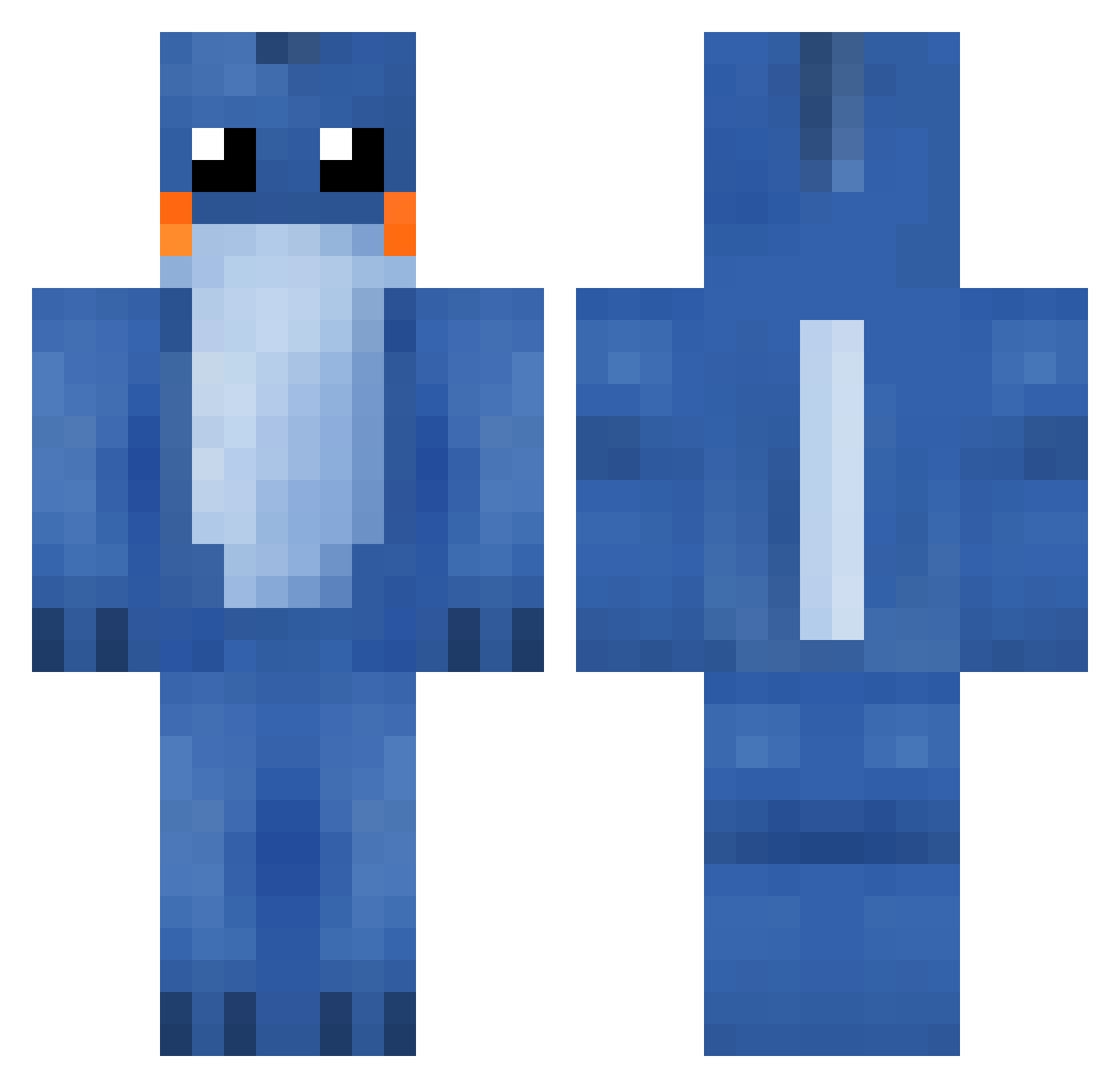
Current Minecraft skin of the player jeanpaul225, loaded from the official Mojang API. Rotate the 3D model with your mouse or finger, then download the skin as a PNG file and use it in Minecraft: Bedrock Edition or Java Edition for free. When jeanpaul225 changes their skin, this page updates automatically and the old skin stays in the history below.
Other players with this skin (287)
jeanpaul225 was the 138th player we have seen with this skin, first spotted on 19.09.2026. The same skin was seen on these players. Open a nickname to see their current skin and skin history.
 EastOmnivore6 PillowMonster5 TheWhiteGucciMan hugohab Plyppen davychew harlem21 1beansies1 Rylicious neubs AidFanat Dilbert634 TRHOOLIGAN Tiimm_ GRILLETT_13 OpticProMo JJang_E2 NRodriguez990 LudaWorld Hampus_MX Mief21 Brendan0wnz mainari6996 emmett2006 Alekee danceswithtoast Grimmy360 MuL_Zzang TgS_Wicked nire dorad LOL_company UltimateCow100 crazylucas14 xNillap Bobbaco Lukcio Danstifir Jackas14 ultducky43 TaserMC danishbubber Volvo740_ xBombus C_Gee watsonmagfozen Minecraftman2233 theryer007 qittjm xrdgood LiesABC Eriksson_swe stupidbench kekkles ReEnter ellysayy x_Draven_x fridor shn6a BVawesomeness
More Lilo And Stitch Minecraft skins
See all 491 Lilo And Stitch skins
How to install the jeanpaul225 skin
- Press the Download button above to save the skin as a PNG file.
- Minecraft: Bedrock Edition (PE): open the Dressing Room from the main menu (or tap your character → Edit Character), go to Classic Skins → Owned, press the + (new skin) button, choose the downloaded PNG and pick the Classic (Steve) model. Works on PC and mobile; consoles cannot import custom skins.
- Minecraft: Java Edition: open the Minecraft Launcher, go to the Skins tab, click New Skin, load the PNG, pick the Classic (Steve) model and press Save & Use. You can also upload it at minecraft.net → Profile → Change Skin.
The skin does not show up after import - what should I do?
Restart Minecraft and open the Dressing Room again - imported skins sometimes appear only after a restart. Also make sure you selected the imported skin and picked the Classic (Steve) model.
Which model should I choose, Classic or Slim?
This skin is designed for the Classic (Steve) model. If you pick the wrong model, the arms of the skin will look stretched or squeezed.
Is the skin of jeanpaul225 free to download?
Yes. Press Download, save the PNG file and use it in Minecraft: Bedrock Edition or Java Edition - no payment or registration needed. The skin also works on multiplayer servers and Realms.
More skins
Looking for more? Go back to all Minecraft skins and check the top skins of the week, month and all time, or find any player's skin by nickname.