
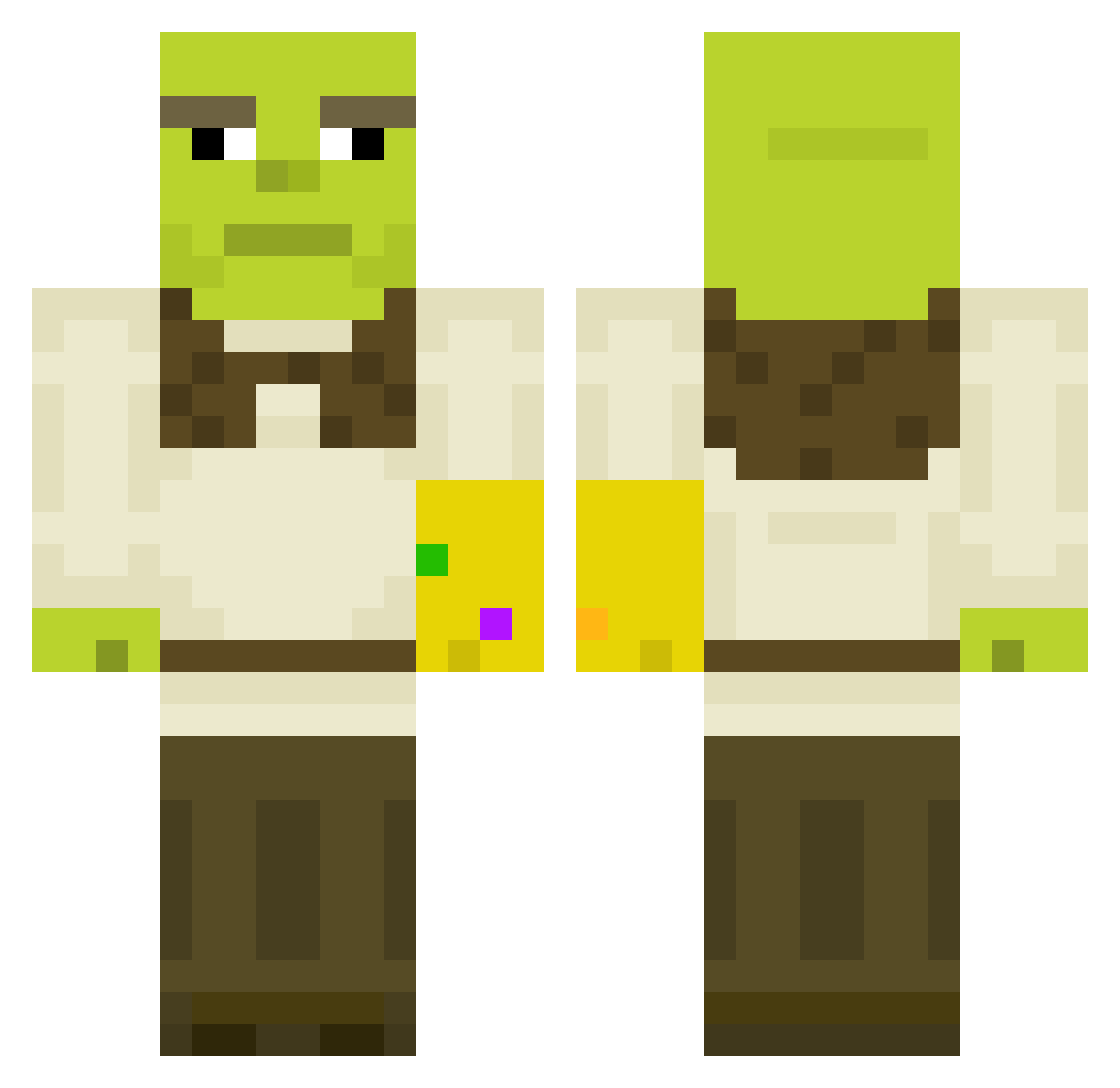
Current Minecraft skin of the player jaydos_mate, loaded from the official Mojang API. Rotate the 3D model with your mouse or finger, then download the skin as a PNG file and use it in Minecraft: Bedrock Edition or Java Edition for free. When jaydos_mate changes their skin, this page updates automatically and the old skin stays in the history below.
Other players with this skin (397)
jaydos_mate was the 243rd player we have seen with this skin, first spotted on 20.09.2026. The same skin was seen on these players. Open a nickname to see their current skin and skin history.
 Landed645 djruw FrozenYogurt MASLAK_0 Tomasz_Wlo Bassassinq Runtumestari Bimmer_boi dymnx17 zabzia _l_e_s_h_a_ kamperski netac2 Llameister PauloShrekelho SmellyFartBoi EllVitz WillyWacker_ maxjl429 Rydens adheersa viviianlu bryonymarie Andrew_X Opmok Weedar Death_Squared BWULFF1 chumpe25 SweetFlowers Jorelsen hiyata_ Chumleeee Dezon12 spartanpo CyberPelmen Travianfr7 Beardo92 paloescoba JacksonTheOgre Zuli03 DumpingBear Alex_NGU Applegrapesauce maaxens Krieger_1 Makos76 the_gamer_squid kendalllevy DelorianLol Mistory129 ibbi78 nicoselman ilovebutt Bubuti Speedster536 Waerax sessanKr wwolfgangw ben646464
More Thanos Minecraft skins
How to install the jaydos_mate skin
- Press the Download button above to save the skin as a PNG file.
- Minecraft: Bedrock Edition (PE): open the Dressing Room from the main menu (or tap your character → Edit Character), go to Classic Skins → Owned, press the + (new skin) button, choose the downloaded PNG and pick the Classic (Steve) model. Works on PC and mobile; consoles cannot import custom skins.
- Minecraft: Java Edition: open the Minecraft Launcher, go to the Skins tab, click New Skin, load the PNG, pick the Classic (Steve) model and press Save & Use. You can also upload it at minecraft.net → Profile → Change Skin.
The skin does not show up after import - what should I do?
Restart Minecraft and open the Dressing Room again - imported skins sometimes appear only after a restart. Also make sure you selected the imported skin and picked the Classic (Steve) model.
Which model should I choose, Classic or Slim?
This skin is designed for the Classic (Steve) model. If you pick the wrong model, the arms of the skin will look stretched or squeezed.
Is the skin of jaydos_mate free to download?
Yes. Press Download, save the PNG file and use it in Minecraft: Bedrock Edition or Java Edition - no payment or registration needed. The skin also works on multiplayer servers and Realms.
More skins
Looking for more? Go back to all Minecraft skins and check the top skins of the week, month and all time, or find any player's skin by nickname.