
jacobwalleck96 - Minecraft Skins & Skin History
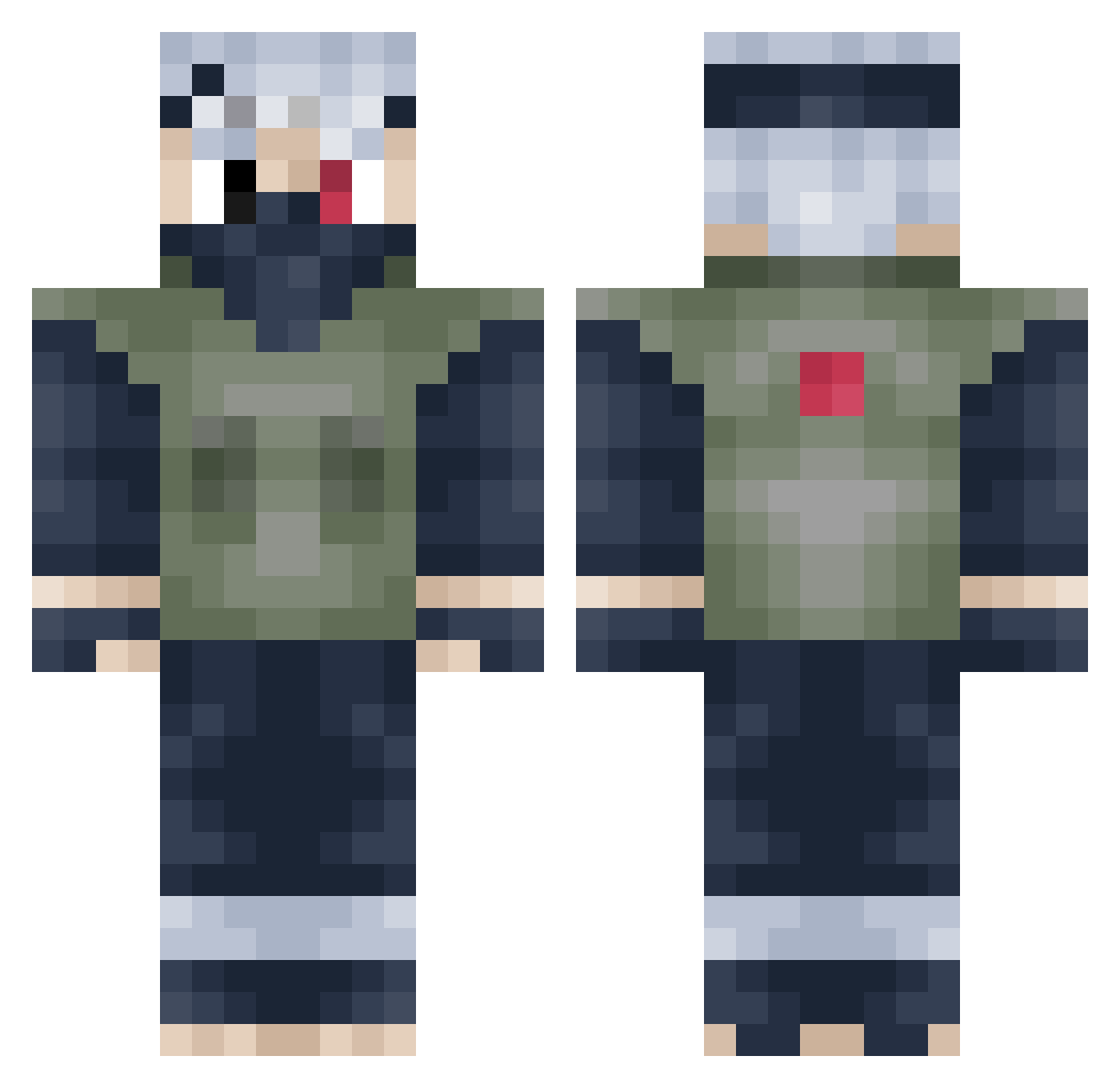
Current Minecraft skin of the player jacobwalleck96, loaded from the official Mojang API. Rotate the 3D model with your mouse or finger, then download the skin as a PNG file and use it in Minecraft: Bedrock Edition or Java Edition for free. When jacobwalleck96 changes their skin, this page updates automatically and the old skin stays in the history below.
Other players with this skin (399)
jacobwalleck96 was the 72nd player we have seen with this skin, first spotted on 13.08.2026. The same skin was seen on these players. Open a nickname to see their current skin and skin history.
 Queenhan4448 Kaintoras Q2xm dobbydob1 K4ppa8817 COGKakashi SpookyPeep Mooshoo001 bradybondo124 V01T1C AlexFreakXD bullpoo flavortown88 zayzay1018 chetan662 K9_Alpha TheJanitor5 iiblis2 axls520 Ahsent322 johhnnnny_ FatMexican117 xaniboss Pyetrzj pingu712 KittyYes CWiles12
 Iconic405 JasonMyCC_LP Gabolopez Bird_Nerd_13 Artesano55 RANDOMIZER01 CyberNinja3417 Frostbite_51 _mathyeu_ FALCONWW1 ResoluteJourney StevenFTW rgarrick CVRELYS rebel_maniac chrismac_ Jackattack62 Dominik303 DAB3ANS Russdabus2 Bruh_Duck Kopfarm DroCreek zestienzestien teh_slumlord Gaabsn Bvlmy d3lacruz TheFe4r1essOne Bek621 djslaney16 kkobee F4llenAngel_
More Kakashi Hatake Minecraft skins
See all 469 Kakashi Hatake skins
How to install the jacobwalleck96 skin
- Press the Download button above to save the skin as a PNG file.
- Minecraft: Bedrock Edition (PE): open the Dressing Room from the main menu (or tap your character → Edit Character), go to Classic Skins → Owned, press the + (new skin) button, choose the downloaded PNG and pick the Classic (Steve) model. Works on PC and mobile; consoles cannot import custom skins.
- Minecraft: Java Edition: open the Minecraft Launcher, go to the Skins tab, click New Skin, load the PNG, pick the Classic (Steve) model and press Save & Use. You can also upload it at minecraft.net → Profile → Change Skin.
The skin does not show up after import - what should I do?
Restart Minecraft and open the Dressing Room again - imported skins sometimes appear only after a restart. Also make sure you selected the imported skin and picked the Classic (Steve) model.
Which model should I choose, Classic or Slim?
This skin is designed for the Classic (Steve) model. If you pick the wrong model, the arms of the skin will look stretched or squeezed.
Is the skin of jacobwalleck96 free to download?
Yes. Press Download, save the PNG file and use it in Minecraft: Bedrock Edition or Java Edition - no payment or registration needed. The skin also works on multiplayer servers and Realms.
More skins
Looking for more? Go back to all Minecraft skins and check the top skins of the week, month and all time, or find any player's skin by nickname.