
jackallenhi - Minecraft Skins & Skin History
Current Minecraft skin of the player jackallenhi, loaded from the official Mojang API. Rotate the 3D model with your mouse or finger, then download the skin as a PNG file and use it in Minecraft: Bedrock Edition or Java Edition for free. When jackallenhi changes their skin, this page updates automatically and the old skin stays in the history below.
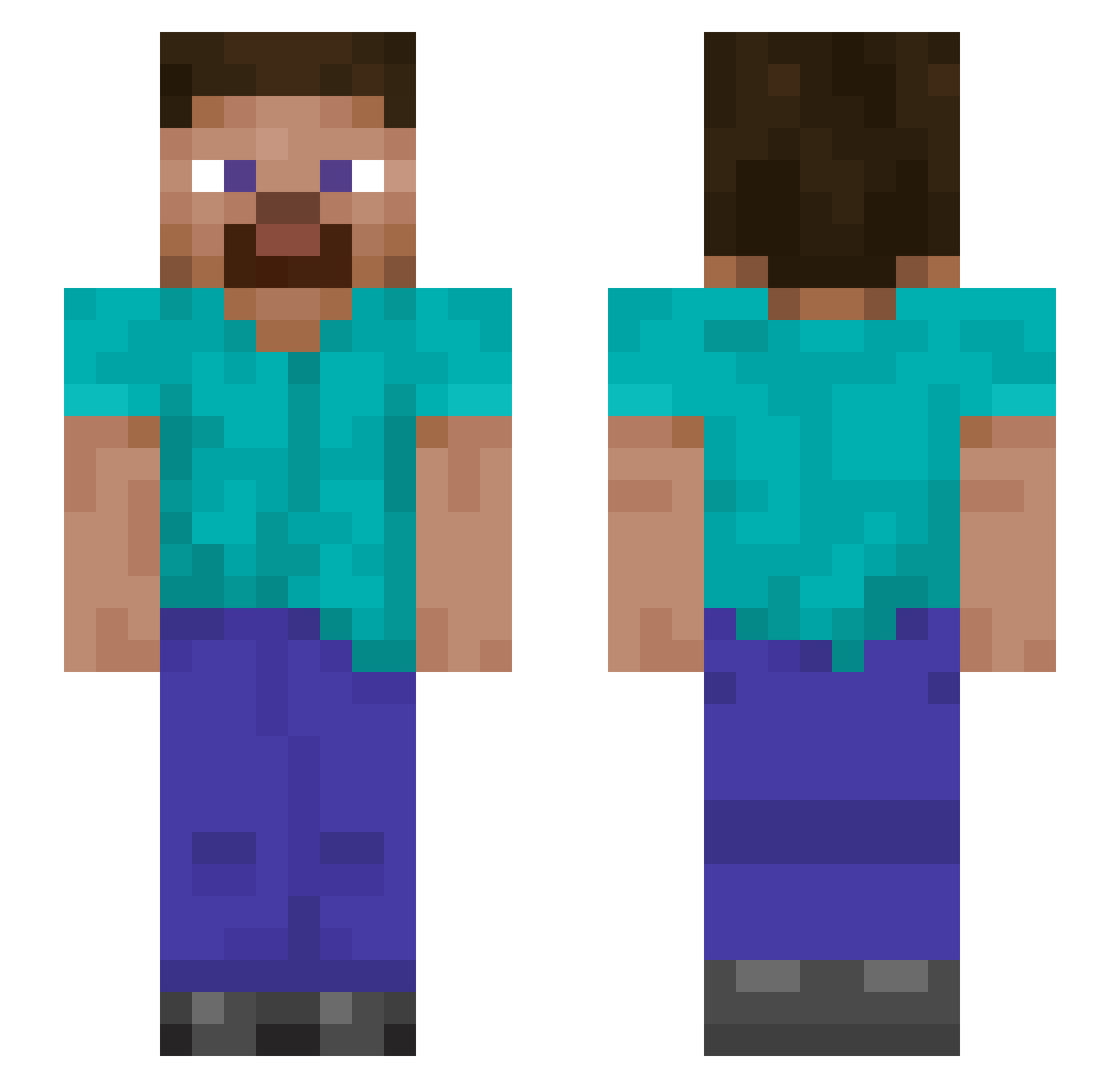
Other players with this skin (1146)
jackallenhi was the 929th player we have seen with this skin, first spotted on 21.10.2026. The same skin was seen on these players. Open a nickname to see their current skin and skin history.
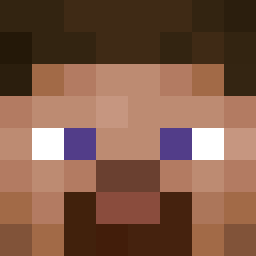 gegaosb rezoni Likklem4n Elexyr12 Iamslygo kubek10122 gab4508 MRemz DustyCuttlefish SBC00 Sensenman29 Smokescreen_18 GrilledSoup fenixxX006 CluckMeme Starlord14 rugmucha zhishi1234 ClutchCDXX Hawktrex IJMORGAN ashBRotten GamerGME ocean140 bubba0712 koshianne Wild__Chair Habishue Arauka_ Miroooh_ ikun_is_man O1Cl Huang_Mlng ashtray_25_ Joes26 chopchopgoodbye Kinoss974 Timmah17 Axelwarrior playerssssssssss LEONSTEVE7 Ahmed2023 Areleman Wuli416 cookiee1256 BELONGUSA69 ProDuo994 Frank_Rizzi darkslayr2008 NoodleButt0611 luanzhuang SoLow86 Dance321 Oda_420 yjack50 Daddo5 sultansilvio Mitchyscrazy L84RACE Renauzorus
How to install the jackallenhi skin
- Press the Download button above to save the skin as a PNG file.
- Minecraft: Bedrock Edition (PE): open the Dressing Room from the main menu (or tap your character → Edit Character), go to Classic Skins → Owned, press the + (new skin) button, choose the downloaded PNG and pick the Slim (Alex) model. Works on PC and mobile; consoles cannot import custom skins.
- Minecraft: Java Edition: open the Minecraft Launcher, go to the Skins tab, click New Skin, load the PNG, pick the Slim (Alex) model and press Save & Use. You can also upload it at minecraft.net → Profile → Change Skin.
The skin does not show up after import - what should I do?
Restart Minecraft and open the Dressing Room again - imported skins sometimes appear only after a restart. Also make sure you selected the imported skin and picked the Slim (Alex) model.
Which model should I choose, Classic or Slim?
This skin is designed for the Slim (Alex) model. If you pick the wrong model, the arms of the skin will look stretched or squeezed.
Is the skin of jackallenhi free to download?
Yes. Press Download, save the PNG file and use it in Minecraft: Bedrock Edition or Java Edition - no payment or registration needed. The skin also works on multiplayer servers and Realms.
More skins
Looking for more? Go back to all Minecraft skins and check the top skins of the week, month and all time, or find any player's skin by nickname.