
jaboc - Minecraft Skins & Skin History
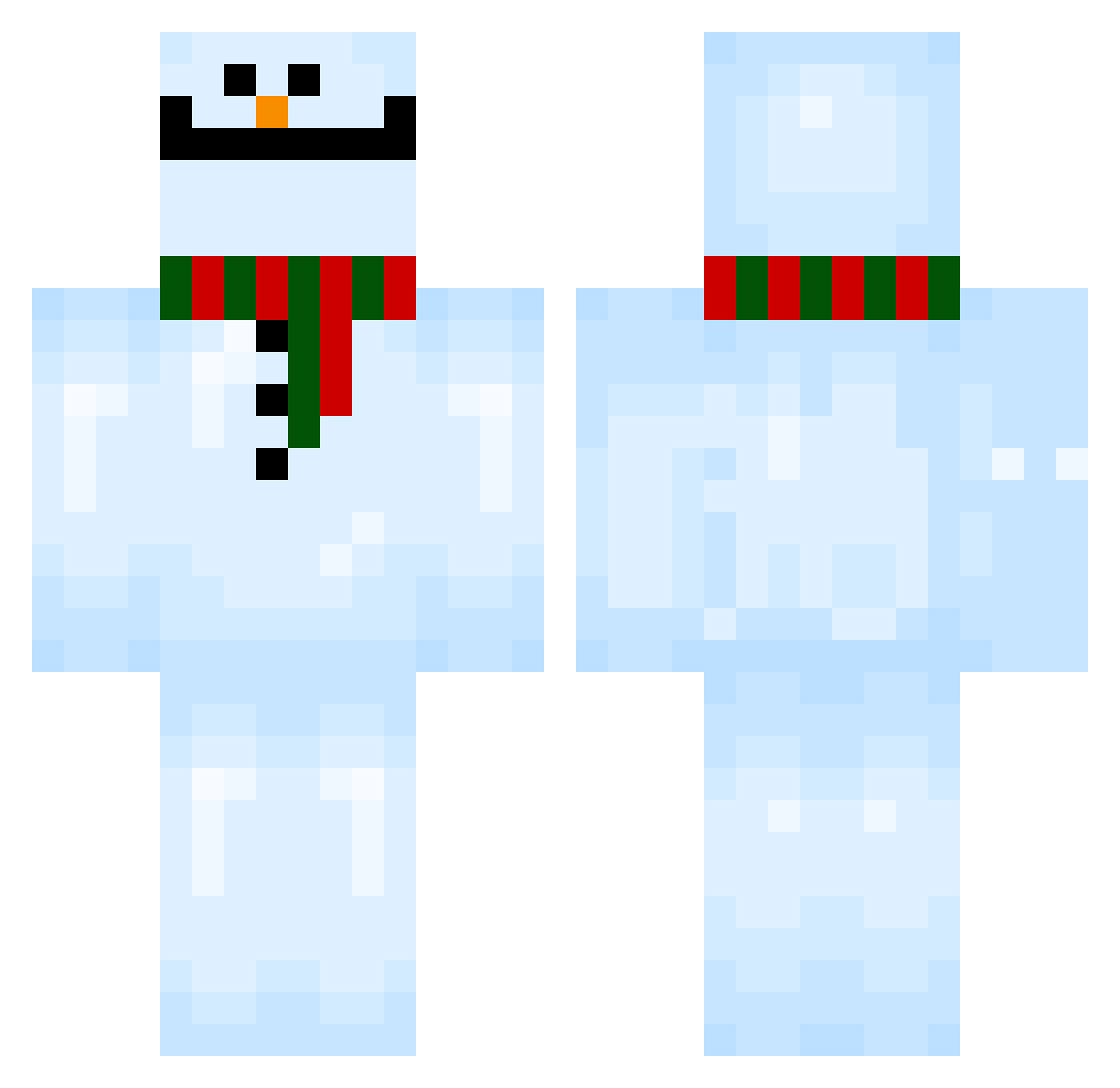
Current Minecraft skin of the player jaboc, loaded from the official Mojang API. Rotate the 3D model with your mouse or finger, then download the skin as a PNG file and use it in Minecraft: Bedrock Edition or Java Edition for free. When jaboc changes their skin, this page updates automatically and the old skin stays in the history below.
Other players with this skin (105)
jaboc was the 80th player we have seen with this skin, first spotted on 09.10.2026. The same skin was seen on these players. Open a nickname to see their current skin and skin history.
 Chillz69 Zzzmell Turturtle ExterminatorJeff MISO322 dylanxdmh ThinkLY Awjk Red_Naomi nunbadeulae Sllegoman Mrsomethingn hel_yess_ LZ_BU Kaktusbollar SnowB0x wake1922 TheMiniMonkeyy ImBirby Casmkill M33LEGEND hijimaru12 GQonthecraft hongdangmu_ PioneerBadger Masscko Parhelic BelugaMale LeoEverchosen JAXKHJ cats_eye_quartz Purple_Tea hikarenai CSR43 NeverForgets dalong_2 MEGANEX19 JetUpdraft Miloszek8 tatoi Protectiose Ryujiknuckle Uuuum117 e3arth Pladebarn EnzoC9083 w211AMG blup05028 ca1r0n_ Umgi ezzenzial sillyman74 AbelPower dk_2246 xam726 XVD FunnyR0ck Xaantii JeongSeongGon IJustoofedyou
More Snowman Minecraft skins
How to install the jaboc skin
- Press the Download button above to save the skin as a PNG file.
- Minecraft: Bedrock Edition (PE): open the Dressing Room from the main menu (or tap your character → Edit Character), go to Classic Skins → Owned, press the + (new skin) button, choose the downloaded PNG and pick the Classic (Steve) model. Works on PC and mobile; consoles cannot import custom skins.
- Minecraft: Java Edition: open the Minecraft Launcher, go to the Skins tab, click New Skin, load the PNG, pick the Classic (Steve) model and press Save & Use. You can also upload it at minecraft.net → Profile → Change Skin.
The skin does not show up after import - what should I do?
Restart Minecraft and open the Dressing Room again - imported skins sometimes appear only after a restart. Also make sure you selected the imported skin and picked the Classic (Steve) model.
Which model should I choose, Classic or Slim?
This skin is designed for the Classic (Steve) model. If you pick the wrong model, the arms of the skin will look stretched or squeezed.
Is the skin of jaboc free to download?
Yes. Press Download, save the PNG file and use it in Minecraft: Bedrock Edition or Java Edition - no payment or registration needed. The skin also works on multiplayer servers and Realms.
More skins
Looking for more? Go back to all Minecraft skins and check the top skins of the week, month and all time, or find any player's skin by nickname.