
j123116 - Minecraft Skins & Skin History
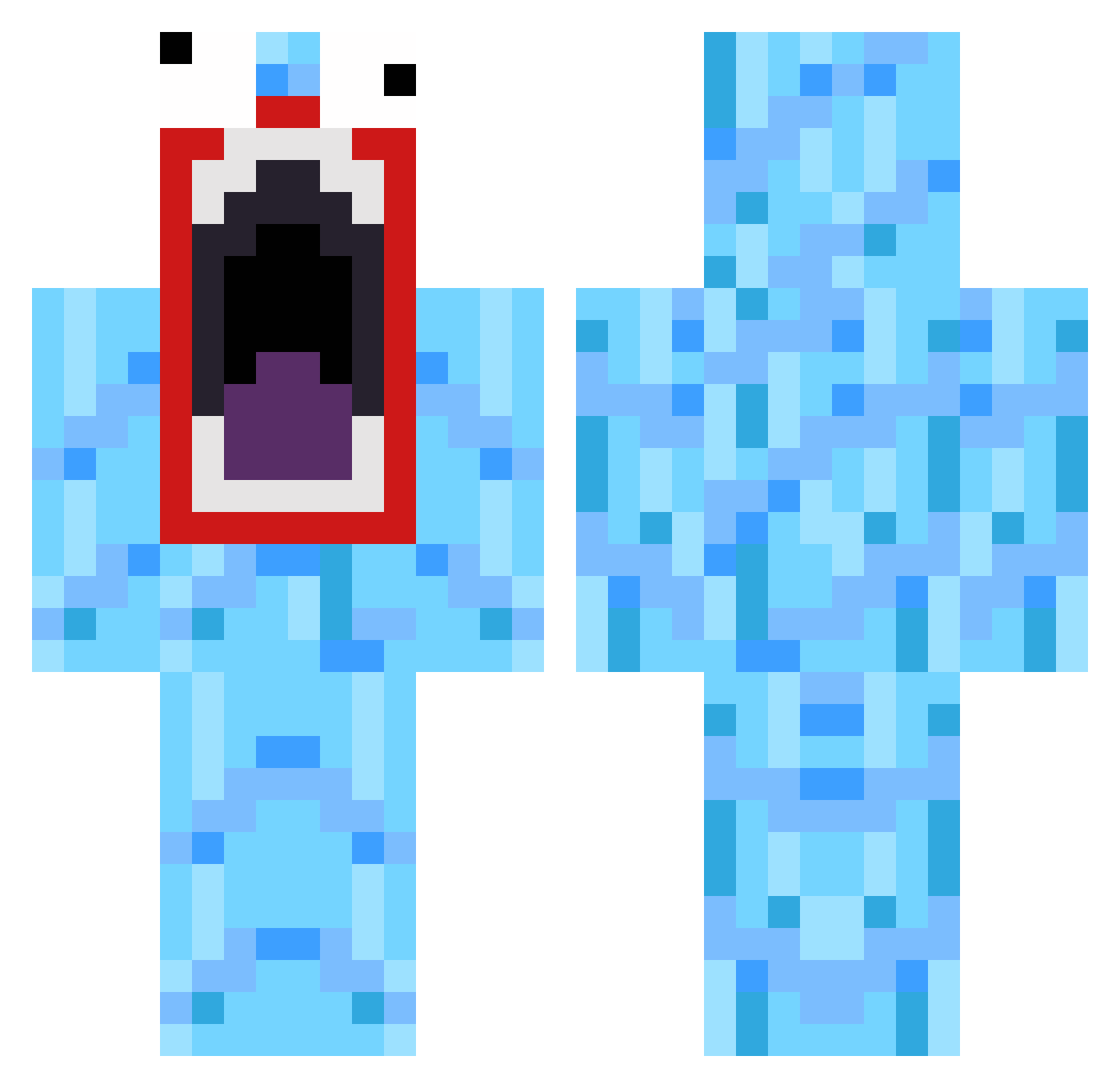
Current Minecraft skin of the player j123116, loaded from the official Mojang API. Rotate the 3D model with your mouse or finger, then download the skin as a PNG file and use it in Minecraft: Bedrock Edition or Java Edition for free. When j123116 changes their skin, this page updates automatically and the old skin stays in the history below.
Other players with this skin (519)
j123116 was the 505th player we have seen with this skin, first spotted on 07.11.2026. The same skin was seen on these players. Open a nickname to see their current skin and skin history.
 awsomemike0224 jumpking2328 taatelintallaaja HazzMT WeponMaster FrankieF_99 minecraftsnoop23 Doshyyy Hermanlundh SininS96 FUZZYCUSTARD wlfang91 jgars MAST3RCHIEF720 DeeDe97 Supergoat3 jcohen20 tatemane2 oppiHhgiH k1NG8d3X DolMengE Borkido SxiLs Scornfire ThePlatt orhh Blackie579 Adrenalynne Xander93 Sniff_My_Pony ductions MikkelNygaard MichaelMonteiro1 uhVolkl xxnrtxx blindsk8er64 googlinggoogle LxDreams sun974111 daven123 DR_TangoZ Hardnatic95 slh00 FunkyX86 jakostardog bobdawg87 superpenguin3000 RageMan onionie Try_Over_360 Gibgab95 CrazyEarl7 SgtChickenWizard TylerJMyers jordanmcintyre97 ghoster23 creeperkillerbok THEKHIMAN mlandgra TheBW3
How to install the j123116 skin
- Press the Download button above to save the skin as a PNG file.
- Minecraft: Bedrock Edition (PE): open the Dressing Room from the main menu (or tap your character → Edit Character), go to Classic Skins → Owned, press the + (new skin) button, choose the downloaded PNG and pick the Classic (Steve) model. Works on PC and mobile; consoles cannot import custom skins.
- Minecraft: Java Edition: open the Minecraft Launcher, go to the Skins tab, click New Skin, load the PNG, pick the Classic (Steve) model and press Save & Use. You can also upload it at minecraft.net → Profile → Change Skin.
The skin does not show up after import - what should I do?
Restart Minecraft and open the Dressing Room again - imported skins sometimes appear only after a restart. Also make sure you selected the imported skin and picked the Classic (Steve) model.
Which model should I choose, Classic or Slim?
This skin is designed for the Classic (Steve) model. If you pick the wrong model, the arms of the skin will look stretched or squeezed.
Is the skin of j123116 free to download?
Yes. Press Download, save the PNG file and use it in Minecraft: Bedrock Edition or Java Edition - no payment or registration needed. The skin also works on multiplayer servers and Realms.
More skins
Looking for more? Go back to all Minecraft skins and check the top skins of the week, month and all time, or find any player's skin by nickname.