
ivar_11 - Minecraft Skins & Skin History
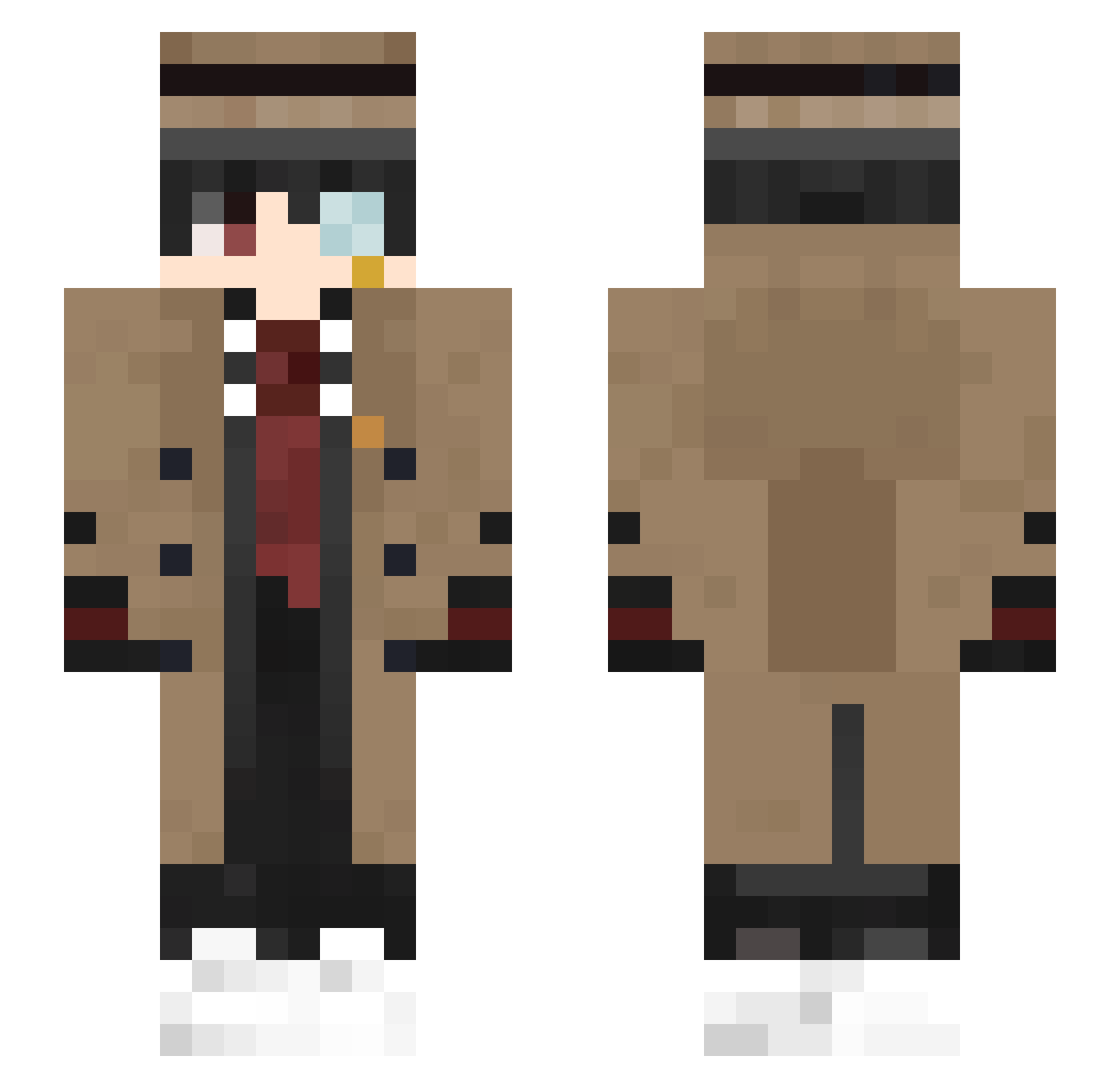
Current Minecraft skin of the player ivar_11, loaded from the official Mojang API. Rotate the 3D model with your mouse or finger, then download the skin as a PNG file and use it in Minecraft: Bedrock Edition or Java Edition for free. When ivar_11 changes their skin, this page updates automatically and the old skin stays in the history below.
Other players with this skin (405)
ivar_11 was the 86th player we have seen with this skin, first spotted on 16.08.2026. The same skin was seen on these players. Open a nickname to see their current skin and skin history.
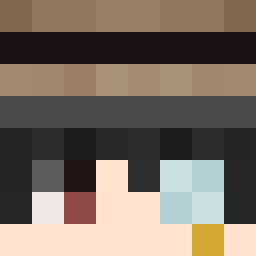 Marten3003 Akw4rel Felipe_S JaToSch SHINEND K_U_N Tooyound Ashasin MrWide125 Deathkidks Jiboa LkXIII James54188 TescosKenyer NiZhaoL ForgeMaster4042 KentaFreecss Varenick eddsi LucXen noodles3140 Niemalsland Mythico_Hunter HalfMoon_15 m4nu3l_ Lu_Ber 7h3wh173r48817 eu_ryk AndzeB Michael247 Marcx_ jsmun 67Boy_CN hapigou13 jong_b FILEHAKER51 Cosinusss Mozzy4Ever_ Skyrola91 Leever29 qkqhwkd PleinSoleil Danzta bibley Ballzach_42 Falcodrip Hmoxie NF502 Bartender_south Chr1st0pher7 maltipoolover shaw2011 Leviastr TGAP_Andrew Andry018 Ozicimnapiyon ONLAUN xdb_666 minemymy Seth_138
More Yugi Amane Minecraft skins
How to install the ivar_11 skin
- Press the Download button above to save the skin as a PNG file.
- Minecraft: Bedrock Edition (PE): open the Dressing Room from the main menu (or tap your character → Edit Character), go to Classic Skins → Owned, press the + (new skin) button, choose the downloaded PNG and pick the Slim (Alex) model. Works on PC and mobile; consoles cannot import custom skins.
- Minecraft: Java Edition: open the Minecraft Launcher, go to the Skins tab, click New Skin, load the PNG, pick the Slim (Alex) model and press Save & Use. You can also upload it at minecraft.net → Profile → Change Skin.
The skin does not show up after import - what should I do?
Restart Minecraft and open the Dressing Room again - imported skins sometimes appear only after a restart. Also make sure you selected the imported skin and picked the Slim (Alex) model.
Which model should I choose, Classic or Slim?
This skin is designed for the Slim (Alex) model. If you pick the wrong model, the arms of the skin will look stretched or squeezed.
Is the skin of ivar_11 free to download?
Yes. Press Download, save the PNG file and use it in Minecraft: Bedrock Edition or Java Edition - no payment or registration needed. The skin also works on multiplayer servers and Realms.
More skins
Looking for more? Go back to all Minecraft skins and check the top skins of the week, month and all time, or find any player's skin by nickname.