
itsyourlife - Minecraft Skins & Skin History
Current Minecraft skin of the player itsyourlife, loaded from the official Mojang API. Rotate the 3D model with your mouse or finger, then download the skin as a PNG file and use it in Minecraft: Bedrock Edition or Java Edition for free. When itsyourlife changes their skin, this page updates automatically and the old skin stays in the history below.
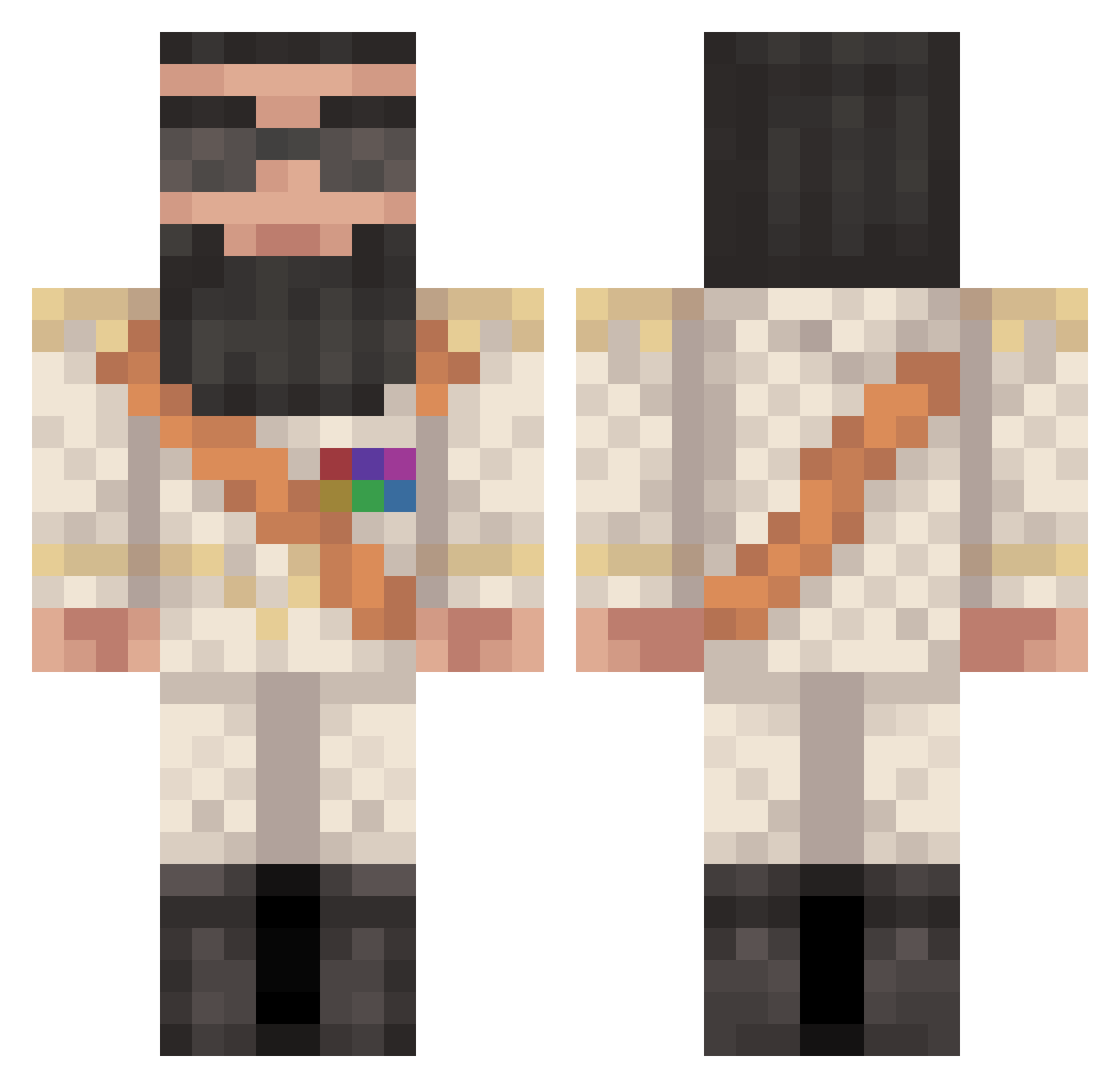
Other players with this skin (518)
itsyourlife was the 438th player we have seen with this skin, first spotted on 04.11.2026. The same skin was seen on these players. Open a nickname to see their current skin and skin history.
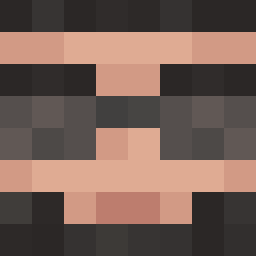 McHein JackzXI nukem2525 HellUnleasher Mr_Boomshakalaka jack_is_swfc AVA_BLITZ MarkVO ZatiKK Vertical_Vortex caityrock77 taylor_cs Ryore1 ricblo dukeyluker Inj3cti0n thrashingtalon Ligon_Ugo da__Huaba BanderKA my_big_fat_kot ReubenSandWhich Mother_Trucker12 Swiiftyy_ cody778 big111 shaunrainer godzilla_pain ZorroManen thominator34 TheKjaer Galos9 Mische1993 CoolerNameThanU BOOBTH Maikotea IsTheGoldenBoy Booperdee wilhelmberg ice_wallowcum Skippermand2001 therizz45 nikl3233 jonathan8059 HeraclesJones byxCraZzy elwarro18 bestbuilder_2 Schwitzeschwanz alex_fcz RazzW Theskanimator Eleysian jamzyg TheAtomicWalnut DortmundPower hutikka69 robobraeker LonelRichie PowerPvP
More General Minecraft skins
How to install the itsyourlife skin
- Press the Download button above to save the skin as a PNG file.
- Minecraft: Bedrock Edition (PE): open the Dressing Room from the main menu (or tap your character → Edit Character), go to Classic Skins → Owned, press the + (new skin) button, choose the downloaded PNG and pick the Classic (Steve) model. Works on PC and mobile; consoles cannot import custom skins.
- Minecraft: Java Edition: open the Minecraft Launcher, go to the Skins tab, click New Skin, load the PNG, pick the Classic (Steve) model and press Save & Use. You can also upload it at minecraft.net → Profile → Change Skin.
The skin does not show up after import - what should I do?
Restart Minecraft and open the Dressing Room again - imported skins sometimes appear only after a restart. Also make sure you selected the imported skin and picked the Classic (Steve) model.
Which model should I choose, Classic or Slim?
This skin is designed for the Classic (Steve) model. If you pick the wrong model, the arms of the skin will look stretched or squeezed.
Is the skin of itsyourlife free to download?
Yes. Press Download, save the PNG file and use it in Minecraft: Bedrock Edition or Java Edition - no payment or registration needed. The skin also works on multiplayer servers and Realms.
More skins
Looking for more? Go back to all Minecraft skins and check the top skins of the week, month and all time, or find any player's skin by nickname.