
its_michael_25 - Minecraft Skins & Skin History
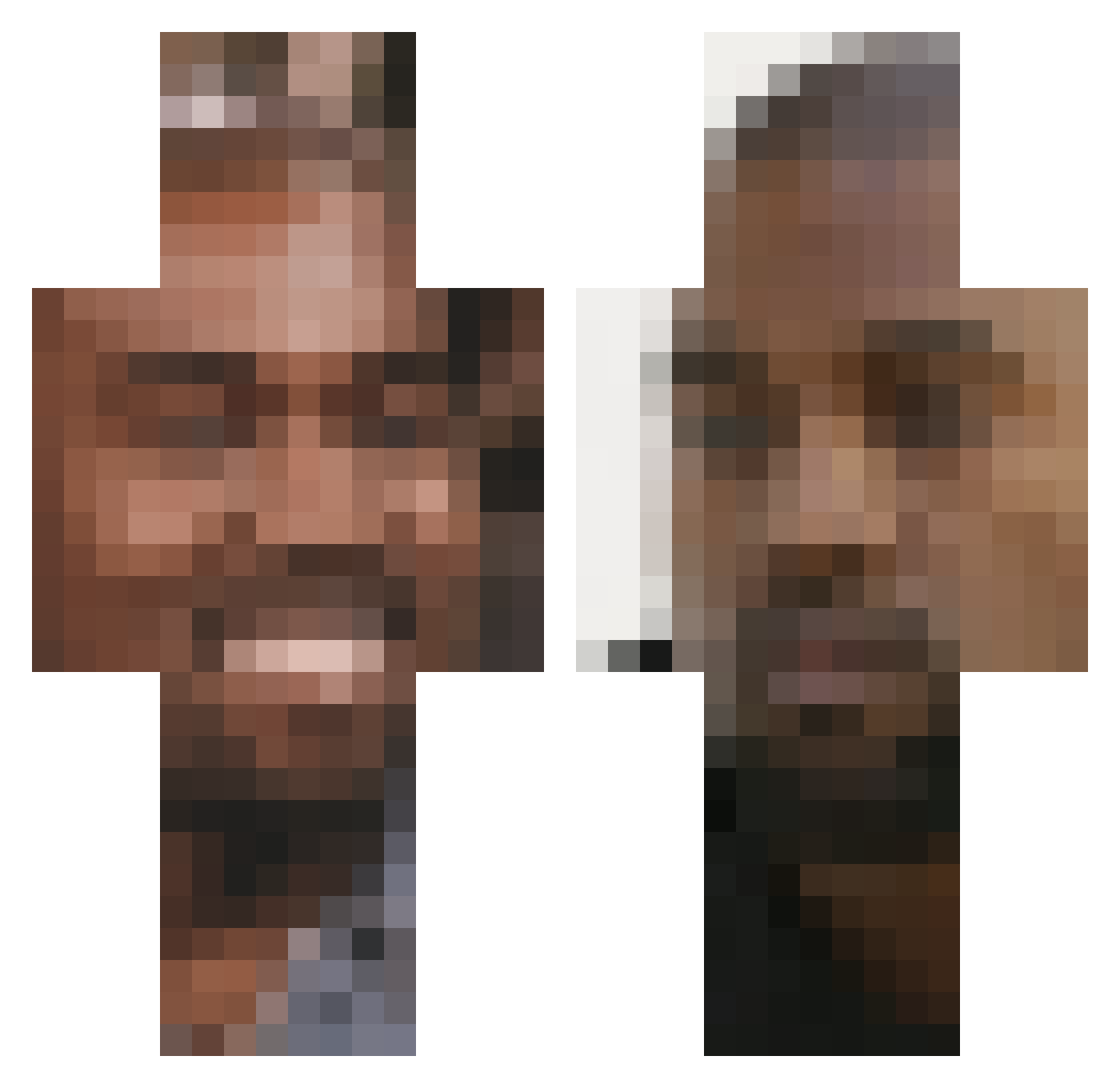
Current Minecraft skin of the player its_michael_25, loaded from the official Mojang API. Rotate the 3D model with your mouse or finger, then download the skin as a PNG file and use it in Minecraft: Bedrock Edition or Java Edition for free. When its_michael_25 changes their skin, this page updates automatically and the old skin stays in the history below.
Other players with this skin (248)
its_michael_25 was the 119th player we have seen with this skin, first spotted on 20.09.2026. The same skin was seen on these players. Open a nickname to see their current skin and skin history.
 StrawPegasus955 Martijn76 TacoNuggs _o8 Mtkui KanyeWest_2024 Liryzok cee01 MassaRadiant Partic cleverbarbecue96 SwagSwagSwag33 JoseBop23 Thanks_Kanye westchampagne LuxBigBuxs potsexual Inxify Nuggetkiki SergeantGF MrFrenchFries8 trouse_ MrMeals CrankyK0ng TheRicefield BigFatHead juanleon747 Nezpah LucasFava RobertJunior_ largeslim Gevan32 KirkWaters rljewlz MewbLaw TheDestroymanIII Hourminsec He_Died_Fighting pickledkatsu TrustworthyGooq2 FatherYams Ann_chovie YungSeaWorld Plopinator Quackil XNXXVEINS candicenust Apo11o__ Guelermo JohnDabbs ItzBlurr FumTeng RattlyGosling hms0604 RoyalPoop hamburgeri7 xLof z3zeg artyward2001 ReewB7
More Kanye West Minecraft skins
How to install the its_michael_25 skin
- Press the Download button above to save the skin as a PNG file.
- Minecraft: Bedrock Edition (PE): open the Dressing Room from the main menu (or tap your character → Edit Character), go to Classic Skins → Owned, press the + (new skin) button, choose the downloaded PNG and pick the Classic (Steve) model. Works on PC and mobile; consoles cannot import custom skins.
- Minecraft: Java Edition: open the Minecraft Launcher, go to the Skins tab, click New Skin, load the PNG, pick the Classic (Steve) model and press Save & Use. You can also upload it at minecraft.net → Profile → Change Skin.
The skin does not show up after import - what should I do?
Restart Minecraft and open the Dressing Room again - imported skins sometimes appear only after a restart. Also make sure you selected the imported skin and picked the Classic (Steve) model.
Which model should I choose, Classic or Slim?
This skin is designed for the Classic (Steve) model. If you pick the wrong model, the arms of the skin will look stretched or squeezed.
Is the skin of its_michael_25 free to download?
Yes. Press Download, save the PNG file and use it in Minecraft: Bedrock Edition or Java Edition - no payment or registration needed. The skin also works on multiplayer servers and Realms.
More skins
Looking for more? Go back to all Minecraft skins and check the top skins of the week, month and all time, or find any player's skin by nickname.