
irishwarlord3737 - Minecraft Skins & Skin History
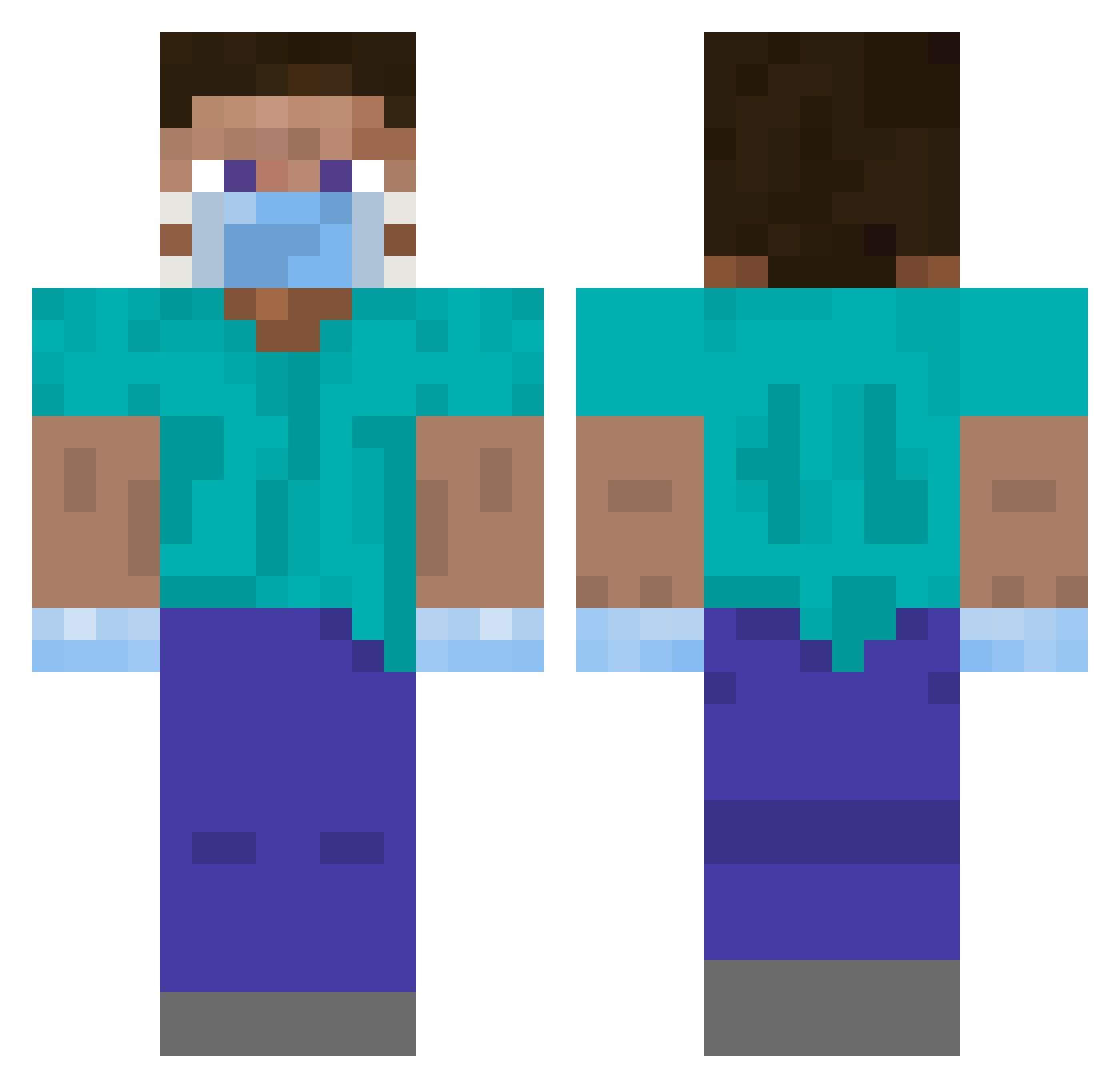
Current Minecraft skin of the player irishwarlord3737, loaded from the official Mojang API. Rotate the 3D model with your mouse or finger, then download the skin as a PNG file and use it in Minecraft: Bedrock Edition or Java Edition for free. When irishwarlord3737 changes their skin, this page updates automatically and the old skin stays in the history below.
Other players with this skin (457)
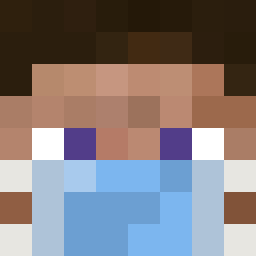
irishwarlord3737 was the 441st player we have seen with this skin, first spotted on 15.11.2026. The same skin was seen on these players. Open a nickname to see their current skin and skin history.
 FrostyRosty1 MilkyBoneK APoorAznKidd ItsJustin_ BGGAMER42 Semyonich123 Shadowstrke01 ApfelCokluk Geo_369 Giant_Player cadster4 MrMichelle_Obama Nuahh C0SMAS DigDoug009 pig__cookie Surok21 2nocka2 Bigotudal david_sada Zarkyan JHoooon GAME_FREAK4269 Trusce Nicofrosty dlwjdgus12 NotAppleJuice78 xCubeKingx NexLow Brunzbroedel cuikib Hesenberg Gabz_AM Lakota Larrybtw matthew6015 milledalgaard00 Dinou72 Molten_Light Lancelot422 LittleBigDan jmormar2004 thothisar ethasauruss MATAMET KaraAlp jnichols593 dzemiorr Alanchuang iTzTwerk_ SIMONOLO DerBruderPepe spezialRicardooo callmeobama69 Leutegg Diestroll bkocej baninoude efef15 kimsonic
More Surgeon Minecraft skins
How to install the irishwarlord3737 skin
- Press the Download button above to save the skin as a PNG file.
- Minecraft: Bedrock Edition (PE): open the Dressing Room from the main menu (or tap your character → Edit Character), go to Classic Skins → Owned, press the + (new skin) button, choose the downloaded PNG and pick the Classic (Steve) model. Works on PC and mobile; consoles cannot import custom skins.
- Minecraft: Java Edition: open the Minecraft Launcher, go to the Skins tab, click New Skin, load the PNG, pick the Classic (Steve) model and press Save & Use. You can also upload it at minecraft.net → Profile → Change Skin.
The skin does not show up after import - what should I do?
Restart Minecraft and open the Dressing Room again - imported skins sometimes appear only after a restart. Also make sure you selected the imported skin and picked the Classic (Steve) model.
Which model should I choose, Classic or Slim?
This skin is designed for the Classic (Steve) model. If you pick the wrong model, the arms of the skin will look stretched or squeezed.
Is the skin of irishwarlord3737 free to download?
Yes. Press Download, save the PNG file and use it in Minecraft: Bedrock Edition or Java Edition - no payment or registration needed. The skin also works on multiplayer servers and Realms.
More skins
Looking for more? Go back to all Minecraft skins and check the top skins of the week, month and all time, or find any player's skin by nickname.