
imsnoot - Minecraft Skins & Skin History
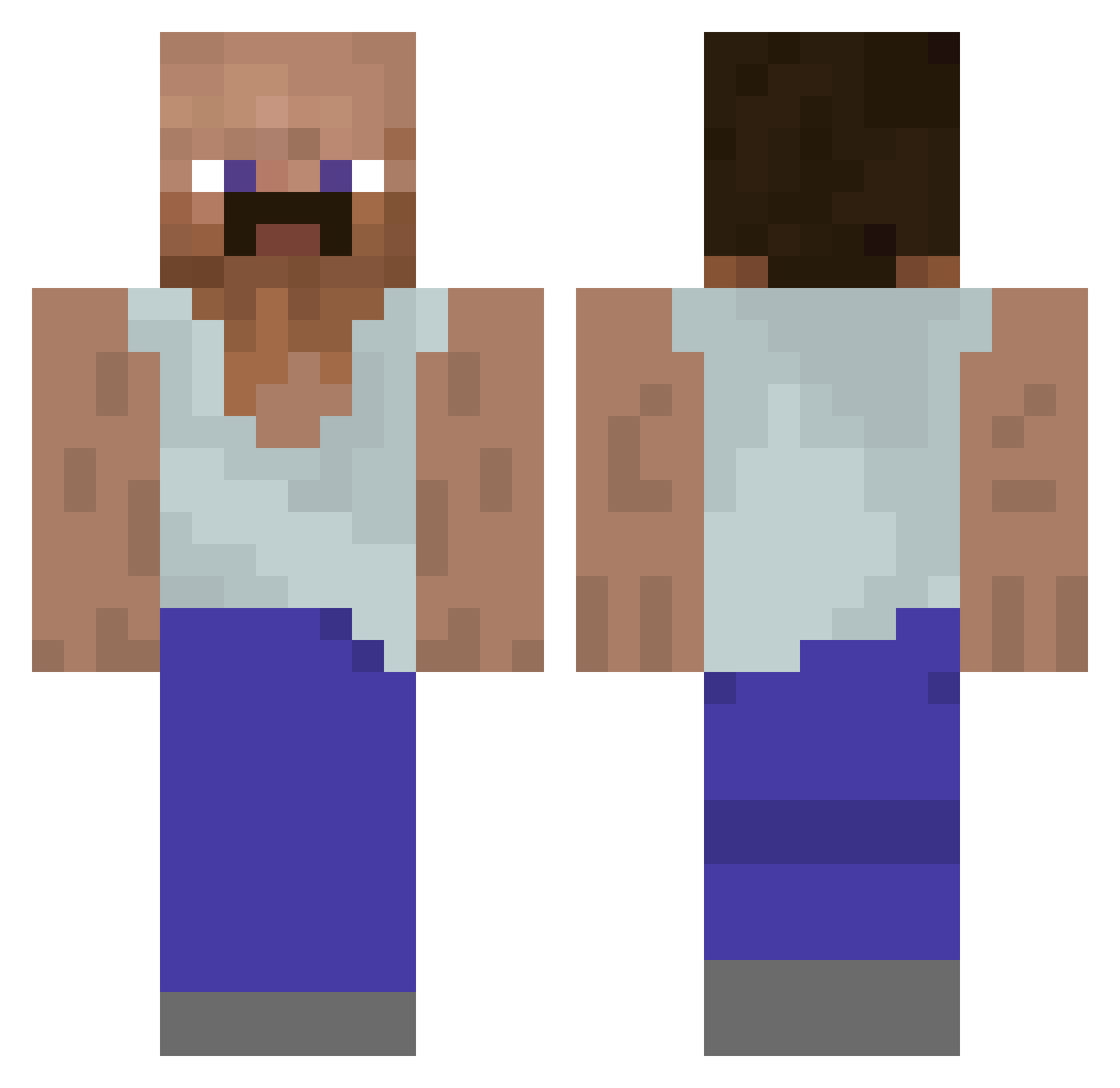
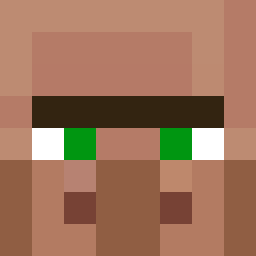
Current Minecraft skin of the player imsnoot, loaded from the official Mojang API. Rotate the 3D model with your mouse or finger, then download the skin as a PNG file and use it in Minecraft: Bedrock Edition or Java Edition for free. When imsnoot changes their skin, this page updates automatically and the old skin stays in the history below.
Other players with this skin (928)
imsnoot was the 32nd player we have seen with this skin, first spotted on 26.07.2026. The same skin was seen on these players. Open a nickname to see their current skin and skin history.
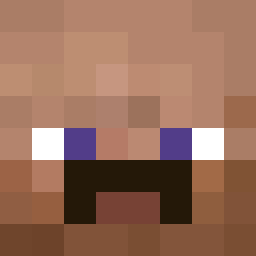 Jeikoooo
 maytrev14 TalaSH21 AboBrahim qzztvii Kharri FlipeQ16 peideifedido gabe54923 BielproYT Yondi4 SammyJ1103 Caon plankus_ shisan01 MrPernicek JuNSan34
 Fizzyless meatball78 Randevious HairyMan690 Thezuera snowballfox finoley_ hi38nd Naampje dejan2610 DerZiiNox redmandoc GrimSkey Emmdix Fakur_02 CUPIDATOR alan7455 goooooooe
 guywholoveskfc Jah2011 Juliuakis Pottaattoooooo riello_ YuriSCS grubs1711 crj0a Fajak520 alekkh PadawansFury ZalanaEdyta2137 Yomtov188 Adamator10 oFH2D Bajo17 Felixblo FonzoBear Kamix221 f5nky CanelaDeCrystal Patoorate24 Baphobit BlazingDragonnn ILikeCeapa
More Mustache Minecraft skins
How to install the imsnoot skin
- Press the Download button above to save the skin as a PNG file.
- Minecraft: Bedrock Edition (PE): open the Dressing Room from the main menu (or tap your character → Edit Character), go to Classic Skins → Owned, press the + (new skin) button, choose the downloaded PNG and pick the Classic (Steve) model. Works on PC and mobile; consoles cannot import custom skins.
- Minecraft: Java Edition: open the Minecraft Launcher, go to the Skins tab, click New Skin, load the PNG, pick the Classic (Steve) model and press Save & Use. You can also upload it at minecraft.net → Profile → Change Skin.
The skin does not show up after import - what should I do?
Restart Minecraft and open the Dressing Room again - imported skins sometimes appear only after a restart. Also make sure you selected the imported skin and picked the Classic (Steve) model.
Which model should I choose, Classic or Slim?
This skin is designed for the Classic (Steve) model. If you pick the wrong model, the arms of the skin will look stretched or squeezed.
Is the skin of imsnoot free to download?
Yes. Press Download, save the PNG file and use it in Minecraft: Bedrock Edition or Java Edition - no payment or registration needed. The skin also works on multiplayer servers and Realms.
More skins
Looking for more? Go back to all Minecraft skins and check the top skins of the week, month and all time, or find any player's skin by nickname.