
imaik1 - Minecraft Skins & Skin History
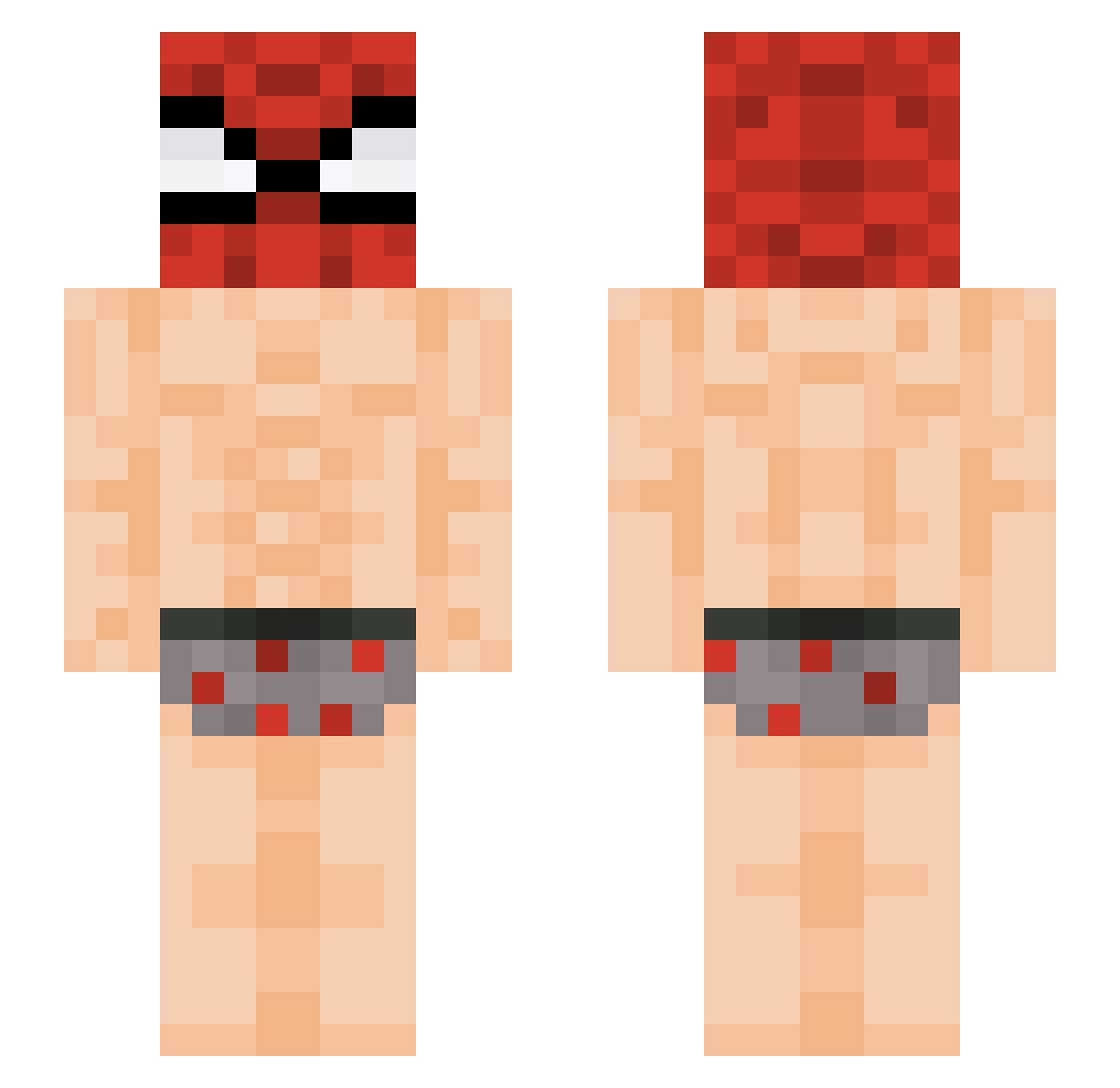
Current Minecraft skin of the player imaik1, loaded from the official Mojang API. Rotate the 3D model with your mouse or finger, then download the skin as a PNG file and use it in Minecraft: Bedrock Edition or Java Edition for free. When imaik1 changes their skin, this page updates automatically and the old skin stays in the history below.
Other players with this skin (434)
imaik1 was the 410th player we have seen with this skin, first spotted on 25.10.2026. The same skin was seen on these players. Open a nickname to see their current skin and skin history.
 JustFridoX AQy12 Polyvin sxmcrow Mataba_iann saakixx etesx Pitermaz13 Kosnarek Trem07 carrasco_ acecedo WX97 Yumbled KIJIN_TEMPEST Jaxy11_ Lucasszx022 Mr_Patooo antoni123456 Blam_rip Rixxie11 GeekinessFR _J4yZ Foforo_0208 jokmapoule 1k34l0ns0 Cryllionaire1 _Guizinh0 Niko23234 Yepek_ _Nivlem dntj1234 jeesoo123 Nok0fn omosiro2 Princesantana rladnwiswhswkf Sebal1902 Renzo_0215 Werrsety Smokovitz SKIPPY112 Pelucus Every4ul Saksham_is_alive 4noobLu Requils_ VicenteDs3 1verky PrinterP4per elnegrito_1022 sencle Lasthroth nakiyamu timtim78 TonySaidSo Blastuwu3 5BEL KuzanLeBoss92 ZeCombinhoPvp_
More Spider Man Minecraft skins
How to install the imaik1 skin
- Press the Download button above to save the skin as a PNG file.
- Minecraft: Bedrock Edition (PE): open the Dressing Room from the main menu (or tap your character → Edit Character), go to Classic Skins → Owned, press the + (new skin) button, choose the downloaded PNG and pick the Slim (Alex) model. Works on PC and mobile; consoles cannot import custom skins.
- Minecraft: Java Edition: open the Minecraft Launcher, go to the Skins tab, click New Skin, load the PNG, pick the Slim (Alex) model and press Save & Use. You can also upload it at minecraft.net → Profile → Change Skin.
The skin does not show up after import - what should I do?
Restart Minecraft and open the Dressing Room again - imported skins sometimes appear only after a restart. Also make sure you selected the imported skin and picked the Slim (Alex) model.
Which model should I choose, Classic or Slim?
This skin is designed for the Slim (Alex) model. If you pick the wrong model, the arms of the skin will look stretched or squeezed.
Is the skin of imaik1 free to download?
Yes. Press Download, save the PNG file and use it in Minecraft: Bedrock Edition or Java Edition - no payment or registration needed. The skin also works on multiplayer servers and Realms.
More skins
Looking for more? Go back to all Minecraft skins and check the top skins of the week, month and all time, or find any player's skin by nickname.