
i_DeNs88 - Minecraft Skins & Skin History
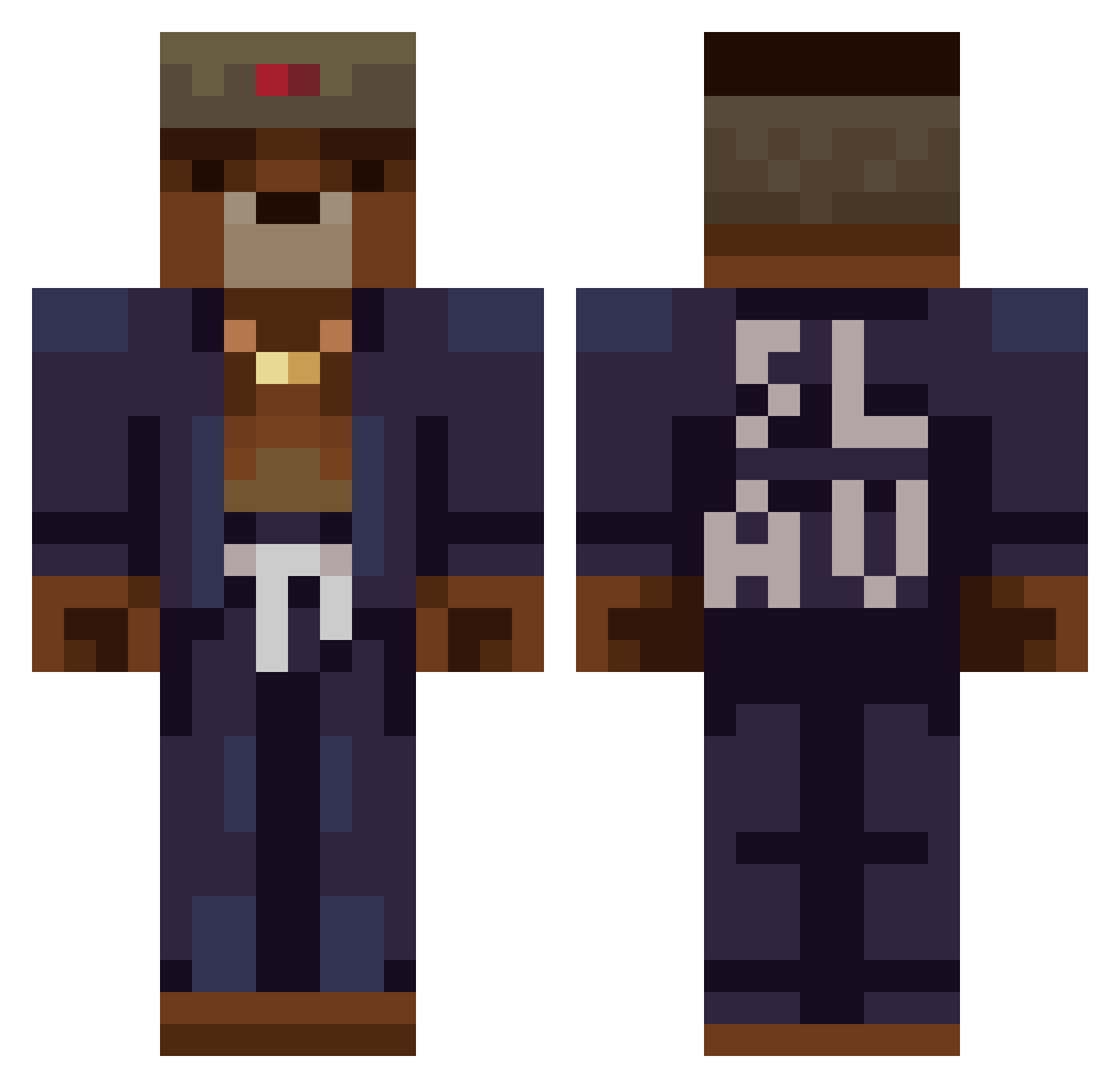
Current Minecraft skin of the player i_DeNs88, loaded from the official Mojang API. Rotate the 3D model with your mouse or finger, then download the skin as a PNG file and use it in Minecraft: Bedrock Edition or Java Edition for free. When i_DeNs88 changes their skin, this page updates automatically and the old skin stays in the history below.
Other players with this skin (368)
i_DeNs88 was the 92nd player we have seen with this skin, first spotted on 22.08.2026. The same skin was seen on these players. Open a nickname to see their current skin and skin history.
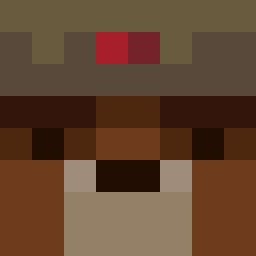 ARMYEisenhower Trust_random MrWolfero damesceau DanonSex Orcus201 DrGhosti44 Zuzey kx8mLbth4u Aruxes_L0L Alfredov4 Vorchynmedved SakexPompa Tonraq Yoinkys ZakPD 0BadLine0 loyalshrimp SchMaikus chacksito FirstBloodTaken arthur_philip vodak_ Paippei DWATRI4 Morkovitz 7656119798602904 STIER66 SzefBor0 Renciak Louisx_x07 lukieluuk22 TheFatTortoise LUMB3RMACK Mamuti_Bradavka PATATA1108 978ms VasiaTheBeast FakeGmrBoy Davitz23 grzyk Wildeur0k Rantom20 tomatethomas1868 xSzymi xNat09x 4niol qua1234 EduVaAlMercado01 2woHam xemi3144 BozerGhoster Hr_Hyv Rosty5791 jaorow Bastien392 Flex13378 PandaAtoll21583 Radeklubarski CypresTube
More Slav Minecraft skins
How to install the i_DeNs88 skin
- Press the Download button above to save the skin as a PNG file.
- Minecraft: Bedrock Edition (PE): open the Dressing Room from the main menu (or tap your character → Edit Character), go to Classic Skins → Owned, press the + (new skin) button, choose the downloaded PNG and pick the Classic (Steve) model. Works on PC and mobile; consoles cannot import custom skins.
- Minecraft: Java Edition: open the Minecraft Launcher, go to the Skins tab, click New Skin, load the PNG, pick the Classic (Steve) model and press Save & Use. You can also upload it at minecraft.net → Profile → Change Skin.
The skin does not show up after import - what should I do?
Restart Minecraft and open the Dressing Room again - imported skins sometimes appear only after a restart. Also make sure you selected the imported skin and picked the Classic (Steve) model.
Which model should I choose, Classic or Slim?
This skin is designed for the Classic (Steve) model. If you pick the wrong model, the arms of the skin will look stretched or squeezed.
Is the skin of i_DeNs88 free to download?
Yes. Press Download, save the PNG file and use it in Minecraft: Bedrock Edition or Java Edition - no payment or registration needed. The skin also works on multiplayer servers and Realms.
More skins
Looking for more? Go back to all Minecraft skins and check the top skins of the week, month and all time, or find any player's skin by nickname.