
iMoRTaLFLAME - Minecraft Skins & Skin History
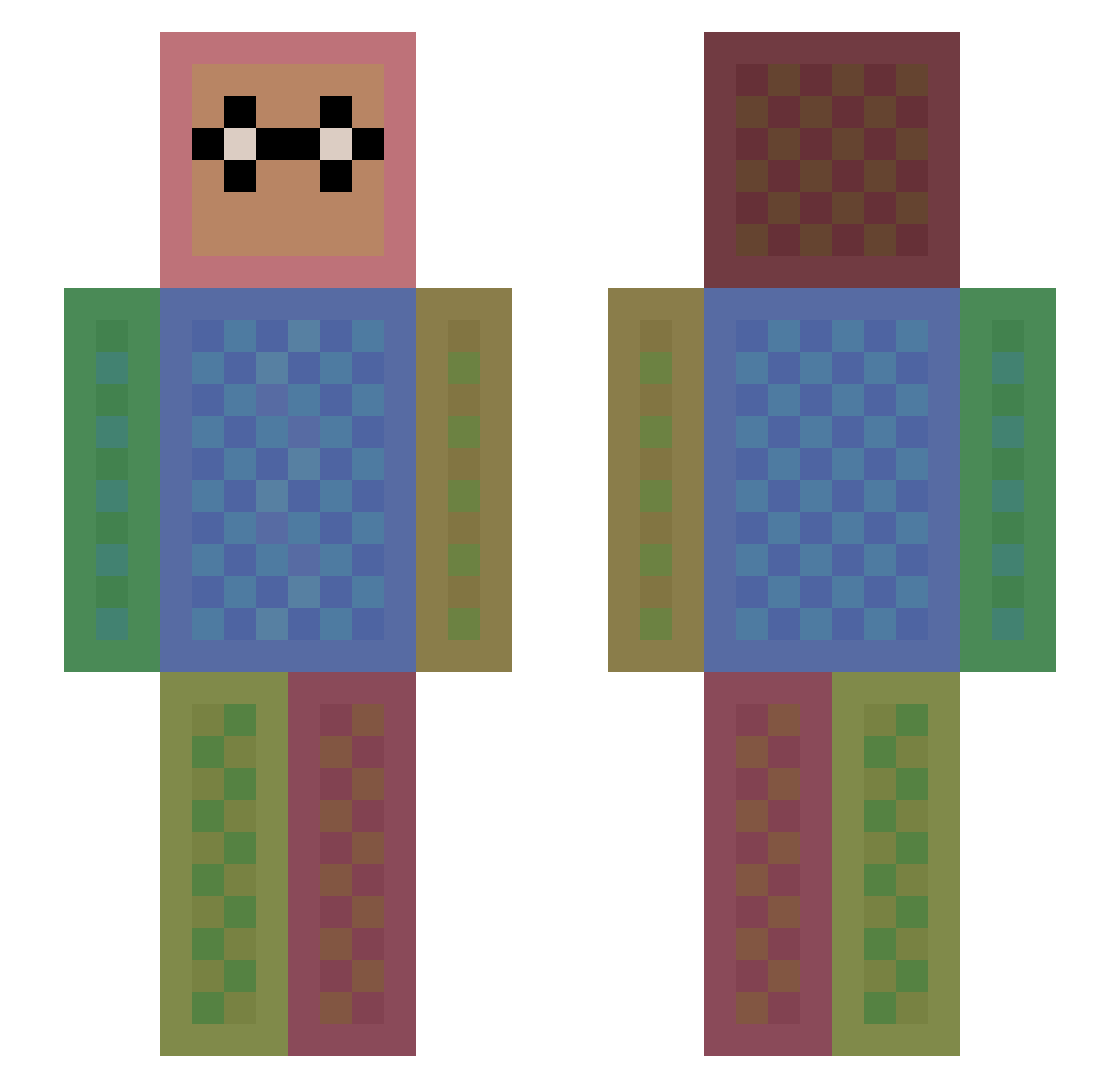
Current Minecraft skin of the player iMoRTaLFLAME, loaded from the official Mojang API. Rotate the 3D model with your mouse or finger, then download the skin as a PNG file and use it in Minecraft: Bedrock Edition or Java Edition for free. When iMoRTaLFLAME changes their skin, this page updates automatically and the old skin stays in the history below.
Other players with this skin (1474)
iMoRTaLFLAME was the 1228th player we have seen with this skin, first spotted on 25.10.2026. The same skin was seen on these players. Open a nickname to see their current skin and skin history.
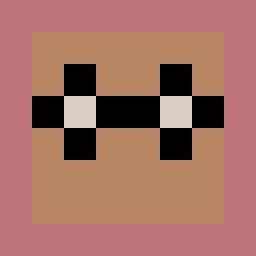 Magillicuddy yoonseo0201 KaylloVitor Vniwzl Masa6804 Pjoelee eliasyanis BaseballDude30 IneedMe charlie4xd KaraKurt73 hero1q seabat10 wedfelt Evanbob dolphinpuppy33 Nicas2004 Madelyn2007 Mowgli5 Suppenkoch100 socc3rchick01 NAFFCO addy_04 Spartan7962 Zakk_3 adamtnlopez cashman56 Allgamer Furkan123tr sungbow331 thecreeperarmy dkf1102 woshiliuchang timmehb nicococraft68 13ALEX13 NICO1011 sk8rboy2314 CashBoo lordcarter47 dlrlwn6974 jesse2807 Predator1970 flamboyant1 vking7979 StanleyBrule BeDeadOne Bogus2008 mika122 hunter_hasu Beastbond DKC6 AJoy Blackpink_xiu cristhoferx Beartang Nana2004 TMfprl That_BVB_Fangirl DangerousTornado
How to install the iMoRTaLFLAME skin
- Press the Download button above to save the skin as a PNG file.
- Minecraft: Bedrock Edition (PE): open the Dressing Room from the main menu (or tap your character → Edit Character), go to Classic Skins → Owned, press the + (new skin) button, choose the downloaded PNG and pick the Slim (Alex) model. Works on PC and mobile; consoles cannot import custom skins.
- Minecraft: Java Edition: open the Minecraft Launcher, go to the Skins tab, click New Skin, load the PNG, pick the Slim (Alex) model and press Save & Use. You can also upload it at minecraft.net → Profile → Change Skin.
The skin does not show up after import - what should I do?
Restart Minecraft and open the Dressing Room again - imported skins sometimes appear only after a restart. Also make sure you selected the imported skin and picked the Slim (Alex) model.
Which model should I choose, Classic or Slim?
This skin is designed for the Slim (Alex) model. If you pick the wrong model, the arms of the skin will look stretched or squeezed.
Is the skin of iMoRTaLFLAME free to download?
Yes. Press Download, save the PNG file and use it in Minecraft: Bedrock Edition or Java Edition - no payment or registration needed. The skin also works on multiplayer servers and Realms.
More skins
Looking for more? Go back to all Minecraft skins and check the top skins of the week, month and all time, or find any player's skin by nickname.