
iCristiqn - Minecraft Skins & Skin History
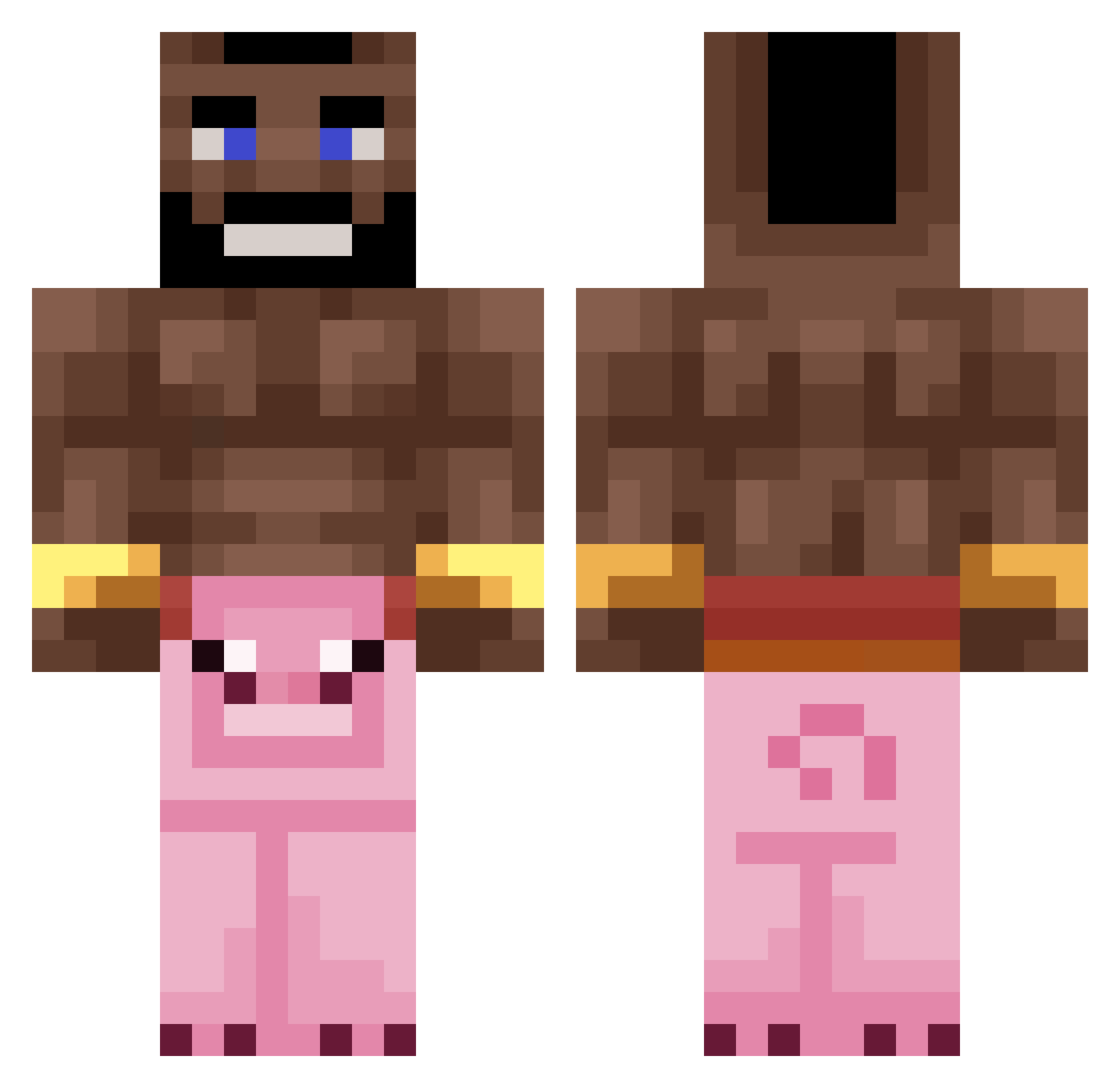
Current Minecraft skin of the player iCristiqn, loaded from the official Mojang API. Rotate the 3D model with your mouse or finger, then download the skin as a PNG file and use it in Minecraft: Bedrock Edition or Java Edition for free. When iCristiqn changes their skin, this page updates automatically and the old skin stays in the history below.
Other players with this skin (235)
iCristiqn was the 30th player we have seen with this skin, first spotted on 06.08.2026. The same skin was seen on these players. Open a nickname to see their current skin and skin history.
 Will_2664 Tsukiizin INotTechnoBladeI engellikopek3169 creepertuna Colosso03 agutularica69 Tommas696007 momochis OliwierJD55 pllw TheDivineFox824 wolfxsd q9z Guiiff Patrykos2010PL BastianRM HAMMER7511 d_mils PigGod AMGx03 KingLinde KrefcikPolska Socrateee MajoFan olkakrejzolka4
 Gladi joiax MassiveBaller HogOnLog Shikabala_10 elu_77 PolandTop1Larp Vallo02 UprightBrick987 AKeeperK
 Runggu Ocorderoy Baambo SyrupPotato zencigoats LiterallyBingus Tomino1_1 Slowni FascistSnapple KUBAWODA matsit YungBeetleThug Sculio mAAdden5467 Smarties187 0kartka__ juprolol15 Rescheduling Neshu Real_Tom_Clancy yakovzoar123 Hazekiri Lithification SSebus
More Mohawk Minecraft skins
How to install the iCristiqn skin
- Press the Download button above to save the skin as a PNG file.
- Minecraft: Bedrock Edition (PE): open the Dressing Room from the main menu (or tap your character → Edit Character), go to Classic Skins → Owned, press the + (new skin) button, choose the downloaded PNG and pick the Classic (Steve) model. Works on PC and mobile; consoles cannot import custom skins.
- Minecraft: Java Edition: open the Minecraft Launcher, go to the Skins tab, click New Skin, load the PNG, pick the Classic (Steve) model and press Save & Use. You can also upload it at minecraft.net → Profile → Change Skin.
The skin does not show up after import - what should I do?
Restart Minecraft and open the Dressing Room again - imported skins sometimes appear only after a restart. Also make sure you selected the imported skin and picked the Classic (Steve) model.
Which model should I choose, Classic or Slim?
This skin is designed for the Classic (Steve) model. If you pick the wrong model, the arms of the skin will look stretched or squeezed.
Is the skin of iCristiqn free to download?
Yes. Press Download, save the PNG file and use it in Minecraft: Bedrock Edition or Java Edition - no payment or registration needed. The skin also works on multiplayer servers and Realms.
More skins
Looking for more? Go back to all Minecraft skins and check the top skins of the week, month and all time, or find any player's skin by nickname.