
hyperontop - Minecraft Skins & Skin History
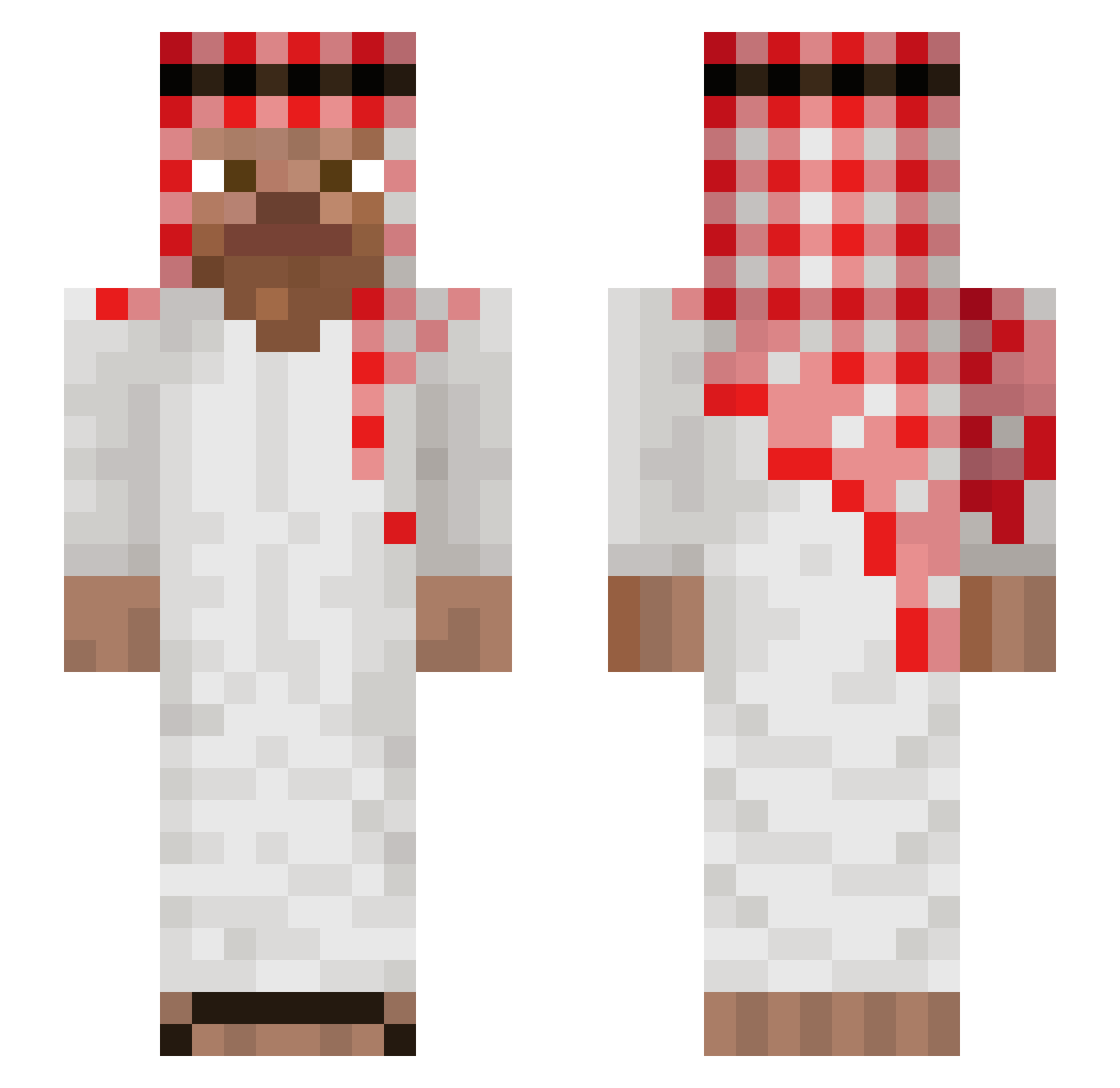
Current Minecraft skin of the player hyperontop, loaded from the official Mojang API. Rotate the 3D model with your mouse or finger, then download the skin as a PNG file and use it in Minecraft: Bedrock Edition or Java Edition for free. When hyperontop changes their skin, this page updates automatically and the old skin stays in the history below.
Other players with this skin (1041)
hyperontop was the 549th player we have seen with this skin, first spotted on 23.09.2026. The same skin was seen on these players. Open a nickname to see their current skin and skin history.
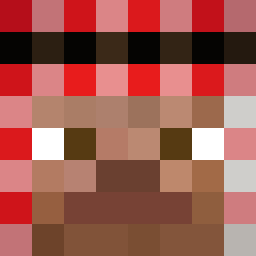 zakari69 Gero78th Svetoslav1 beenie974 darkyXD DaveXDD xKaj0Jaj0 WildHog_ Adamo_2137 JMBUSC49 Cobraliste26588 Lammutajake JohnCena612 Roberz17 _Tortle___ jOSUE7777 StatedCapeV2 Notlxa Benji9981 DLLM_On99 elumas420 Rogg37 Hoshiyomiiiii 22Yuri22 miracolix31 wiltq capitaocambojas Breiz_Rs KKillSwitch Cenx_Gaming BomBaklat2000 theKingSA_ FranczaES JudeHunter99 Lipek1997 TG_Domix fr_anxD Billboard7 mue7 Prol0 relaxhabibi Vadrac gramel LUCCA0712 Laurin_xmx TTcamisczy andradew Arandagoat Huckleberry__ BoredLily gamer_dog01 Tom_250_ bigwillyhaver694 luctor69 Carlitoss33 Brunitoooooo rza5e asdzx007 SpoonFedRegred ericctid
More Arabic Minecraft skins
How to install the hyperontop skin
- Press the Download button above to save the skin as a PNG file.
- Minecraft: Bedrock Edition (PE): open the Dressing Room from the main menu (or tap your character → Edit Character), go to Classic Skins → Owned, press the + (new skin) button, choose the downloaded PNG and pick the Slim (Alex) model. Works on PC and mobile; consoles cannot import custom skins.
- Minecraft: Java Edition: open the Minecraft Launcher, go to the Skins tab, click New Skin, load the PNG, pick the Slim (Alex) model and press Save & Use. You can also upload it at minecraft.net → Profile → Change Skin.
The skin does not show up after import - what should I do?
Restart Minecraft and open the Dressing Room again - imported skins sometimes appear only after a restart. Also make sure you selected the imported skin and picked the Slim (Alex) model.
Which model should I choose, Classic or Slim?
This skin is designed for the Slim (Alex) model. If you pick the wrong model, the arms of the skin will look stretched or squeezed.
Is the skin of hyperontop free to download?
Yes. Press Download, save the PNG file and use it in Minecraft: Bedrock Edition or Java Edition - no payment or registration needed. The skin also works on multiplayer servers and Realms.
More skins
Looking for more? Go back to all Minecraft skins and check the top skins of the week, month and all time, or find any player's skin by nickname.