
hushetskiyy - Minecraft Skins & Skin History
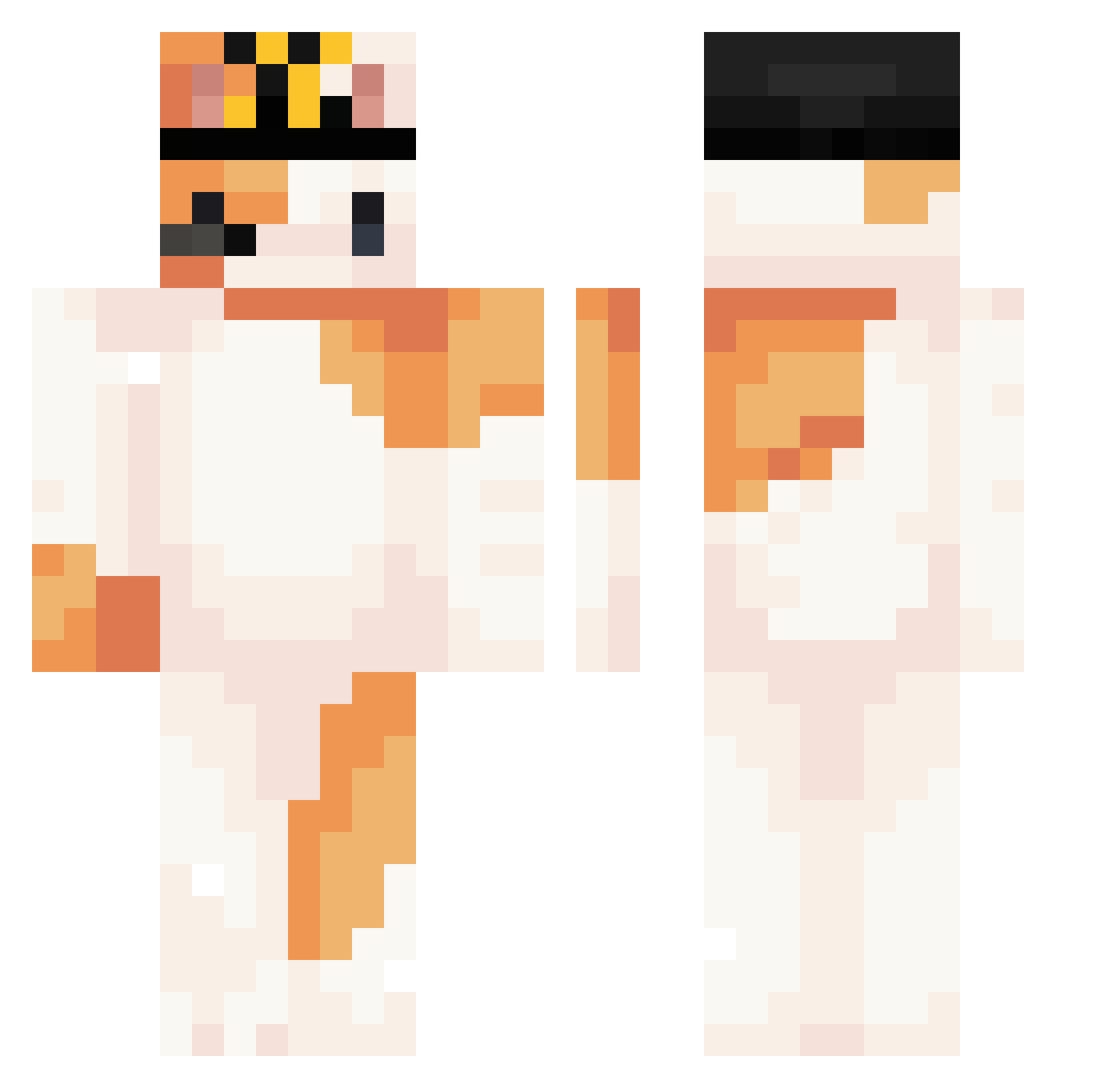
Current Minecraft skin of the player hushetskiyy, loaded from the official Mojang API. Rotate the 3D model with your mouse or finger, then download the skin as a PNG file and use it in Minecraft: Bedrock Edition or Java Edition for free. When hushetskiyy changes their skin, this page updates automatically and the old skin stays in the history below.
Other players with this skin (299)
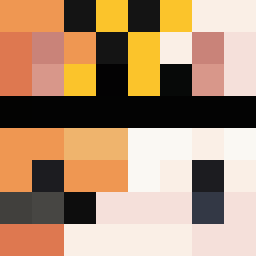
hushetskiyy was the 271st player we have seen with this skin, first spotted on 25.10.2026. The same skin was seen on these players. Open a nickname to see their current skin and skin history.
 KingsRandsom LittleMonita1018 DaeWoon0 Vivian_1015 wolvesBait camixopuv CatMarur NoAm_GL QuartzBuild14890 NotLax6 kitc4t1 yyyjq Cheeseloverz LOLcatJr ProstoRey Afewa broskadoodle Vinnitee ruker3243 riladreams L_lwfx Nuttizz KKIADNO Marina_Moura devzx_ Facundoyv ssmogch Erdur1 sheptun1 Kbapho RABBIT404 Speaking ivan2843 DuckkzXD whylisie embr0sia_ Difrann ItsTheSnowcat Davalillo_ specta_1 Gabriel8108 wonyoungi blahblahblah123a alex110430 K4_9 matykut jacopo011 LeonMaster556 toporagno64 bee_throwup qmssl winnerstep PalmPump MarvinMartian112 PONCU70 AetherX45 puazo biba_i_boba_demo seraphiel710 Sunmx
More Calico Cat Minecraft skins
How to install the hushetskiyy skin
- Press the Download button above to save the skin as a PNG file.
- Minecraft: Bedrock Edition (PE): open the Dressing Room from the main menu (or tap your character → Edit Character), go to Classic Skins → Owned, press the + (new skin) button, choose the downloaded PNG and pick the Classic (Steve) model. Works on PC and mobile; consoles cannot import custom skins.
- Minecraft: Java Edition: open the Minecraft Launcher, go to the Skins tab, click New Skin, load the PNG, pick the Classic (Steve) model and press Save & Use. You can also upload it at minecraft.net → Profile → Change Skin.
The skin does not show up after import - what should I do?
Restart Minecraft and open the Dressing Room again - imported skins sometimes appear only after a restart. Also make sure you selected the imported skin and picked the Classic (Steve) model.
Which model should I choose, Classic or Slim?
This skin is designed for the Classic (Steve) model. If you pick the wrong model, the arms of the skin will look stretched or squeezed.
Is the skin of hushetskiyy free to download?
Yes. Press Download, save the PNG file and use it in Minecraft: Bedrock Edition or Java Edition - no payment or registration needed. The skin also works on multiplayer servers and Realms.
More skins
Looking for more? Go back to all Minecraft skins and check the top skins of the week, month and all time, or find any player's skin by nickname.