
hse0000 - Minecraft Skins & Skin History
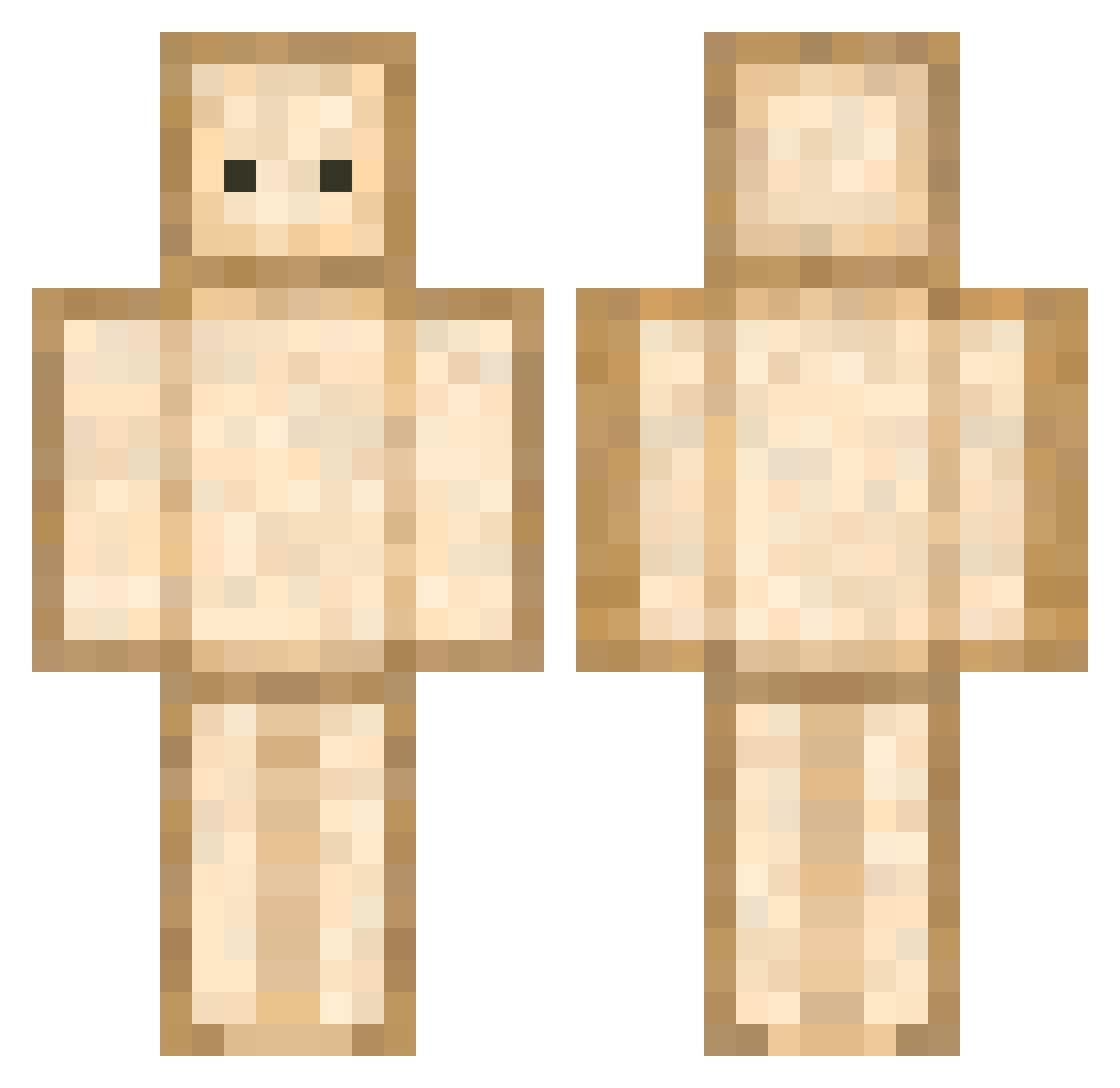
Current Minecraft skin of the player hse0000, loaded from the official Mojang API. Rotate the 3D model with your mouse or finger, then download the skin as a PNG file and use it in Minecraft: Bedrock Edition or Java Edition for free. When hse0000 changes their skin, this page updates automatically and the old skin stays in the history below.
Other players with this skin (593)
hse0000 was the 300th player we have seen with this skin, first spotted on 11.09.2026. The same skin was seen on these players. Open a nickname to see their current skin and skin history.
 K4NT0tv allisom GoldCoinDragon Jucat09 _DivoN_ MIEMIE_MM yaaaaasqueen Kakofonico bigchaz1 MrMeow_Z Catelli Maleaux PhoenixTakoyaki _krumbo CrystalPerch alvin0329 cegan19 giom2002 xNikos_ Pudim1426 KIM_LEO_ macey_x ssaaee
 killerbunny2846 YonderRazzo drkmtr aradafter1 onyx0ne zneakyboi Knuspertoastie waterbottle97K Harls0 IVIC7OR SandWichBall Cagi25 Y8O8Y jsong2433 hebrew_pork_soup li42573780 l3_hyeox hotcheeto27 chelseyyCR Doridori_jamjam EQUALIZOU nass0704 JAN666 bab2co xorud122 EvilLarry1 Ahn_i_Da_ urbeans ashlynzx Lamamotte_du31 take0_3 EASORT mamama23 RookMr TRUCKER001 LLL798 bigskippy69
More Toast Minecraft skins
How to install the hse0000 skin
- Press the Download button above to save the skin as a PNG file.
- Minecraft: Bedrock Edition (PE): open the Dressing Room from the main menu (or tap your character → Edit Character), go to Classic Skins → Owned, press the + (new skin) button, choose the downloaded PNG and pick the Classic (Steve) model. Works on PC and mobile; consoles cannot import custom skins.
- Minecraft: Java Edition: open the Minecraft Launcher, go to the Skins tab, click New Skin, load the PNG, pick the Classic (Steve) model and press Save & Use. You can also upload it at minecraft.net → Profile → Change Skin.
The skin does not show up after import - what should I do?
Restart Minecraft and open the Dressing Room again - imported skins sometimes appear only after a restart. Also make sure you selected the imported skin and picked the Classic (Steve) model.
Which model should I choose, Classic or Slim?
This skin is designed for the Classic (Steve) model. If you pick the wrong model, the arms of the skin will look stretched or squeezed.
Is the skin of hse0000 free to download?
Yes. Press Download, save the PNG file and use it in Minecraft: Bedrock Edition or Java Edition - no payment or registration needed. The skin also works on multiplayer servers and Realms.
More skins
Looking for more? Go back to all Minecraft skins and check the top skins of the week, month and all time, or find any player's skin by nickname.