
hotdog_gamer1988 - Minecraft Skins & Skin History
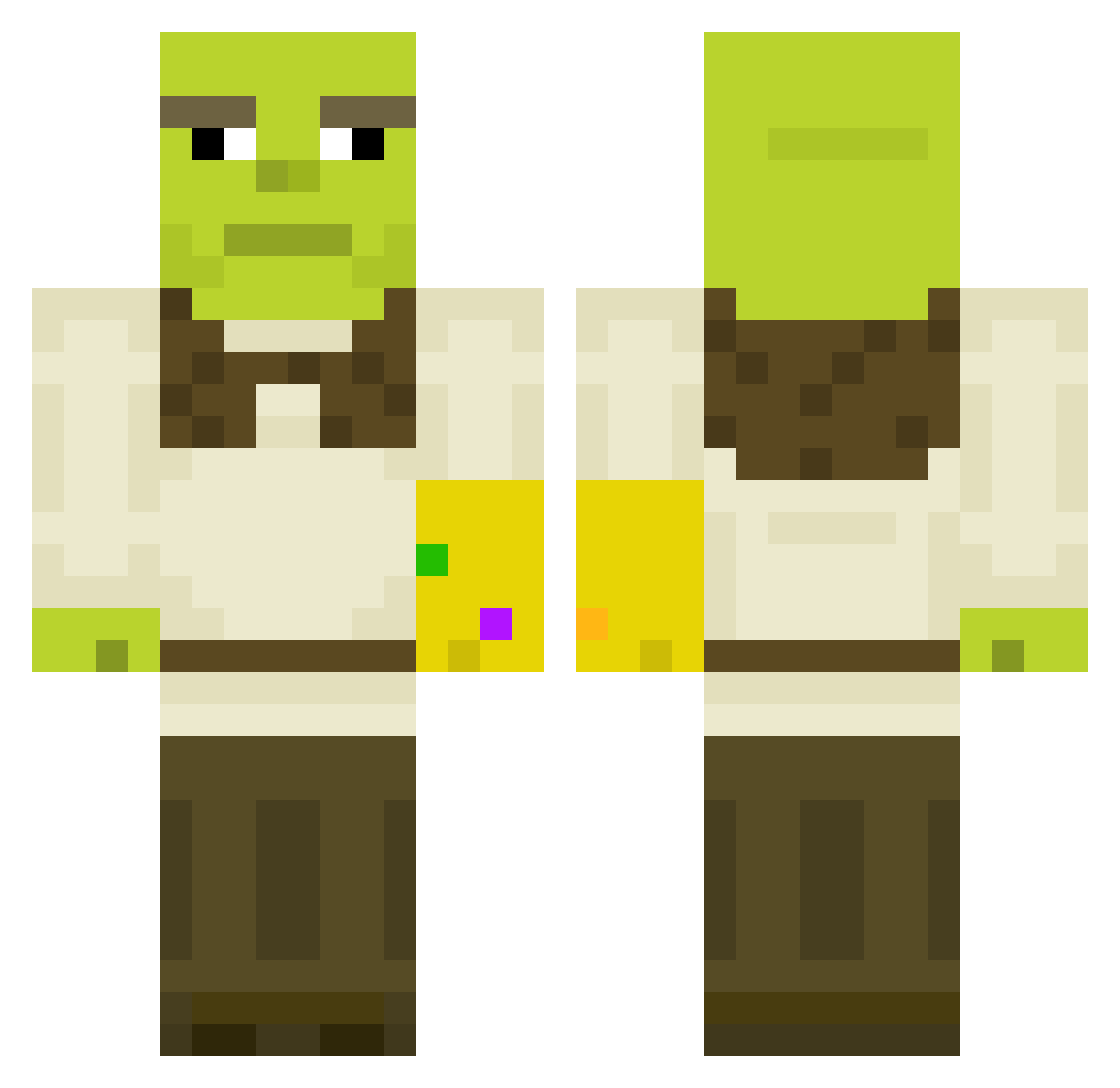
Current Minecraft skin of the player hotdog_gamer1988, loaded from the official Mojang API. Rotate the 3D model with your mouse or finger, then download the skin as a PNG file and use it in Minecraft: Bedrock Edition or Java Edition for free. When hotdog_gamer1988 changes their skin, this page updates automatically and the old skin stays in the history below.
Other players with this skin (450)
hotdog_gamer1988 was the 397th player we have seen with this skin, first spotted on 16.10.2026. The same skin was seen on these players. Open a nickname to see their current skin and skin history.
 Sureaidan101 Halfdan_Ravn w13cz0r3k cigsmokingrat choochoocraft Misiekk_ BanterBus Kalarepeczka Imagin_wagons lips22 toma_g_o_m Gregons AsianAce nmr1413 Devalik Freaky_L Josenius69 TheSynchron Beduardo1 ArclightMik nieraci10 lydmorgan99 Laverick Eskildiare ChunkyyBoy Esketaminer allschmidi ScottyIsC00L SnipeUMum jendablocc San4osss McSimpy PPaarthurnaxx RemyFromDa69 Shadow_Ninja009 ImPuddin OGWeebChigga Babeh_Graveh jvanloffelt PoopyMcCumfists miniblizz Bucklinator Kenedian Bunton11 MadBomberIV yan_yanyan 69Dodobird Ottapac_ Raaf14Pt iTrafalgarr davta_ ropendopen KendridLama GulagFighter alneedle Daniyull BooberclAp Yeoll spyrosg Dittos22
More Thanos Minecraft skins
How to install the hotdog_gamer1988 skin
- Press the Download button above to save the skin as a PNG file.
- Minecraft: Bedrock Edition (PE): open the Dressing Room from the main menu (or tap your character → Edit Character), go to Classic Skins → Owned, press the + (new skin) button, choose the downloaded PNG and pick the Classic (Steve) model. Works on PC and mobile; consoles cannot import custom skins.
- Minecraft: Java Edition: open the Minecraft Launcher, go to the Skins tab, click New Skin, load the PNG, pick the Classic (Steve) model and press Save & Use. You can also upload it at minecraft.net → Profile → Change Skin.
The skin does not show up after import - what should I do?
Restart Minecraft and open the Dressing Room again - imported skins sometimes appear only after a restart. Also make sure you selected the imported skin and picked the Classic (Steve) model.
Which model should I choose, Classic or Slim?
This skin is designed for the Classic (Steve) model. If you pick the wrong model, the arms of the skin will look stretched or squeezed.
Is the skin of hotdog_gamer1988 free to download?
Yes. Press Download, save the PNG file and use it in Minecraft: Bedrock Edition or Java Edition - no payment or registration needed. The skin also works on multiplayer servers and Realms.
More skins
Looking for more? Go back to all Minecraft skins and check the top skins of the week, month and all time, or find any player's skin by nickname.