
hnrk6100 - Minecraft Skins & Skin History
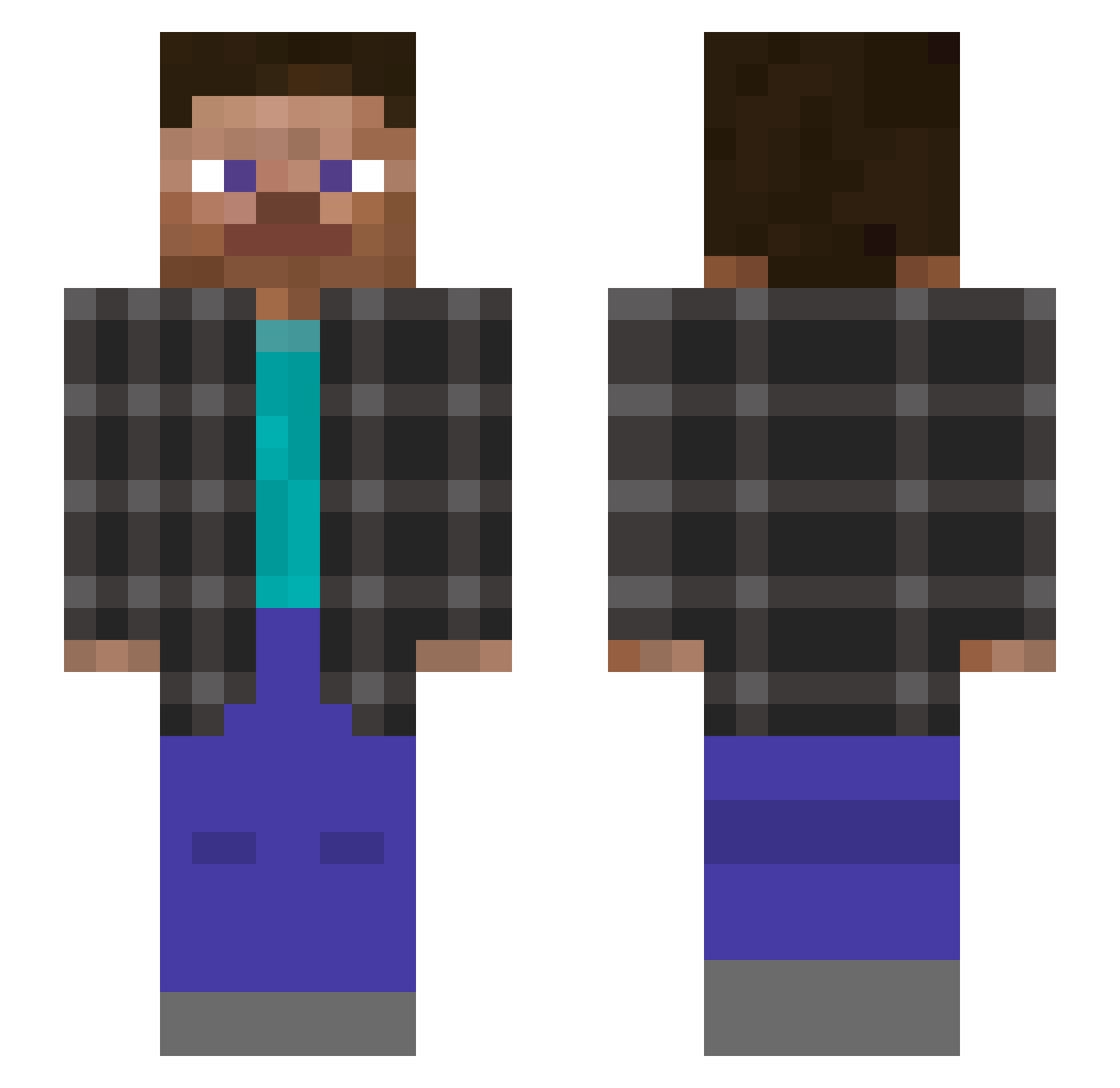
Current Minecraft skin of the player hnrk6100, loaded from the official Mojang API. Rotate the 3D model with your mouse or finger, then download the skin as a PNG file and use it in Minecraft: Bedrock Edition or Java Edition for free. When hnrk6100 changes their skin, this page updates automatically and the old skin stays in the history below.
Other players with this skin (138)
hnrk6100 was the 20th player we have seen with this skin, first spotted on 09.08.2026. The same skin was seen on these players. Open a nickname to see their current skin and skin history.
 Exdoxid
 sm3lly_
 Mace_Me_UAF CeifaZ9
 Racor1x Monkey_D_L4ffy PieroGg_
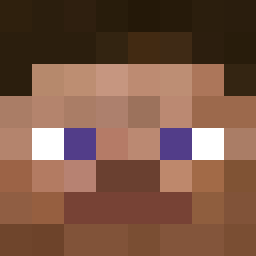 ItzRealMe killa_skid JamonMarroqui
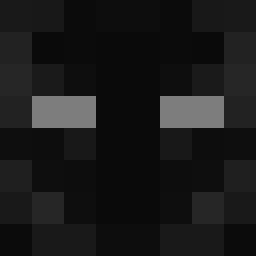 xAqua0
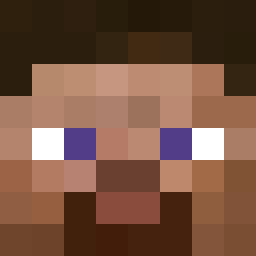 craftolotlmc
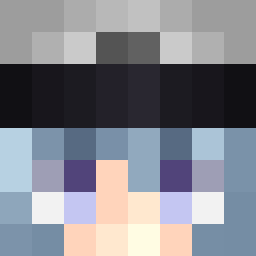 nahzto
 GalaxyGasSlayer Lum1ukk00 xuanming6 BronxMaster006 Dennsx TheNoob13223
 LeoGuuo w4sser xixiaoyuer bilon121
 DinoCraftYT unfansitomas umistar1 ComboMombo Jersys DeadP00l03
 ItsIndevGuy Elva153
 Drzuse1
 Lennstr carlosbarroso
 daccee
 texalol BarbaBranca329 Hoangf_275k k1ngfiish Drunzak _Ar7ti_ yunluo058
 Tupa_Yarik dustek luisitoz RxShadowJR rzqr Spac1ous_ Costiq pourquoii iris1428 rach2999 Its_Ducki FlagJ Avanst Lizard432 RugerRyGer _Zenith44 nlghL
 qrxk
qrxkHow to install the hnrk6100 skin
- Press the Download button above to save the skin as a PNG file.
- Minecraft: Bedrock Edition (PE): open the Dressing Room from the main menu (or tap your character → Edit Character), go to Classic Skins → Owned, press the + (new skin) button, choose the downloaded PNG and pick the Slim (Alex) model. Works on PC and mobile; consoles cannot import custom skins.
- Minecraft: Java Edition: open the Minecraft Launcher, go to the Skins tab, click New Skin, load the PNG, pick the Slim (Alex) model and press Save & Use. You can also upload it at minecraft.net → Profile → Change Skin.
The skin does not show up after import - what should I do?
Restart Minecraft and open the Dressing Room again - imported skins sometimes appear only after a restart. Also make sure you selected the imported skin and picked the Slim (Alex) model.
Which model should I choose, Classic or Slim?
This skin is designed for the Slim (Alex) model. If you pick the wrong model, the arms of the skin will look stretched or squeezed.
Is the skin of hnrk6100 free to download?
Yes. Press Download, save the PNG file and use it in Minecraft: Bedrock Edition or Java Edition - no payment or registration needed. The skin also works on multiplayer servers and Realms.
More skins
Looking for more? Go back to all Minecraft skins and check the top skins of the week, month and all time, or find any player's skin by nickname.