
hmtlpepro - Minecraft Skins & Skin History
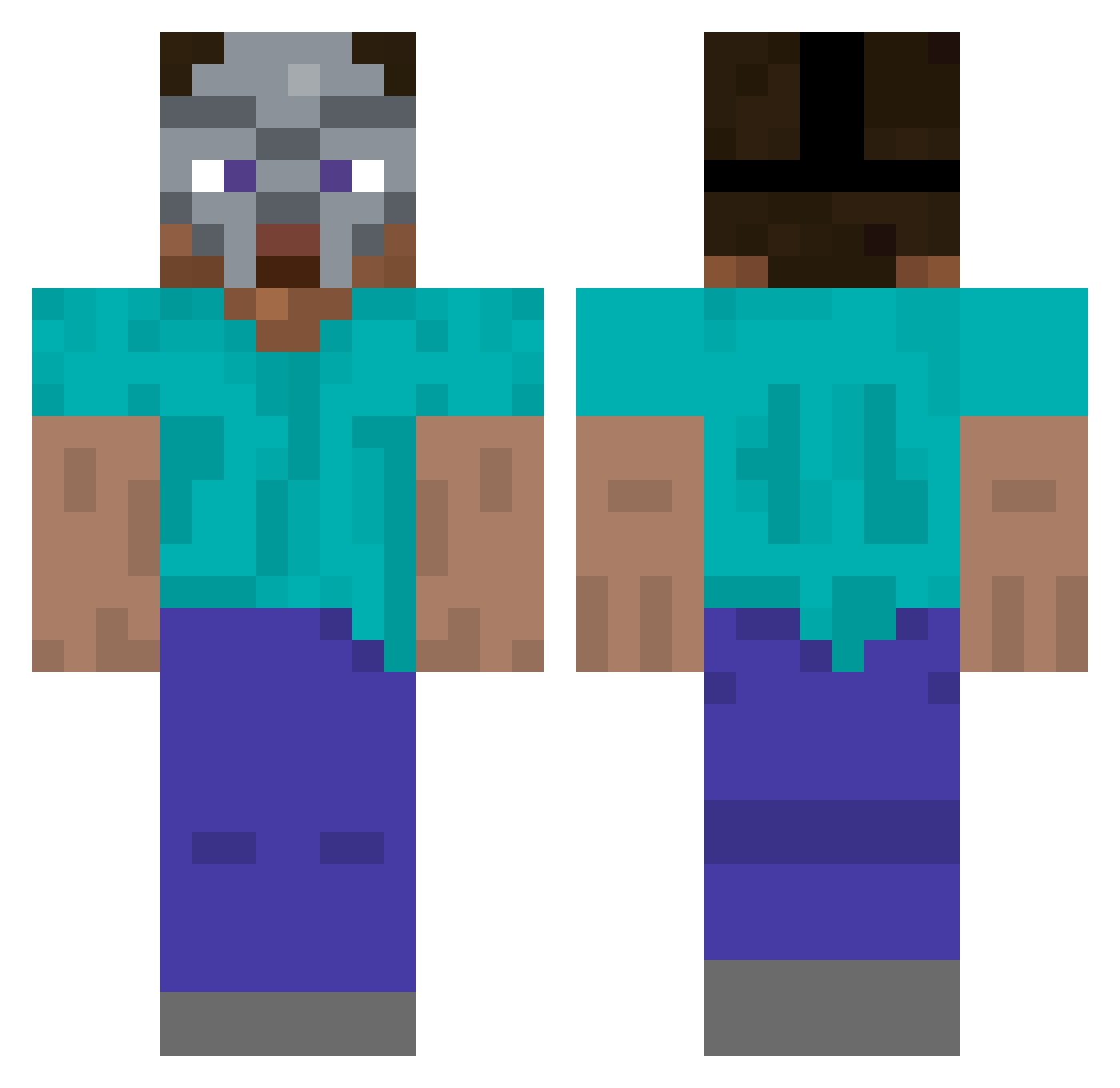
Current Minecraft skin of the player hmtlpepro, loaded from the official Mojang API. Rotate the 3D model with your mouse or finger, then download the skin as a PNG file and use it in Minecraft: Bedrock Edition or Java Edition for free. When hmtlpepro changes their skin, this page updates automatically and the old skin stays in the history below.
Other players with this skin (262)
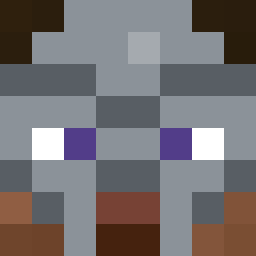
hmtlpepro was the 66th player we have seen with this skin, first spotted on 19.08.2026. The same skin was seen on these players. Open a nickname to see their current skin and skin history.
 CCAAF ezfizzy Null205 Bahrados egg_dad Fisherton cornerspit LanChaw About74Lizards yes6612 Testificete 7suicideattempts ChuckyOn Theecactusjack GSSushi Leventisys YTHadesMC JustMSW MQUBAISI SmokeTheBees emicaos 2yons N0ahBear JoBagelgp PrimeJackfruit it_co2 SashaIvan05 noabfartz wss Nyancatrock __aspects Batata767 NxGFaTaL Alexutz12 4iko Nemirovi hot0gre H3H3man MrChad69420 KnightVibes Poyrazmer TooSwiftForYou RagTig ThomyWhomy tristftw zachmasterr Myguerra Nurrmama Dxeams ArchMxjor Joeyc218 Pinkfloyd642 M477Y08 Bottles____ Zyv3n grischinator PizzaioloTati22 gavestein snowzzi q3nty
More Hip Hop Minecraft skins
How to install the hmtlpepro skin
- Press the Download button above to save the skin as a PNG file.
- Minecraft: Bedrock Edition (PE): open the Dressing Room from the main menu (or tap your character → Edit Character), go to Classic Skins → Owned, press the + (new skin) button, choose the downloaded PNG and pick the Classic (Steve) model. Works on PC and mobile; consoles cannot import custom skins.
- Minecraft: Java Edition: open the Minecraft Launcher, go to the Skins tab, click New Skin, load the PNG, pick the Classic (Steve) model and press Save & Use. You can also upload it at minecraft.net → Profile → Change Skin.
The skin does not show up after import - what should I do?
Restart Minecraft and open the Dressing Room again - imported skins sometimes appear only after a restart. Also make sure you selected the imported skin and picked the Classic (Steve) model.
Which model should I choose, Classic or Slim?
This skin is designed for the Classic (Steve) model. If you pick the wrong model, the arms of the skin will look stretched or squeezed.
Is the skin of hmtlpepro free to download?
Yes. Press Download, save the PNG file and use it in Minecraft: Bedrock Edition or Java Edition - no payment or registration needed. The skin also works on multiplayer servers and Realms.
More skins
Looking for more? Go back to all Minecraft skins and check the top skins of the week, month and all time, or find any player's skin by nickname.