
hhoonie - Minecraft Skins & Skin History
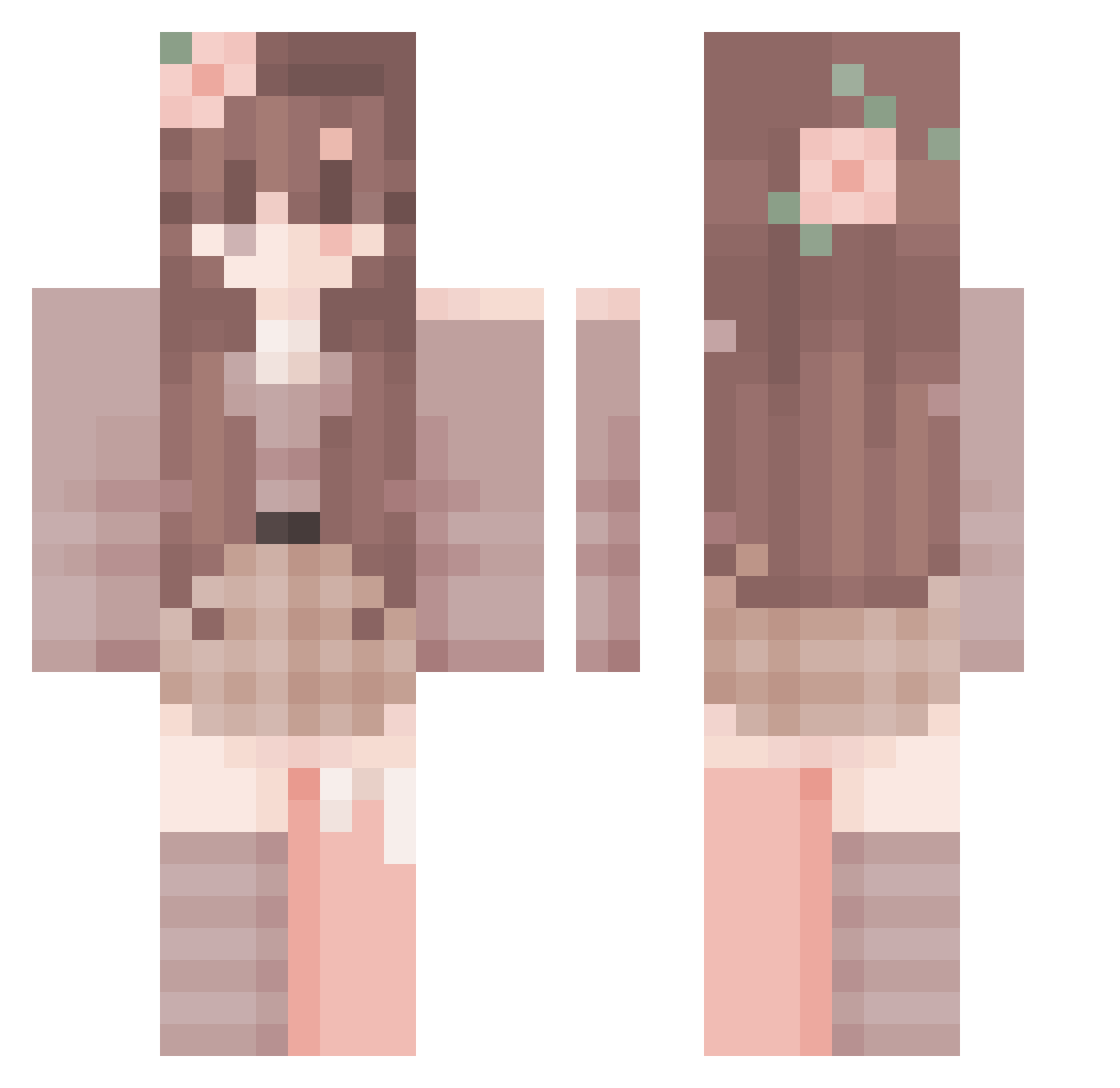
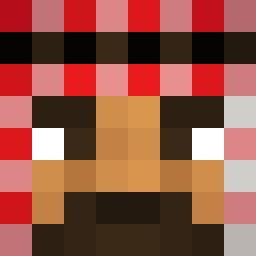
Current Minecraft skin of the player hhoonie, loaded from the official Mojang API. Rotate the 3D model with your mouse or finger, then download the skin as a PNG file and use it in Minecraft: Bedrock Edition or Java Edition for free. When hhoonie changes their skin, this page updates automatically and the old skin stays in the history below.
Other players with this skin (287)
hhoonie was the 85th player we have seen with this skin, first spotted on 21.08.2026. The same skin was seen on these players. Open a nickname to see their current skin and skin history.
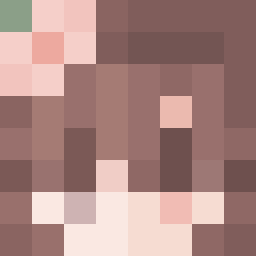 Shook0 Lazulit Cutefairy548 leabe tomatoto666 lavianna1
 insomaniacte
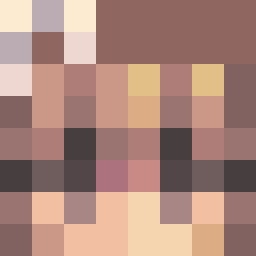 Saiileeah w1tlessfrog ludoxox Starlyyy kevrll kruser511 Vesperae_ Rebee705 player9821 clara_ch08 merveben Dr1ppyDave11 SIN_MC
 HandsomeAiFan Rjmugged2 KasiaHanta Nene123 ThatAmazingGirl ma7725 Ma_dzia5 Promedar Fishy_Dory EmmmaLOU14 Piekcio Torifans dragsonek
 Drachenkora Darcie Moonstar021 Donutina4000 mythiqq_ FKCR1234 JJyo0203 4ysm3try aaana2409 JerFlo ChiukoMc NHKT kittykithes HighAgency
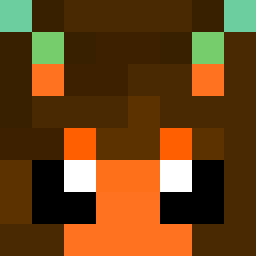 yurelli CodedUser
 echoisms Granola271 jess_1427 raqy99
 yukijjang29 LandedOwl900 MottledSet rllmog llz3r Aliciapink
 Bligglehickfish
More Flower Crown Minecraft skins
See all 3464 Flower Crown skins
How to install the hhoonie skin
- Press the Download button above to save the skin as a PNG file.
- Minecraft: Bedrock Edition (PE): open the Dressing Room from the main menu (or tap your character → Edit Character), go to Classic Skins → Owned, press the + (new skin) button, choose the downloaded PNG and pick the Classic (Steve) model. Works on PC and mobile; consoles cannot import custom skins.
- Minecraft: Java Edition: open the Minecraft Launcher, go to the Skins tab, click New Skin, load the PNG, pick the Classic (Steve) model and press Save & Use. You can also upload it at minecraft.net → Profile → Change Skin.
The skin does not show up after import - what should I do?
Restart Minecraft and open the Dressing Room again - imported skins sometimes appear only after a restart. Also make sure you selected the imported skin and picked the Classic (Steve) model.
Which model should I choose, Classic or Slim?
This skin is designed for the Classic (Steve) model. If you pick the wrong model, the arms of the skin will look stretched or squeezed.
Is the skin of hhoonie free to download?
Yes. Press Download, save the PNG file and use it in Minecraft: Bedrock Edition or Java Edition - no payment or registration needed. The skin also works on multiplayer servers and Realms.
More skins
Looking for more? Go back to all Minecraft skins and check the top skins of the week, month and all time, or find any player's skin by nickname.