
har_unhi - Minecraft Skins & Skin History
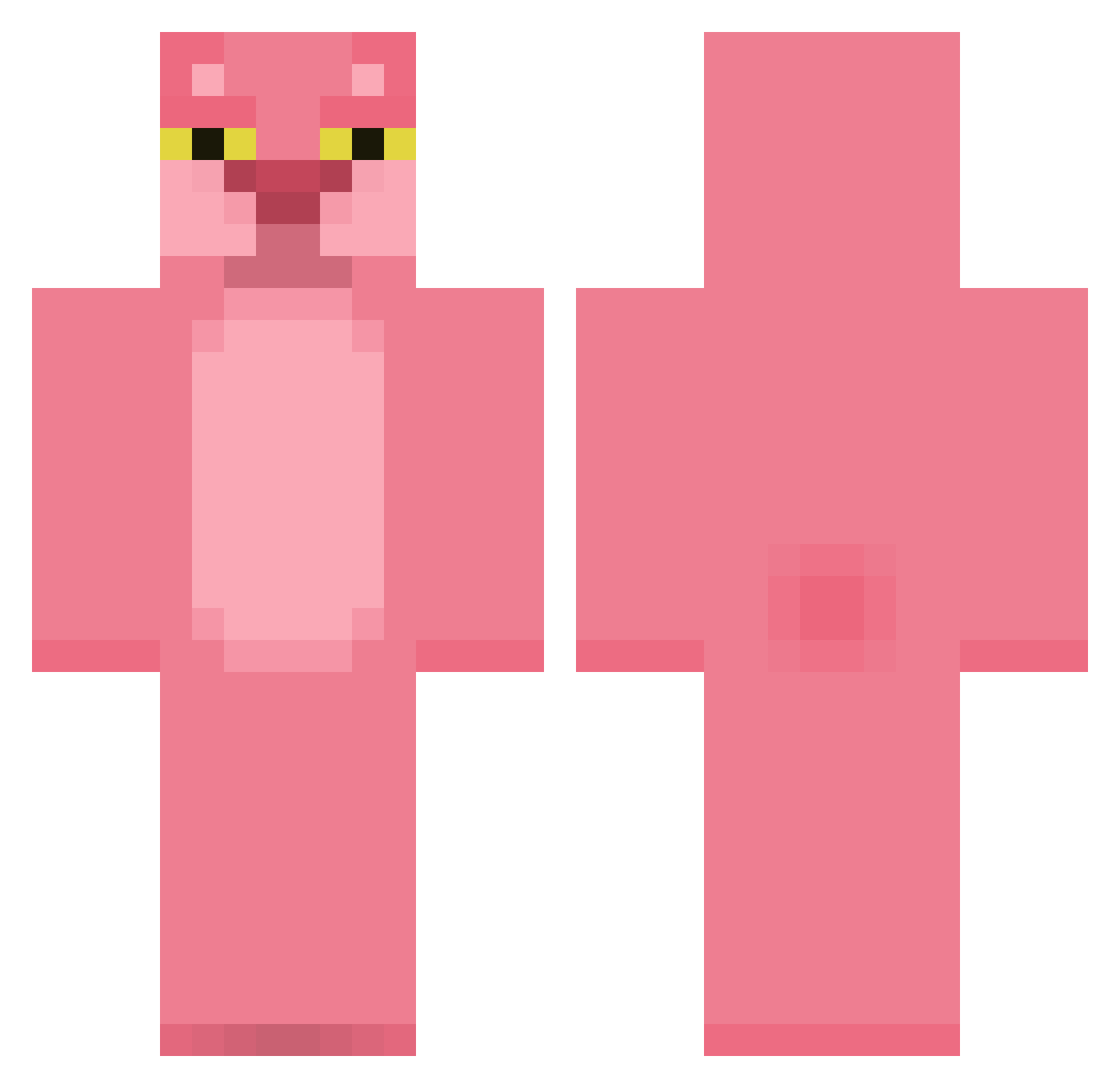
Current Minecraft skin of the player har_unhi, loaded from the official Mojang API. Rotate the 3D model with your mouse or finger, then download the skin as a PNG file and use it in Minecraft: Bedrock Edition or Java Edition for free. When har_unhi changes their skin, this page updates automatically and the old skin stays in the history below.
Other players with this skin (529)
har_unhi was the 423rd player we have seen with this skin, first spotted on 01.11.2026. The same skin was seen on these players. Open a nickname to see their current skin and skin history.
 niepamietam Isaacrl25 HowdyDonut milaswie CubizDK DreamDarxk ItsCrawford SUN1105 _669_ HenryTod PuddingCupz Sakrepatus cr4zy_d3ath RobinLUL Akiraz55 PolarTito Paul13731 han434 salmon_Air Ginoka88 Buwdah Lemon_miss NeenoDAngelo_ Hypoxiaaaa KapaYep Rocket5t savegiovanna rotobash TwentyOne37 seeun9392 MIHAI2779 oRanGAtAnGs Taiyangjun Nenit glacierbay15 voicesareloud __Arctix__ Klkierfr alpacinoupdates MOODANG00 O_mafu lovejiujiu petcat321 Inshakee Heberex nicouill kocia_paszcza Erik_And10 PedrinhoAzg22 saucyamputee keydiddy Gertie_G ColourTaster byeonggwon Yolomeus_ Al3joo cecii_mari lufutami Diegolum Dosloth
More The Pink Panther Minecraft skins
See all 177 The Pink Panther skins
How to install the har_unhi skin
- Press the Download button above to save the skin as a PNG file.
- Minecraft: Bedrock Edition (PE): open the Dressing Room from the main menu (or tap your character → Edit Character), go to Classic Skins → Owned, press the + (new skin) button, choose the downloaded PNG and pick the Classic (Steve) model. Works on PC and mobile; consoles cannot import custom skins.
- Minecraft: Java Edition: open the Minecraft Launcher, go to the Skins tab, click New Skin, load the PNG, pick the Classic (Steve) model and press Save & Use. You can also upload it at minecraft.net → Profile → Change Skin.
The skin does not show up after import - what should I do?
Restart Minecraft and open the Dressing Room again - imported skins sometimes appear only after a restart. Also make sure you selected the imported skin and picked the Classic (Steve) model.
Which model should I choose, Classic or Slim?
This skin is designed for the Classic (Steve) model. If you pick the wrong model, the arms of the skin will look stretched or squeezed.
Is the skin of har_unhi free to download?
Yes. Press Download, save the PNG file and use it in Minecraft: Bedrock Edition or Java Edition - no payment or registration needed. The skin also works on multiplayer servers and Realms.
More skins
Looking for more? Go back to all Minecraft skins and check the top skins of the week, month and all time, or find any player's skin by nickname.