
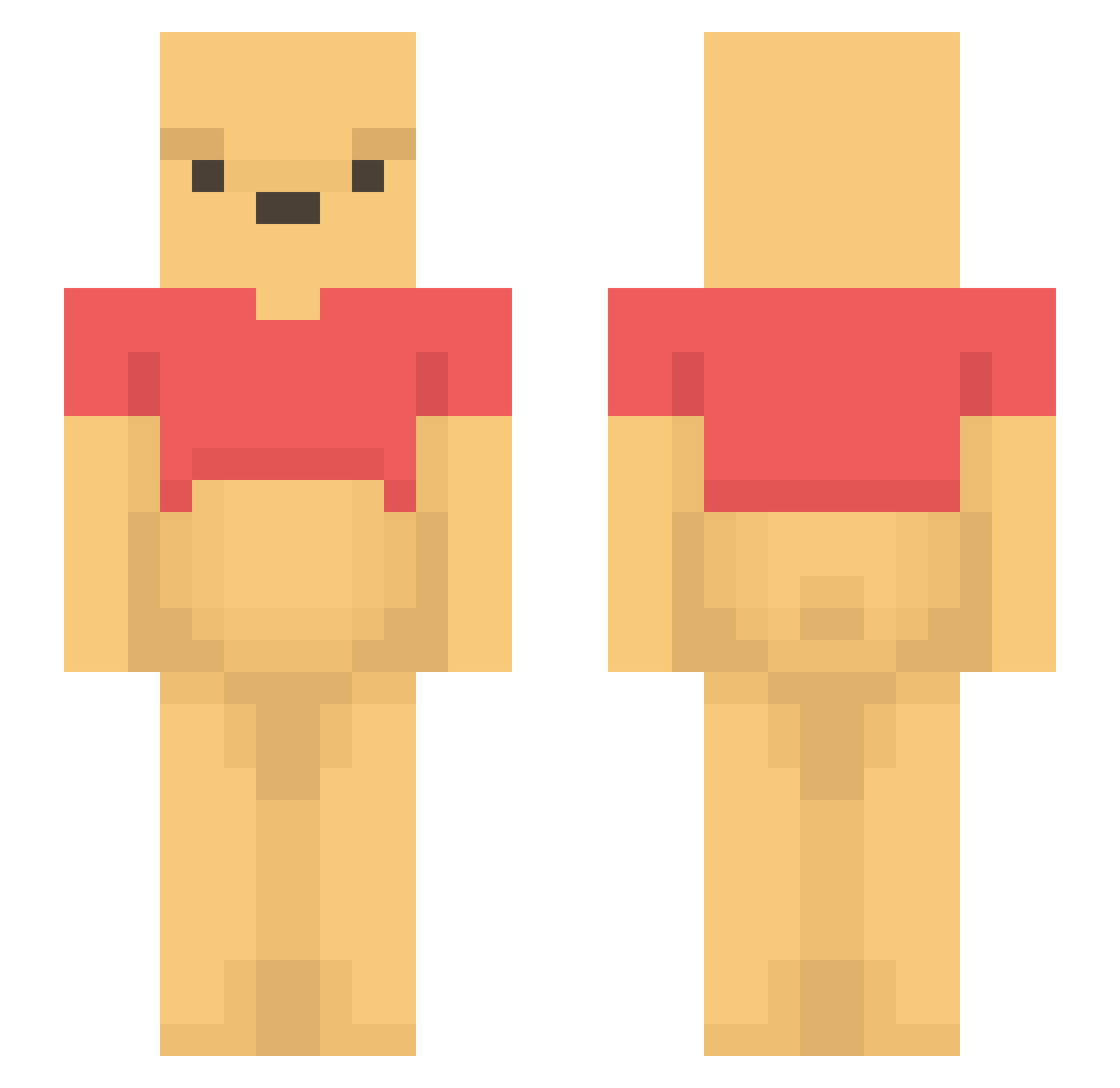
Current Minecraft skin of the player hansol213, loaded from the official Mojang API. Rotate the 3D model with your mouse or finger, then download the skin as a PNG file and use it in Minecraft: Bedrock Edition or Java Edition for free. When hansol213 changes their skin, this page updates automatically and the old skin stays in the history below.
Other players with this skin (1102)
hansol213 was the 614th player we have seen with this skin, first spotted on 14.09.2026. The same skin was seen on these players. Open a nickname to see their current skin and skin history.
 Jaburu041 chobo_zoe JAmesMaDDisoN10 KERIM03 Phiem_der_Echte Andson1023 WorstShot2006 Lionek211 tetrobby EmperorWinnie IssueIssue qt0w0tp Incwu JY71 IdaHusuy MADREX63 USER0522 OpendoorTea lostnamor HawkKillerV DW_Han SarahTheUglyBean jongaPL Xxclydee Buttbraincorn Darkos1303 Drachenfuerst_02 roro364 PikaXI EKGOOL MediumGrilled ButerChicken322 MeisterManni99 PetitPorc BumThumb YoutubeZlest etern47 rayevers fried_wonton_ LucHard_77 shisyunki dzbuilder parshley taeyannggy Dr_N_Agon viviannguyenn Oceans_1st Lucinecka04 LaskooGvng shinoo1207 Banana_vava _Francesc_ peachypoo002 hatimitu_kumasan rinoboss7 EAKS_2K solomonKr2010 WinniePooDoo wotyochi S3nt0k1
More Winnie The Pooh Minecraft skins
See all 293 Winnie The Pooh skins
How to install the hansol213 skin
- Press the Download button above to save the skin as a PNG file.
- Minecraft: Bedrock Edition (PE): open the Dressing Room from the main menu (or tap your character → Edit Character), go to Classic Skins → Owned, press the + (new skin) button, choose the downloaded PNG and pick the Slim (Alex) model. Works on PC and mobile; consoles cannot import custom skins.
- Minecraft: Java Edition: open the Minecraft Launcher, go to the Skins tab, click New Skin, load the PNG, pick the Slim (Alex) model and press Save & Use. You can also upload it at minecraft.net → Profile → Change Skin.
The skin does not show up after import - what should I do?
Restart Minecraft and open the Dressing Room again - imported skins sometimes appear only after a restart. Also make sure you selected the imported skin and picked the Slim (Alex) model.
Which model should I choose, Classic or Slim?
This skin is designed for the Slim (Alex) model. If you pick the wrong model, the arms of the skin will look stretched or squeezed.
Is the skin of hansol213 free to download?
Yes. Press Download, save the PNG file and use it in Minecraft: Bedrock Edition or Java Edition - no payment or registration needed. The skin also works on multiplayer servers and Realms.
More skins
Looking for more? Go back to all Minecraft skins and check the top skins of the week, month and all time, or find any player's skin by nickname.