
h4rik - Minecraft Skins & Skin History
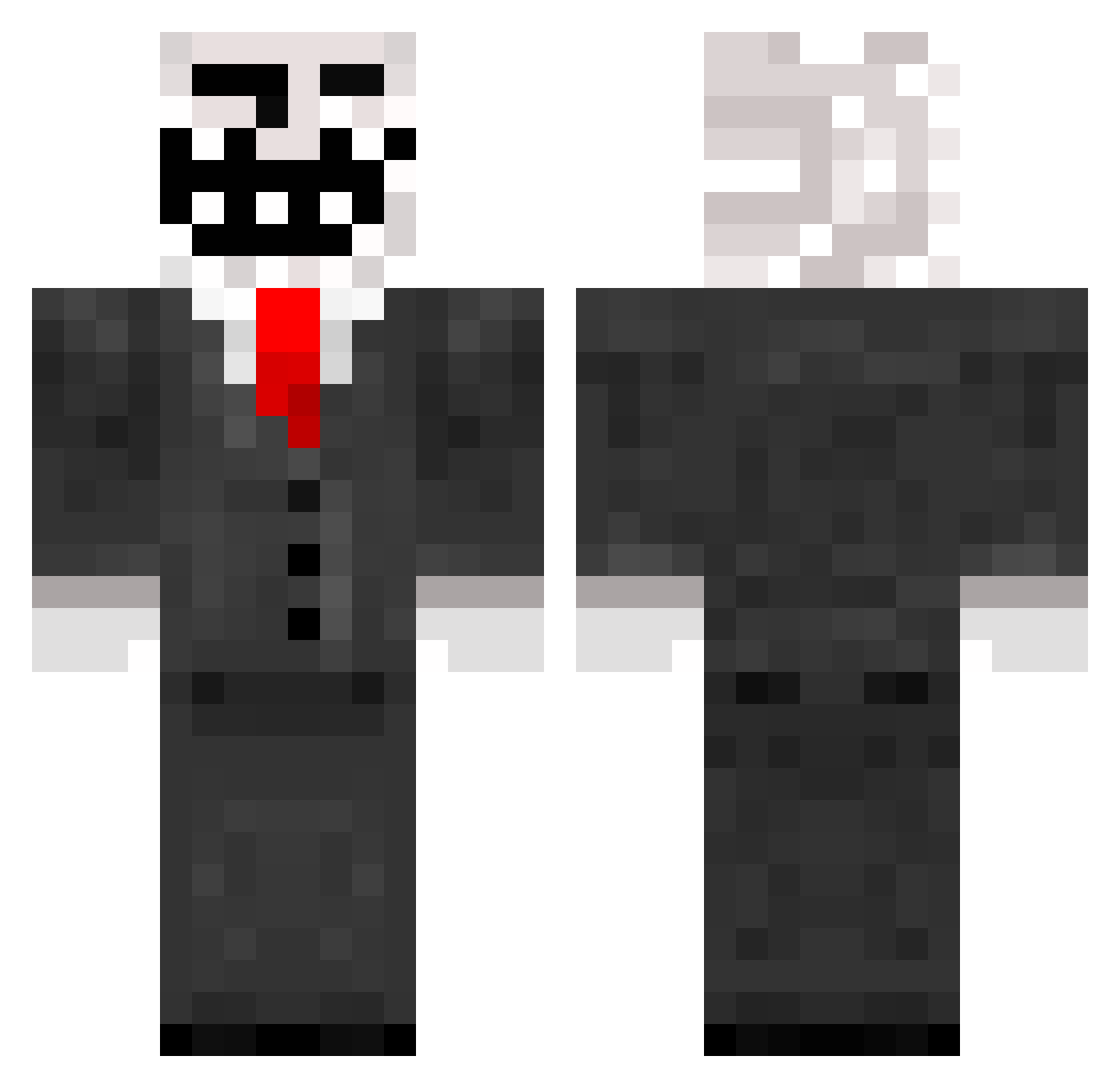
Current Minecraft skin of the player h4rik, loaded from the official Mojang API. Rotate the 3D model with your mouse or finger, then download the skin as a PNG file and use it in Minecraft: Bedrock Edition or Java Edition for free. When h4rik changes their skin, this page updates automatically and the old skin stays in the history below.
Other players with this skin (787)
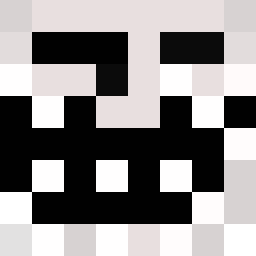
h4rik was the 657th player we have seen with this skin, first spotted on 17.10.2026. The same skin was seen on these players. Open a nickname to see their current skin and skin history.
 TT124564 stewbuakka GraNaDiNo0o0 DukeRages10 Vakssa Samuhrai Fab78 ASSASSINSNOOBS vloeibarekaas untrustworthy WisoS LukeH209 beastlygamer12 WalterGiller lukek123 GIORGOSR gymgirl4life RobertFrost Flubble BauceSauce danni2000 mrawesomeguy2424 Sterzyt awakx94msx Magnus_Bundgaard hellsing112 Unlimited_SW Willowburg maxwell39 STUFFEDBUTT69 Swag_905 crustboy PaiPiloto dubstepzzcinema Birdman2000 Mitchell1415 oherakles jellyjack02 dibie NachoMiracle lagartija22 Backst0p JERSEYBOY17 dylanswales99 TROLLMASTER5467 keriop93 fredericd2004 haze0_ pegmackk Ivan23998 PizzaMinecraft5 EPIC_LEAF Viperown05 pinetuck3 cwebster10 Benny779 d7030e20 djvelcurve Soulasylum Madz_is_pro
More Trollface Minecraft skins
How to install the h4rik skin
- Press the Download button above to save the skin as a PNG file.
- Minecraft: Bedrock Edition (PE): open the Dressing Room from the main menu (or tap your character → Edit Character), go to Classic Skins → Owned, press the + (new skin) button, choose the downloaded PNG and pick the Classic (Steve) model. Works on PC and mobile; consoles cannot import custom skins.
- Minecraft: Java Edition: open the Minecraft Launcher, go to the Skins tab, click New Skin, load the PNG, pick the Classic (Steve) model and press Save & Use. You can also upload it at minecraft.net → Profile → Change Skin.
The skin does not show up after import - what should I do?
Restart Minecraft and open the Dressing Room again - imported skins sometimes appear only after a restart. Also make sure you selected the imported skin and picked the Classic (Steve) model.
Which model should I choose, Classic or Slim?
This skin is designed for the Classic (Steve) model. If you pick the wrong model, the arms of the skin will look stretched or squeezed.
Is the skin of h4rik free to download?
Yes. Press Download, save the PNG file and use it in Minecraft: Bedrock Edition or Java Edition - no payment or registration needed. The skin also works on multiplayer servers and Realms.
More skins
Looking for more? Go back to all Minecraft skins and check the top skins of the week, month and all time, or find any player's skin by nickname.